
Create a Custom Letter U Icon
Type a sentence and generate a letter U icon that belongs to you. This U icon generator turns a text prompt into a finished letter U mark with the style, color, and background you choose. Keep it minimal for a monogram, round and bubbly for an app icon, or sculpted 3D for a product badge. Exports come in PNG, SVG, ICO, and WEBP, the formats apps and websites use, and the background can stay transparent.
Letter U Icon Examples in 18 Styles
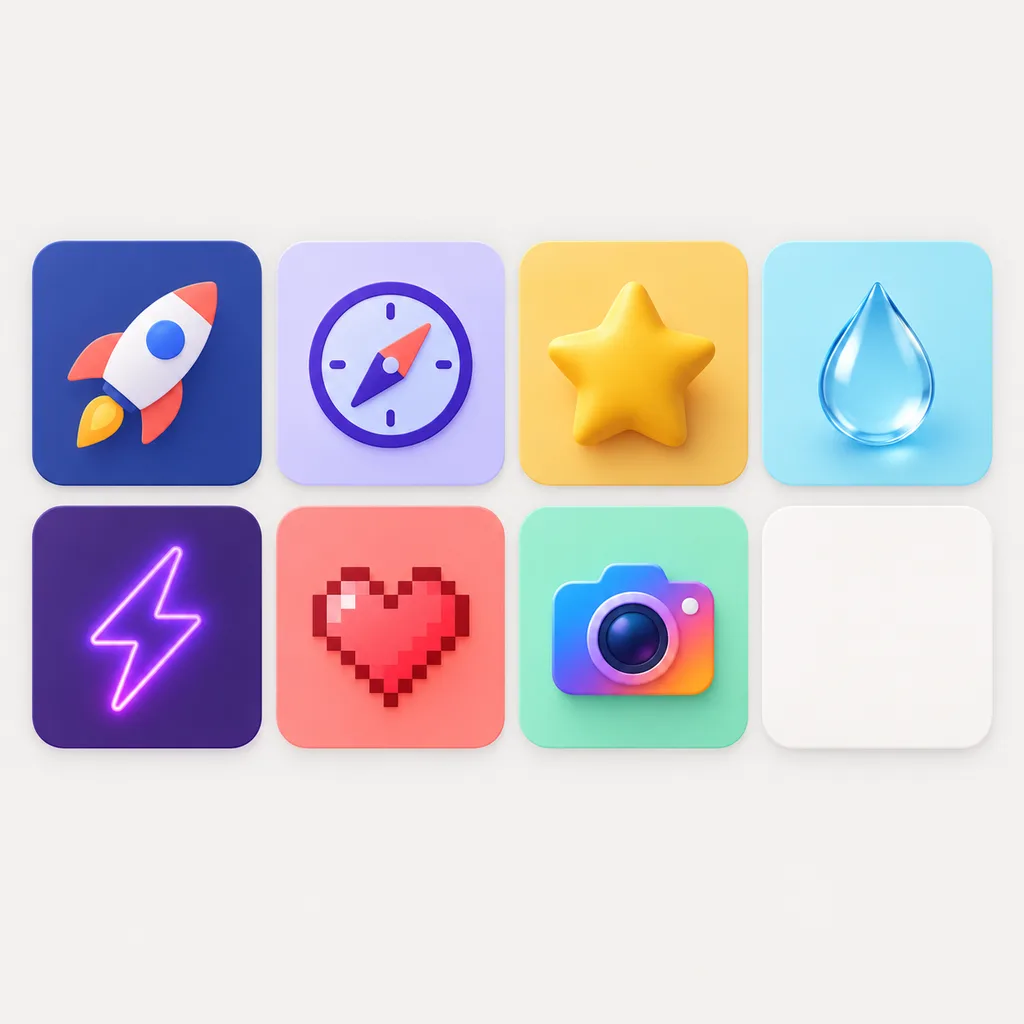
The same letter U reimagined in 3D, neon, clay, line and gradient styles, a quick look at how far one letter can go before you commit.


What Is a U Icon?
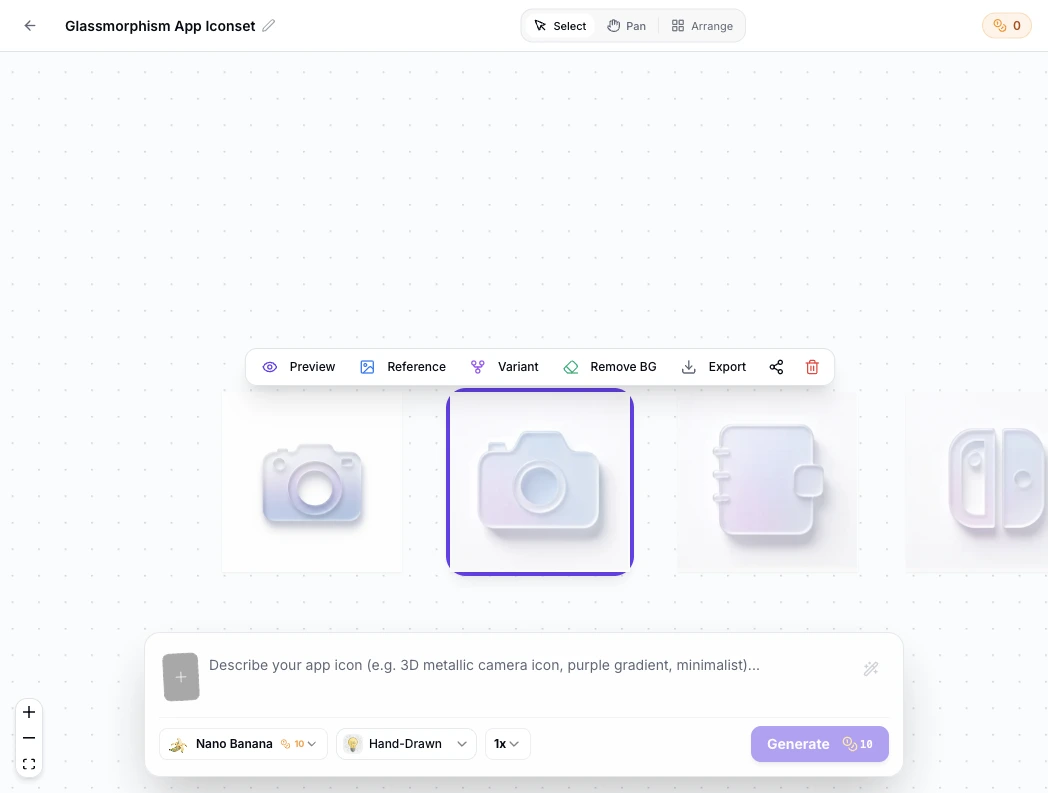
A U icon is an icon whose whole design is the letter U: a lettermark built from a single character rather than a picture. Designers also call it a U letter icon or an alphabet U icon, and when it stands for a name, it is a monogram. You will see letter U icons as app icons for tools whose names start with U, favicons in browser tabs, avatars, and clean marks inside product interfaces. It is not the U-turn arrow from navigation, not the underline button in a text editor, and not any specific company's logo. Those are different symbols that happen to use the same letter. If you need a U for your own project, the generator above makes one in a single prompt. The fastest way to find your U is to see many of them. Every generation lands on the infinite canvas, where you branch new variants from any icon, compare styles side by side and trace each iteration back to its origin.
Visual Lineage Tree
Track prompt iterations and remix variants with elegant Bezier curves to compare lighting, texture, and color branches side by side.
Built-in Post-Processing
Instant 1-click background cutout with precise color replacement to fulfill strict Apple App Store non-transparent requirements.
Safe Zone Protection
Adjustable inner padding guides protect key artwork silhouettes from aggressive system corner clipping.
Letter U Icon Prompt Examples
Copy any of these into the generator, then edit the style, color, and background words to taste. A letter U prompt should always state three things: a single uppercase U, no extra characters, and where the icon will be used.
Minimalist monogram
Minimalist monogram of a single uppercase letter U, one clean outline, centered, generous space inside the letter, flat black on a plain white background, no other letters, no text, no decoration
Bubble app icon
Bubble letter U app icon, one uppercase U only, thick rounded strokes, glossy coral finish, centered on a transparent background, bold enough to read at small sizes, iOS and Android app icon style
3D letterform
3D letter U icon, single uppercase U centered, matte clay material with soft studio lighting, plain light background, thick silhouette that stays readable at 16 px, no additional characters, product badge style
How to Make a Letter U Icon in 3 Steps
From prompt to finished U icon in under a minute, with no design tools open.
- 1
Describe the U you want
Write one sentence about the letterform, the style, and where the U icon will live, like "a hand drawn letter U, black ink, single uppercase U, transparent background, for a favicon". The clearer the shape and the use, the closer the first result.
- 2
Pick color, background, and style
Pick a preset on this page, minimalist, line, 3D, or any other, or steer the result entirely by prompt. Set the color, choose a transparent or solid background, and turn on rounded corners for app icon shapes.
- 3
Check it small, then export
Preview the U at 16 px and 32 px before committing. If the letter still reads clearly, export the master and the exact sizes you need as PNG, SVG, ICO, or WEBP.
A Generated U Icon vs. Stock Icons vs. Manual Design
Three ways to get a letter U icon. Here is what each one gives you when you need one today.
| SparkIconAI U Icon Generator | Stock icon libraries | Manual design | |
|---|---|---|---|
| Uniqueness | Every U is generated for you | Shared with everyone who downloaded it | As unique as you draw it |
| Time to a finished U icon | Under a minute | Minutes of browsing | 1-3 hours in design tools |
| Style and color control | Full, by prompt and preset | Recolor at best | Full, with skill |
| Consistent letter U icon set | Same prompt base, repeatable | Mixed across libraries | Up to your file discipline |
| Transparent background | One toggle | Usually included | Manual masking |
| Export PNG / SVG / ICO / WEBP | Built in, with size presets | PNG and SVG, rarely ICO | Manual export |
| Design skill needed | Plain English | None | Design tools required |
Comparison of features and typical workflows, verified as of 2026.
What the U Letter Icon Generator Can Do
Everything needed to go from one letter to a production-ready U icon.
Every style for one letter
Minimalist, line, hand drawn, pixel, glassy, neon, 3D and more presets, all tuned for single-character marks.
1024x1024 masters
Every U icon generates at 1024x1024, enough for app stores, and it downscales cleanly.
Transparent or solid backgrounds
Generate your letter U icon on a transparent background for easy compositing, or on any solid color.
Rounded app icon shapes
Turn rounded corners on to preview and export the U as an iOS or Android app icon shape.
Variants until it fits
Regenerate and remix variations of the same U to test colors, weights, and styles before you commit.
Exports for every destination
Download PNG, SVG, ICO, and WEBP files with size presets for iOS, Android, favicons, and desktop apps.
Design a U That Stays Readable at 16 px
The letter U has one big advantage and one big trap. The advantage: a single bold contour stays readable on its own, so the U survives shrinking better than most characters. The trap: the open space between the U's two arms, its counter, can close up at small sizes and turn the letter into a blob. Four habits keep a U icon crisp. Favor one clean contour over thin double strokes. Keep the counter generous. Skip ornament that disappears below 32 px. And check the preview at 16 px and 32 px, on transparent and on solid backgrounds, before you export. The generator helps with the checking: every U renders at 1024x1024, and the export presets produce the exact favicon and app icon sizes, so a U that passes the 16 px test here will pass it in a browser tab.
One U Icon, Every Destination
Start here, or open a sibling tool tuned for your target surface. The same letter U works everywhere a project shows its face: generate once, then export for each place.
U app icon
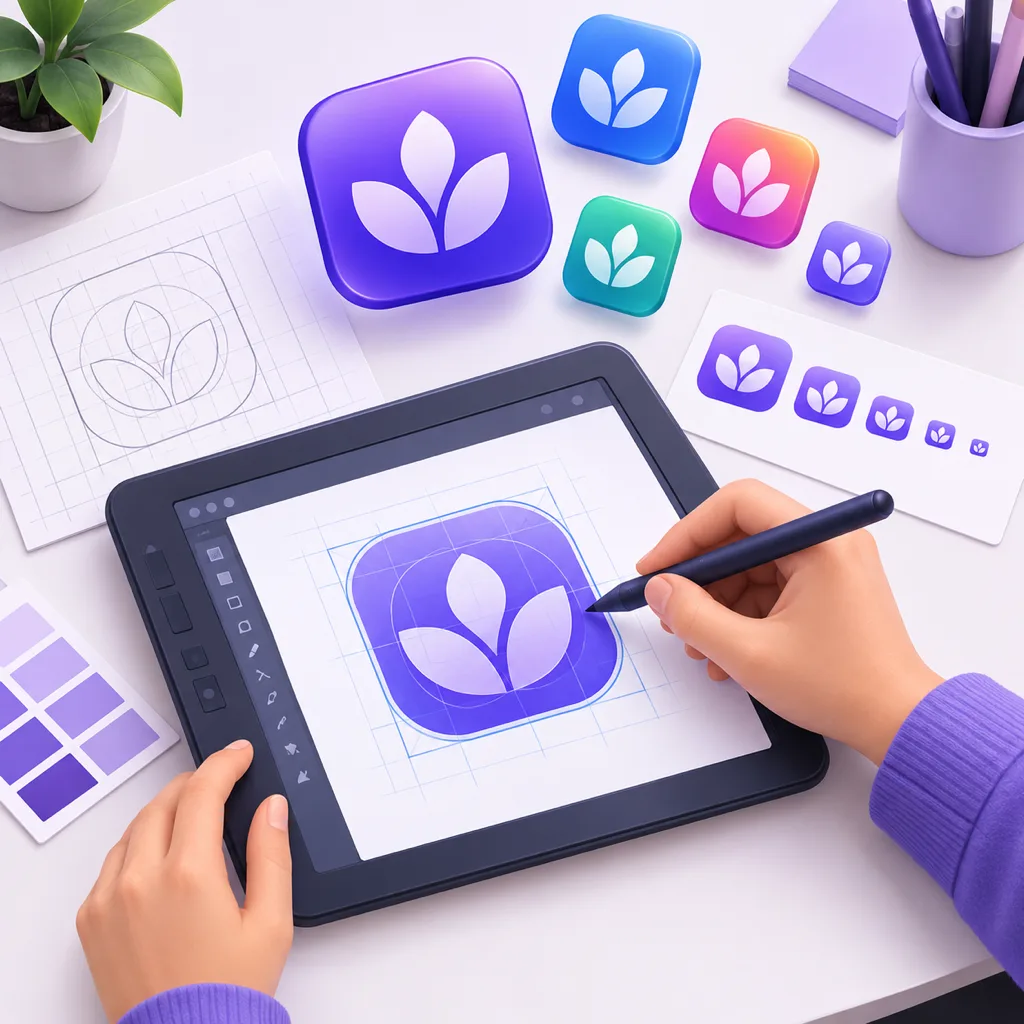
A letter U icon at 1024x1024 with rounded corners reads instantly on a home screen. Export the iOS and Android size sets from one master.
U favicon
A bold U shrinks cleanly into a 16 px or 32 px browser tab. Generate a transparent PNG or ICO favicon from the same master.
U monogram and avatar
Use the letter U icon as a social avatar or a personal monogram wherever a name starts with U. Minimalist and line styles suit it well.
U logo icon
A U logo icon is a lettermark for your own name or product. Keep it geometric and single color for the most logo-like result.
Grow into a full icon set
Need more than the U? Generate matching letters and symbols in the same style so the whole family looks related.
U game icon
A bold U built for game shelves, in pixel or 3D presets that stay readable at launcher sizes.
Related Tools
Blog
Letter U Icon Design Insights
Guides on prompt writing, app icon sizes and icon export workflows.
U Icon Generator FAQ
Common questions about making a U icon with AI.
What is a U icon?
It is an icon designed around the letter U itself, a lettermark rather than a picture. People use U icons as app icons, favicons, avatars, and monograms for projects whose names start with U. The letter has no fixed universal meaning: what a U icon means depends on the product or context it belongs to.
How do I make a letter U icon?
Open the letter U icon generator on this page and describe the U in one sentence, for example "a minimalist black letter U, single uppercase U, transparent background". Pick a style preset, generate, then check the result at 16 px and 32 px before you export PNG, SVG, ICO, or WEBP.
Can I create a U logo or monogram?
Yes, for your own name or product. A U logo icon is a lettermark you design yourself: describe your preferred letterform, keep it to one or two colors, and export the sizes you need. The tool generates original letterforms, so use it to design your own mark rather than to copy an existing company's logo.
Which styles work well for a U icon?
An outline U icon in the line or minimalist style gives the cleanest lettermark. Hand drawn adds warmth, bubble letter proportions suit playful app icons, and 3D, glassy, or neon presets turn the U into a product badge. Browse the icon style gallery to compare looks before you generate.
Can the background be transparent?
Yes. Generate the U icon on a transparent background or on any solid color, and keep transparency through PNG, WEBP, and SVG exports. Transparent files drop straight into websites, decks, and app interfaces.
Which file formats and sizes can I export?
Every U icon generates at 1024x1024, the size app stores ask for. From that master, export PNG, SVG, ICO, or WEBP with size presets for iOS and Android app icons, favicons at 16 px and 32 px, and desktop use. If you need a U icon for Android or for the web, the presets cover both.
Create Your Letter U Icon
One uppercase U, one sentence, every export format. The generator is right above.