
Emoji Icon Generator: Cute Icons, Real Files
Emoji style is the internet's comfort food: glossy highlights, rounded shapes, one expressive subject on a plain stage. This emoji icon generator draws that look as original artwork from a text prompt, then exports a square 1024 px PNG or WEBP with a transparent background that cuts down to Discord emotes, Slack emoji, favicons and docks. Describe the subject, keep the look playful, ship the file.
Emoji Icons Generated from Text
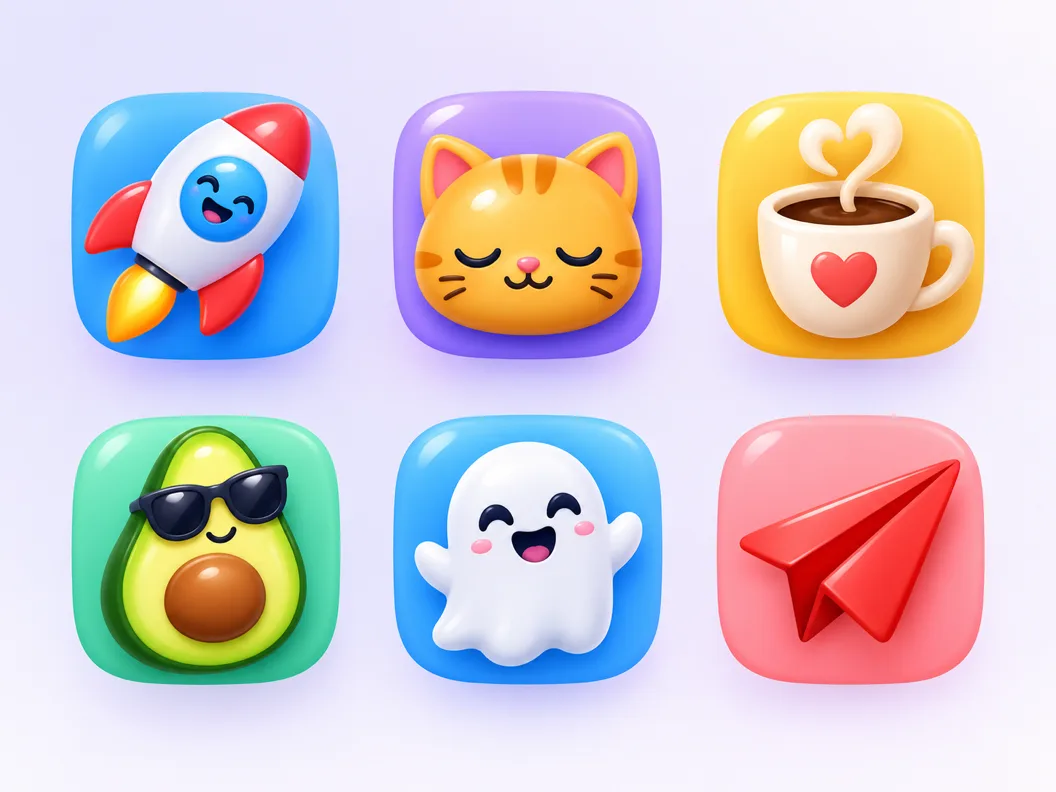
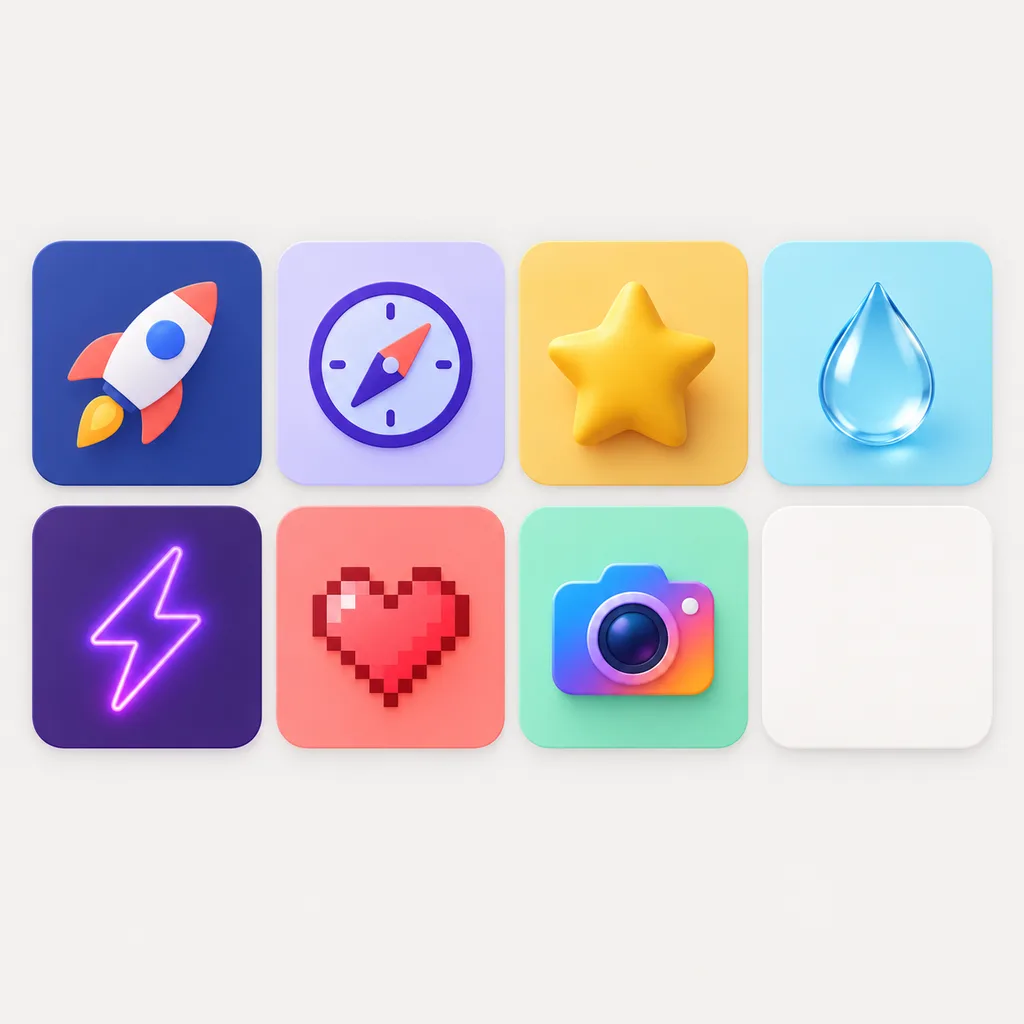
Emoji style icons drawn by the emoji icon generator from one-sentence prompts: single subjects, expressive faces and small objects that keep the glossy, rounded recipe.


What an Emoji Icon Generator Produces
An emoji is a strict visual recipe: a rounded silhouette, a glossy highlight, one expressive subject facing the viewer, no background to speak of. A keyboard emoji is also somebody else's artwork: Apple, Google and Microsoft each own their sets, and those licenses do not cover logo use. An emoji icon generator redraws the recipe as your own asset: original artwork at 1024 px, transparent cut included, readable from a 32 px favicon up to a store tile.
Glossy, rounded, readable
The emoji recipe arrives preset: soft gradients, one highlight per surface, bold rounded edges. The look survives at small sizes because the shapes stay simple.
Original artwork, not the Unicode set
Keyboard emoji are licensed platform art. Every file here is drawn from your description, so the ghost, cat or rocket in your icon is yours to use in a product.
One look, repeatable
The cartoon preset pins the recipe, so a second run of the same subject lands in the same family. That is what makes a coherent emoji set possible.
How to Make an Emoji Icon in 3 Steps
How the emoji icon generator moves from one sentence to a glossy, exportable file.
- 1
Describe the subject and the mood
Like "sleepy cat emoji icon, glossy, warm yellow, plain background". Name one subject and one feeling; the style handles the highlight and rounding.
- 2
The cartoon style is already selected
The page presets the cartoon style, which carries the emoji recipe. Switch to 3D, pixel or jelly in one click to compare registers on the same subject.
- 3
Export the master at 1024 px
Download a 1024 px PNG or WEBP with a transparent or solid background. The master cuts down cleanly to emote and favicon sizes without upscaling artifacts.
Emoji Icon Prompts That Land the Look
Copy one and swap the subject. A prompt that reads as emoji style names one subject, one mood, and the glossy rounded finish; the preset does the rest.
Single object
emoji icon of a red paper plane, glossy highlight, soft rounded shapes, vivid color, plain background, centered
Character face
emoji style icon of a sleepy cat face, closed eyes, glossy 3D look, warm yellow gradient, soft light, centered
Set member
smiling coffee cup emoji icon, glossy plastic finish, bold rounded shapes, bright cheerful color, plain background
From a 1024 px Master to Every Emote Slot
Chat platforms keep emoji small and strict: Discord wants emotes at 128 px under 256 KB, Slack wants a 128 px transparent PNG, Twitch ships 112 px and below. Cutting those sizes from a photo never works; cutting them from a clean 1024 px master does. The emoji icon generator exports that master with the transparent cut included, so one download covers every slot.
Discord and Slack emotes
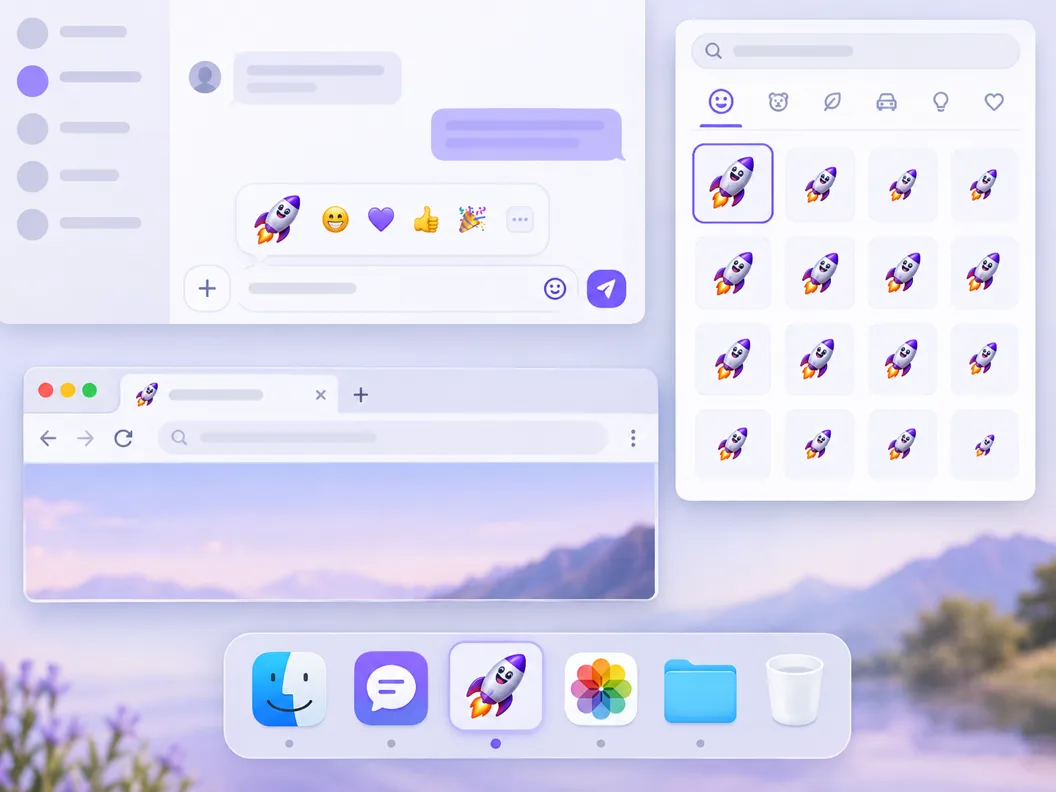
Scale the master to 128 px and the glossy highlight survives, because the shapes were simple to begin with. Keep the transparent cut so the emote sits on any chat theme.
Favicons and tab bars
At 32 px a detailed logo turns to noise; an emoji silhouette stays legible. Export a 48 px cut for the browser tab and the same file serves the site icon slot.
Docks, stickers and decks
The same asset drops into app dock rows, slide decks and sticker packs. One master, one look, every surface.
Three Ways to Make an Emoji Icon
The tools ranking for emoji queries fall into three camps: converters that reuse the Unicode set, template makers that assemble clip-art parts, and AI generators that draw new artwork. They answer different jobs.
| Unicode emoji converters | Emoji maker apps | SparkIconAI | |
|---|---|---|---|
| What you get | Renders of the existing Unicode set | Collages assembled from clip-art parts | Original artwork drawn to your prompt |
| Commercial use | No, platform vendors own the emoji art | Limited by template licenses | Yes, AI-generated from your description |
| Custom subject | Fixed catalog, pick from a list | Compose from preset parts | Anything you can describe |
| Transparent background | Rarely, baked on a colored tile | Depends on the app | Yes, PNG or WEBP |
| Set consistency | One glyph at a time | Bound to the template family | Cartoon style pinned across runs |
| Cost to try | Free | Freemium with watermarks | Free credits to start |
Comparison of typical Unicode emoji converters, emoji maker apps and AI icon generators as they ship in 2026, based on the tool categories ranking for emoji queries. Individual products vary.
Emoji Icon Generator or AI Cartoon Icon Generator?
Search AI cartoon icon generator and you get broad cartoon output; search icon generator emoji and most results are emoji makers for chat apps. The two looks overlap, and this page sits in the overlap: one preset covers both, and the prompt decides which side of the line a candidate lands on.
Emoji icons follow a strict recipe
Round silhouette, one glossy highlight, a subject facing the viewer, nothing else. Restraint is the style: the moment a scene grows, it stops reading as an emoji.
Cartoon icons play looser
Outlines can thicken, characters can act, small props can join. Cartoon is the wider family, which is why the preset here is cartoon and the prompts tune toward emoji.
The preset carries the family
Both looks ship from the same cartoon style pinned on this page, so an emoji run and a cartoon run keep the same rendering language across candidates.
Tune the register with words
Add glossy, rounded and centered to pull a candidate toward emoji; add outline, dynamic or scene to push it toward cartoon.
What the Emoji Icon Generator Handles for You
Everything the emoji icon generator does between your sentence and the glossy file in your export folder.
Style preset pinned to cartoon
The emoji recipe (gradients, highlights, rounded edges) arrives preset, so candidates differ by subject instead of by finish quality.
Transparent and solid exports
Pick the transparent PNG or WEBP for chat and UI, or bake a plain background for store listings. Both cut from the same 1024 px master.
Variations that keep the family
Generate variations of a candidate and the glossy language holds, so you can pick a face without restarting the style.
One-click style comparisons
Switch the same prompt to 3D, pixel or line styles to check whether emoji is the right register for your product.
4K upscale for hero surfaces
Landing pages and stream panels sometimes want more than 1024 px. The upscale path keeps gradients smooth instead of banding them.
Sets from one subject family
Need a dozen emotes that look related? Keep the finish words identical and generate the family in one session.
Related Workflows
Neighboring generators for the jobs around an emoji icon.
Browse the cartoon gallery
Real cartoon style icons generated on SparkIconAI, browsable before you spend a prompt.
Emoji favicons for websites
Turn a glossy glyph into a site icon with the favicon generator.
Game icons in the same register
Playful marks for indie games, drawn in the same glossy family.
Emoji style from your own art
Upload a sketch or logo and redraw it in the emoji recipe.
Related Tools
Blog
Further Reading
Longer reads on icons, styles and export workflows.
Emoji Icon Generator FAQ
Style behavior, platform sizes, the copyright question behind emoji art, and how prompts interact with the preset.
What is an emoji icon generator?
It is a text-to-icon tool with a cartoon style preset tuned to the emoji recipe: you describe a subject, the model renders it as glossy, rounded artwork, and you export a square 1024 px file with an optional transparent background. If you search icon generator emoji expecting the platform's own smileys, this is the original-artwork alternative.
Can I use Apple or Google emoji in my logo or app?
Not safely. The emoji on your phone are licensed artwork owned by Apple, Google and Microsoft, and their terms do not cover logo or product use. Drawing a close copy has the same problem. Generating an original emoji-style icon from a text description is the clean path, because the output is new artwork.
What sizes do Discord, Slack and Twitch emotes need?
Discord emotes render at 128 px with a 256 KB file limit, Slack emoji want a 128 px transparent PNG, and Twitch emotes ship at 112 px, 56 px and 28 px. Generate the 1024 px master here and scale down; the simple shapes keep the gloss readable at every stop.
Emoji icon generator or AI cartoon icon generator — which do I need?
The emoji recipe is the strict end of cartoon: round, glossy, one subject, facing forward. If that is the look you want, this page's preset and prompts aim there. If you want looser characters, thicker outlines or small scenes, describe that and the same cartoon preset carries it; the cartoon gallery shows the wider family.
How is this different from free emoji maker sites?
Maker sites recombine existing parts: a converter hands you the Unicode set as PNG files, and a template editor assembles clip-art faces. Neither draws a new subject. This generator produces original artwork from your description, which matters when the subject is your product, your mascot, or a shape no catalog contains.
Do the exports come with a transparent background?
Yes. The transparent PNG or WEBP is the default export for chat platforms and UI, and a baked solid background is available for listings and mockups. Both come from the same 1024 px master.
What prompt words make an icon read as emoji style?
Glossy, rounded, centered and plain background do most of the work, plus one mood word like sleepy, happy or sneaky. Leave out scene words; emoji live on a plain stage.
Can I generate a matching set of emoji icons?
Yes. Keep the subject family and finish words identical across prompts and generate the set in one session; the pinned style keeps the language consistent. The 8-icon set page batches the whole run.
Is the emoji icon generator free to try?
Yes. Free credits cover your first generations, and each candidate costs one credit to render. Paid plans add volume and higher resolutions; the pricing section above lists the current tiers.
Where can I use the exported emoji icons?
Anywhere a square image works: Discord and Slack emotes, Twitch, favicons, app docks, slide decks, sticker packs and merch mockups. The 1024 px master covers large surfaces and cuts down to the smallest slots without artifacts.
Generate Your Emoji Icon
The emoji icon generator turns one sentence into a glossy 1024 px asset, with transparent and solid background exports in the same download.