
Electron Icon Generator: One Master, Every Platform
An Electron app ships to macOS, Windows and Linux, and each platform files your icon differently: .icns in the app bundle, .ico in the Windows executable, PNGs on Linux. This electron icon generator draws the 1024 px master from a sentence, checks it at dock size, and leaves you one clean file for electron-builder to cut from.
Desktop App Icons Generated from Text
Icons drawn for desktop apps: single marks that hold up in a dock row, a taskbar and an installer dialog, generated from one-sentence prompts.


What an Electron App Needs from an Icon
electron-builder reduces the whole job to one convention: put a square icon.png of at least 512 px, or an icon.svg, in your build resources and it converts the file for every target platform. The hard part is never the conversion. It is getting a 1024 px master worth converting, one that stays legible from the 512 px installer down to the 32 px taskbar, and that is the part this electron icon generator handles.
The build/ convention does the converting
electron-builder picks up build/icon.png or build/icon.svg automatically and generates the platform files during packaging. Your only input is one good square master at 512 px or more.
Dock size is the judge
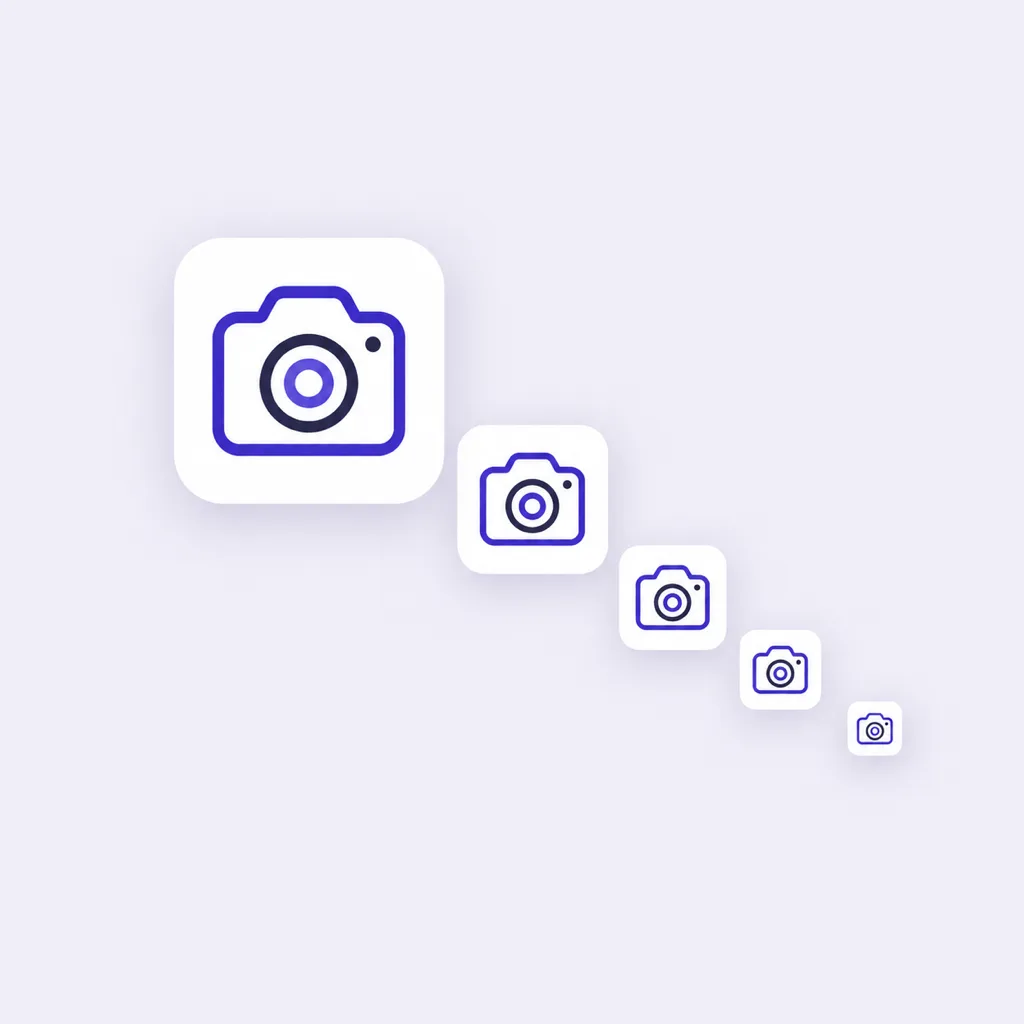
Desktop icons live between a 16 px titlebar glyph and a 512 px retina dock tile. Every candidate previews at small sizes so you pick a silhouette, not just a pretty render.
AI draws the master you are missing
Converters resize what you already have. When the mark does not exist yet, this generator creates it from a sentence, in one visual language, at export resolution.
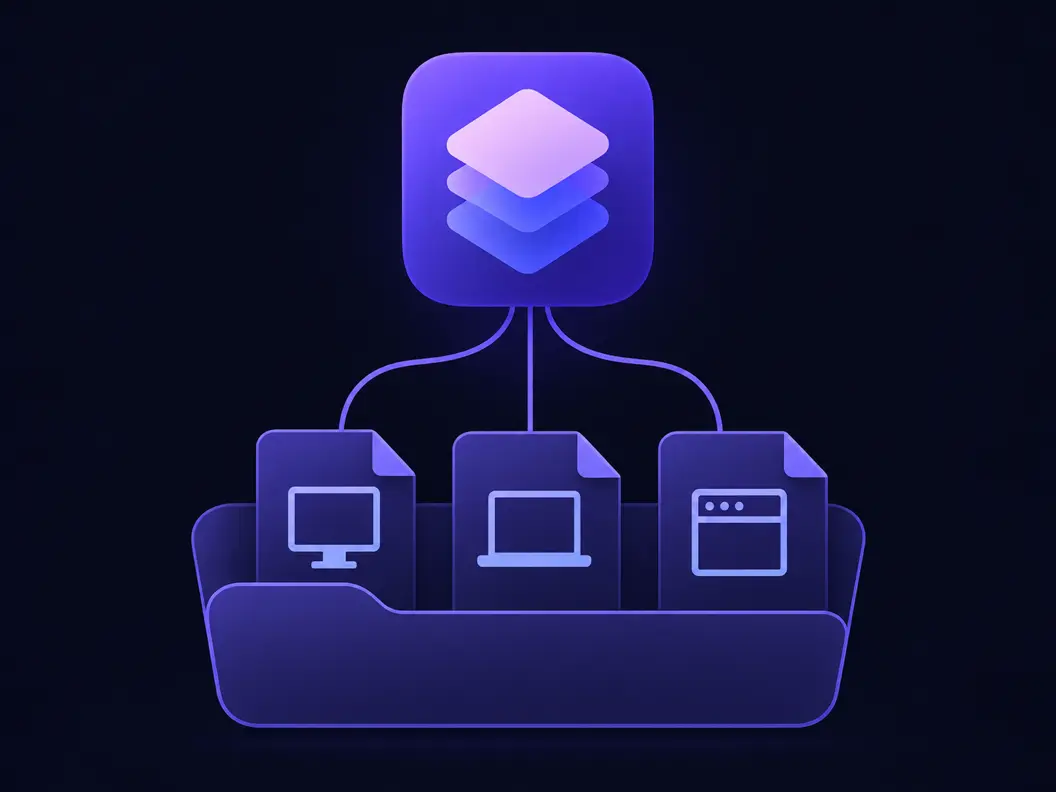
Electron Icon Sizes: What Goes into .icns, .ico and Linux PNGs
You never author these sizes by hand. The table is what electron-builder derives from your one master, so treat it as the checklist an electron icon generator has to satisfy.
build/icon.png, the single source
A square PNG of at least 512 px in your build resources covers all three platforms; 1024 px leaves headroom for the largest .icns variant. This generator exports exactly that master.
Windows: icon.ico inside the executable
The .ico packs 16, 24, 32, 48, 64, 128 and 256 px cuts. It shows in Explorer, the taskbar, shortcuts and the executable properties sheet, and a missing or undersized .ico is why builds fall back to the default icon.
macOS: icon.icns in the app bundle
The .icns bundles variants from 16 px up to 1024 px for retina Dock and Finder views. electron-builder renders it from your master when no .icns is supplied.
Linux: plain PNGs per desktop environment
Linux targets reference PNG sizes, typically 512 px for app stores and a ladder down to dialog sizes. electron-builder emits the set from the same master.
How to Make an Electron App Icon in 3 Steps
How the electron icon generator moves from a sentence to the one file electron-builder wants in your build resources.
- 1
Describe the app in one sentence
Like "chat app icon, rounded blue speech bubble on dark tile, flat style". One subject, one shape language. Desktop icons are judged in a dock row next to native apps, so compact silhouettes win.
- 2
Judge candidates at dock size
Every candidate previews small. Pick the mark that stays readable at 32 px, because that is the size your users meet first in the taskbar and the window switcher.
- 3
Drop the 1024 px master into build/
Export the PNG and save it as build/icon.png. electron-builder converts it to .icns, .ico and the Linux PNGs during the next package run, no separate tool required.
Three Ways to Produce an Electron Icon
The npm packages, the converters and the AI generators all lead to the same build/ folder. They differ in where the master comes from, which is why this electron icon generator starts one step earlier.
| npm icon builders | Online converters | SparkIconAI | |
|---|---|---|---|
| Where the master comes from | You design it elsewhere, tool only cuts | You upload an existing image | Generated from a text prompt |
| Outputs the platform set | Yes, into build/icons/ | Usually one format per download | 1024 px master for electron-builder to cut |
| Runs in | Your devDependencies and CI | A browser tab | A browser tab |
| Small-size judgment | None, you see full size only | Rarely | Dock and taskbar previews per candidate |
| Design changes | Back to the design tool | Re-export from source | Edit the sentence and rerun |
| Cost to try | Free, your time | Free with limits | Free credits to start |
Comparison of typical electron-icon-builder style npm packages, online icon converters and AI icon generators as they ship in 2026. electron-builder performs the final platform conversion in all three routes; individual tools vary.
Electron App Icon Prompts That Survive the Dock
Copy one and swap the subject. A desktop icon prompt that works names one subject, one shape language, and a background decision; the platform files are derived later, not drawn here.
Utility app
terminal window icon, rounded dark tile, green prompt glyph, flat style, readable at 32 px
Media app
music player icon, vinyl record on gradient tile, soft shadows, no text
Developer tool
code editor icon, angle brackets on indigo rounded square, flat geometric style, transparent background
From Master to Packaged App
The generator ends at the master; electron-builder takes it the rest of the way. An electron icon generator that stops at a pretty render would leave the packaging story unfinished, so one file in a conventional place replaces a shelf of icon assets and the scripts that maintained them.
Save the master as build/icon.png
The buildResources directory is the convention electron-builder scans. A square PNG of at least 512 px, named icon.png, is all it asks for; 1024 px covers the largest macOS variant.
Let electron-builder convert
During package run it renders .icns for the macOS bundle, packs the .ico into the Windows executable and emits Linux PNGs. Point win.icon or mac.icon at custom files only when you need to override.
Check the packaged result
Install or unpack the artifact and look at the dock or taskbar. Windows caches icons aggressively, so a stale glyph after a rebrand is usually the OS cache, not your build.
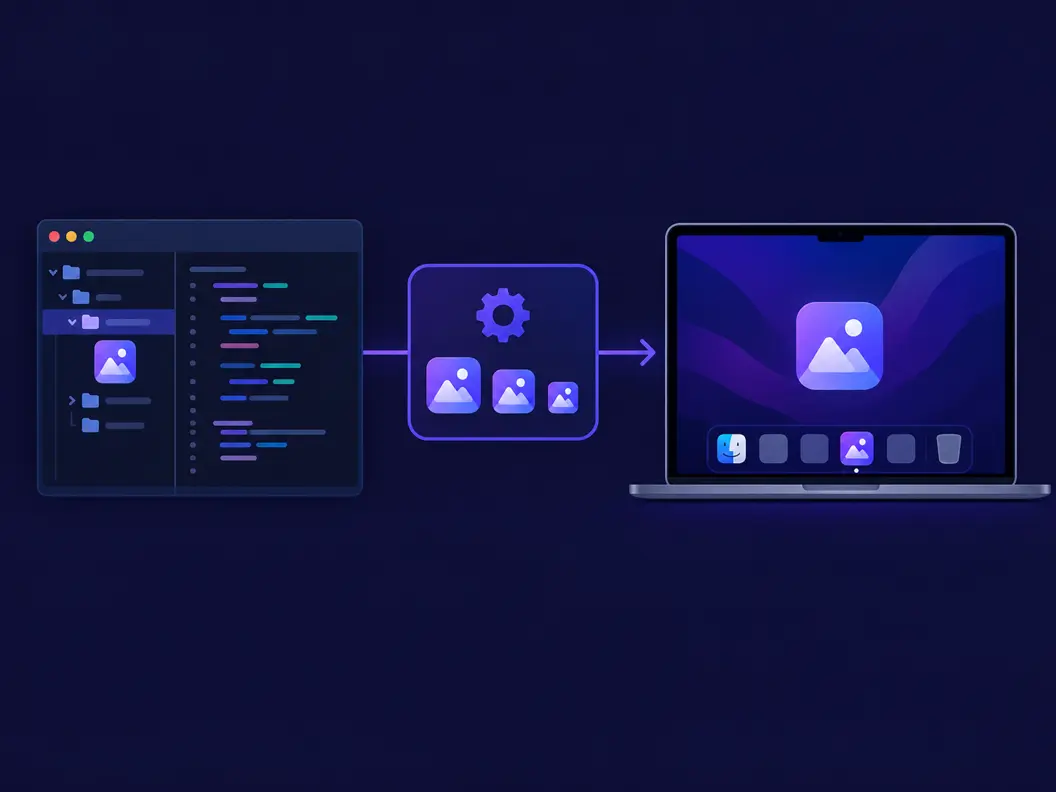
What the Electron Icon Generator Handles for You
Everything the electron icon generator does between the sentence and the master file sitting in build/.
Masters at export resolution
Candidates render at 1024 px directly, the size electron-builder prefers for the full .icns ladder, so no upscale sits between generation and packaging.
Small-size previews on every candidate
Dock and taskbar previews accompany each render, because the packaged app meets users at 32 px long before 512 px.
Transparent or solid backgrounds
Windows and macOS shapes mask differently. Export transparent and let each platform apply its own mask, or bake a rounded tile that looks deliberate everywhere.
Variations without leaving the style
Generate variations of a shortlisted candidate to tune silhouette and color while the visual language stays put.
Formats the ecosystem speaks
PNG and WEBP export, transparent or solid; when a store or docs page needs another cut, the resizer page slices the master without leaving the site.
One brand across desktop and web
The same prompt family feeds the site icon and favicon pages, so the desktop app and the website share one mark.
Related Workflows
Neighboring generators for the jobs around a favicon.
Site icon for the product page
Cut the same mark down to browser tab size for your landing site.
Play Store listing icon
If the product ships a companion Android app, start from the same master.
Favicon for the docs site
Documentation subdomains need their own 16 px-proof mark.
Brand kit around the icon
Extend the visual language to pitch decks and social headers.
Related Tools
Blog
Further Reading
Longer reads on icons, styles and export workflows.
Electron Icon Generator FAQ
Sizes, the build/ convention, the npm route, and the default-icon error that will not die.
What is an Electron icon generator?
It produces the icon assets an Electron app packages with. This page generates the 1024 px master with AI and previews it at dock size; electron-builder then derives .icns, .ico and Linux PNGs from that one file during packaging.
What icon sizes does an Electron app need?
One square master of at least 512 px, ideally 1024 px, saved as build/icon.png. From it, electron-builder renders the macOS .icns ladder from 16 px up to 1024 px, the Windows .ico cuts from 16 px to 256 px, and the Linux PNG sizes.
Do I still need an electron-icon-builder npm package?
Not if your build uses electron-builder's default behavior: a single build/icon.png or icon.svg is converted automatically. The npm builders remain useful when you must hand a specific .ico or .icns to a pipeline that does not run electron-builder, which is rare for an electron icon generator workflow.
Why does my Electron app show the default icon?
The log line reads "Default electron icon is used, reason: application icon is not set". The common causes are a missing build/icon.png, a master under the minimum size, or a custom win.icon path that does not resolve. Fix the file or the path and rebuild.
How do I set the icon in electron-builder config?
Defaults first: build/icon.png is picked up without configuration. To override per platform, set mac.icon to an .icns or a 512 px+ PNG, win.icon to an .ico of 256 px or more, and linux.icon to your PNG path.
Can I generate the icon instead of converting an existing image?
Yes, that is the point of this electron icon generator page. Converters assume the mark exists; here you describe the app and receive candidates, then export the winner at 1024 px ready for the build folder.
Is this Electron icon generator free to try?
Free credits cover the first generations. Each candidate costs one credit to render, and paid plans add volume and upscaling; the pricing section above lists the electron icon generator's current tiers.
What about Linux distributions with their own icon themes?
Linux desktop environments scale PNGs through their icon themes, so a clean 512 px cut behaves well everywhere. Ship the standard set electron-builder emits and let the theme handle masks.
.ico, .icns or .png: which matters most?
The master does. All three platform files are derived cuts of the same square image, so investing your attention in a master that reads at 32 px pays off on every platform at once.
Windows shows a stale icon after I rebrand. Is my build wrong?
Usually not. Windows caches icons by path, so Explorer and the taskbar can keep the old glyph after a rebuild. Clearing the icon cache or renaming the executable reveals the new .ico.
Generate Your Electron App Icon
The electron icon generator turns one sentence into a 1024 px master, ready for electron-builder to cut .icns, .ico and Linux PNGs from it.