
Icon Generator for Flutter: AI App Icons
Flutter does not want a finished icon; it wants one 1024 px master PNG that flutter_launcher_icons can cut into every mipmap and AppIcon.appiconset entry your project needs. This page is the app icon generator flutter projects start from: describe the launcher icon, download the transparent 1024 px master, and drop it into pubspec.yaml. No presets are locked on this page because a launcher icon can carry any style your app does, from flat geometric to playful jelly. Free credits cover your first runs.
Flutter App Icon Generator: Examples from One-Sentence Prompts
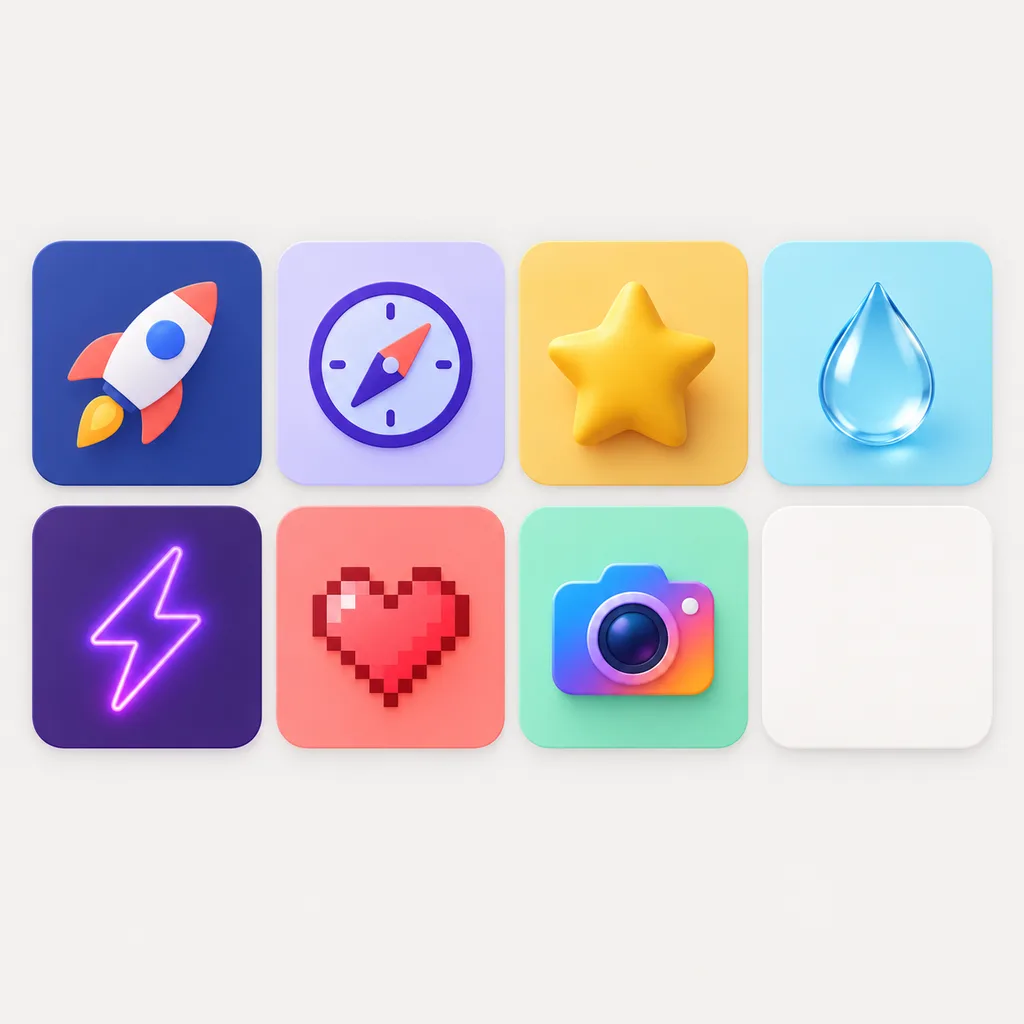
Launcher icons drawn by the icon generator in Flutter projects' favorite styles: single subjects, bold tiles and plain stages, the shapes that stay recognizable from the home screen to the Play Store.


What a Flutter App Icon Generator Must Produce
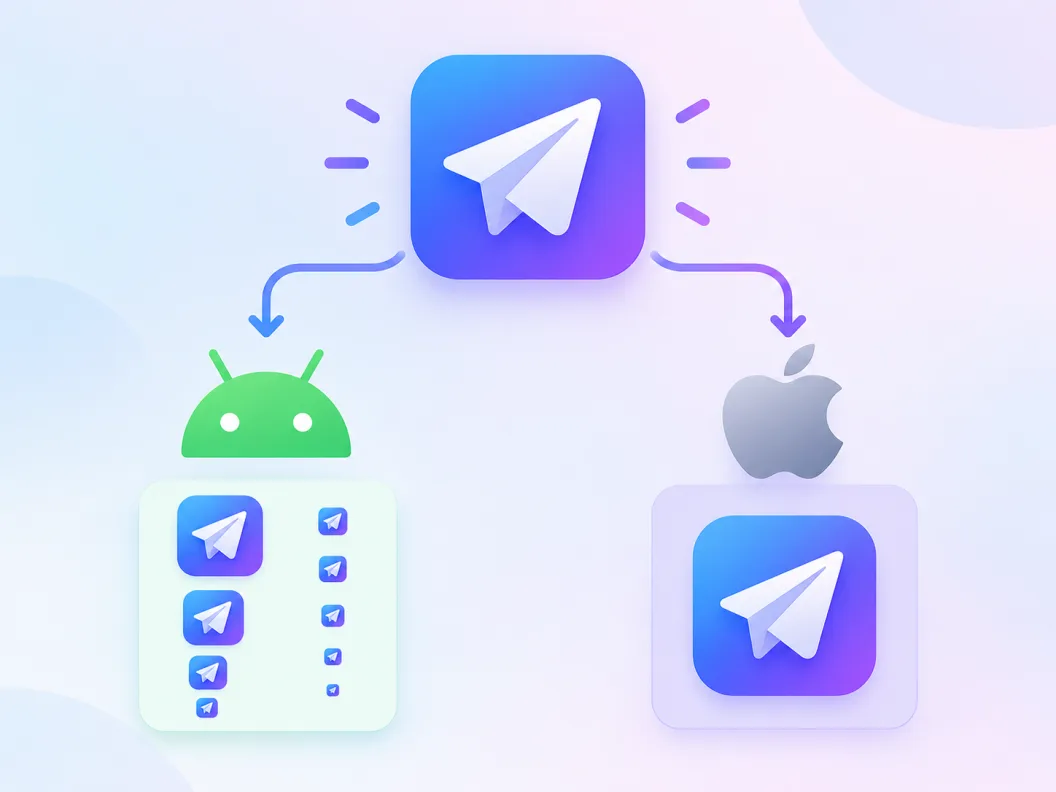
Honest mechanics first: a Flutter app icon generator that hands you one pretty image has done a third of the job. Android wants ic_launcher.png resampled into mipmap-mdpi through mipmap-xxxhdpi plus adaptive foreground and background layers, and iOS wants a 1024 px entry inside AppIcon.appiconset that Xcode downsizes at build time. The piece every step consumes is a single 1024 px master, and that is exactly what this generator makes: describe the mark, download the transparent master PNG, and let flutter_launcher_icons do the slicing it was built for. An app icon generator in flutter tooling is the front half of a two-step pipeline, and both halves are fast.
Flutter wants a master, not a final icon
The Flutter build consumes one 1024 px PNG and derives the rest itself through flutter_launcher_icons. Producing that master is the part AI is genuinely good at.
Android: mipmaps plus adaptive layers
A launch-ready Android icon means resampled launcher sizes and a two-layer adaptive icon with its own foreground and background, all declared in one YAML block.
iOS: one 1024 px entry
Since Xcode 14 the iOS AppIcon.appiconset needs a single 1024 px PNG, and flutter_launcher_icons writes it with the right Contents.json. One master covers both platforms.
How to Generate Flutter App Icons in 3 Steps
From one sentence to a regenerated launcher icon set, without opening an image editor or masking anything by hand.
- 1
Describe the launcher icon
Like 'minimal launcher icon of a paper plane, flat two-tone blue, rounded square tile, plain background, centered'. Name the subject, the palette and the tile shape.
- 2
Download the 1024 px master PNG
No style preset is locked here: pick the look that matches your app, keep the transparent background for the master, and save the 1024 px PNG into your Flutter project, for example assets/icon/app_icon.png.
- 3
Run flutter_launcher_icons once
Point image_path at the master in pubspec.yaml and run dart run flutter_launcher_icons. The package writes every mipmap, the adaptive layers and the AppIcon.appiconset in one pass.
Every File the Flutter Icon Run Produces
Searches for a flutter app launcher icon generator are really asking one question: what lands on disk after the run. This is the manifest, so you can check the output against your project tree instead of trusting a preview.
Android mipmap set
ic_launcher.png in mipmap-mdpi, hdpi, xhdpi, xxhdpi and xxxhdpi, resampled from your master at 48 through 192 px so every device density draws a native-size layer.
Adaptive foreground and background
The adaptive icon split: a foreground layer with your mark inside the safe zone and a background layer filled with your color, exported at 108 dp canvas size.
iOS AppIcon.appiconset
A single 1024 px PNG plus the Contents.json that declares it; Xcode 14 and later cut every display size at build time from that one entry.
Alpha stripped for iOS release
App Store submission rejects alpha-channel app icons. Set remove_alpha_ios in the YAML and the run flattens the iOS copy over its background while Android keeps transparency.
Android Adaptive Icons: The Part Most Generators Skip
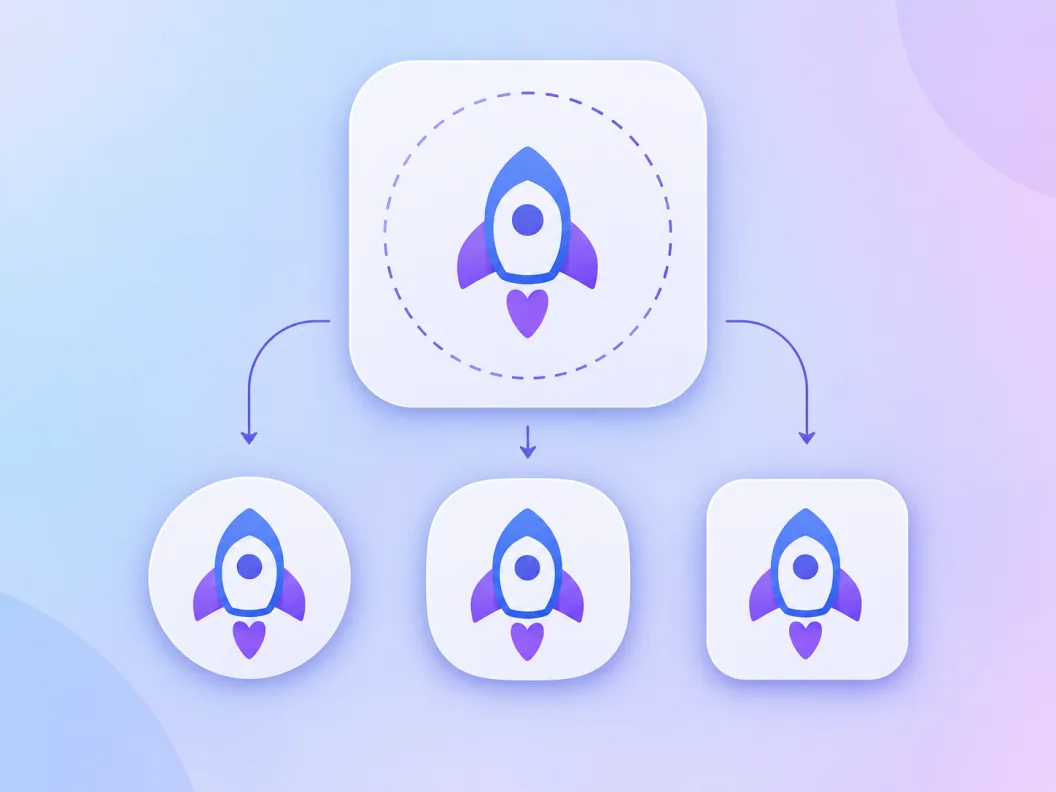
Since Android 8, the launcher masks every icon into its own shape, so a flat square master gets cropped by circles, squircles and rounded squares you do not control. The adaptive icon system exists for exactly this, and its geometry is the difference between a sharp home-screen icon and one with a chopped subject.
The 108 dp canvas and its safe zone
An adaptive layer is drawn on a 108 dp square, but the outer edge is reserved for the mask: only the central 66 dp is guaranteed visible. Keep the subject inside that center and every launcher shape shows it whole.
Foreground and background split
The adaptive icon is two layers: your mark as the foreground and a plain color or gradient behind it. The layers even parallax slightly as you drag the icon, which flat single images cannot do.
How the YAML maps the layers
flutter_launcher_icons takes adaptive_icon_background as a color or image and adaptive_icon_foreground as the layer PNG. A centered master from this generator drops into the foreground slot with no masking work.
Flutter Icon Generator vs Manual Packs vs Asset Studio
Three routes take a Flutter app from no icon to a full set, and they differ at the step people underestimate: making the master art. Here is the honest breakdown of an AI master plus flutter_launcher_icons against doing the art by hand or leaning on the old Android tooling.
| AI master + flutter_launcher_icons | Manual art + flutter_launcher_icons | Android Asset Studio | |
|---|---|---|---|
| Starting point | One sentence; the 1024 px master is generated | A 1024 px PNG you design yourself | Foreground and background PNGs you prepare |
| Style exploration | Regenerate variations until the mark lands | Every idea costs design hours | Template shapes only; no art generation |
| Adaptive layers | Centered master drops into the foreground slot | You mask and center the subject yourself | Template-driven masking |
| iOS coverage | Same master feeds AppIcon.appiconset | Same package handles it once art exists | Not covered; iOS is a separate manual export |
| Maintenance status | Actively developed generator and package | flutter_launcher_icons stays active on pub.dev | Page officially retired; successor tools recommended |
Routes compared in 2026. Asset Studio retirement status comes from its own page, which now points to successor tooling; flutter_launcher_icons status reflects its pub.dev activity. Always pin package versions in pubspec.yaml.
Prompts for Flutter Launcher Icons
Copy one and swap the subject. Launcher icons read best with one subject, a tile or plain background and a restrained palette; scenes and thin lines dissolve at home-screen size.
Minimal launcher tile
minimal launcher icon of a paper plane, flat two-tone blue, rounded square tile, plain background, centered, no text
Playful jelly mark
playful launcher icon of a smiling coffee cup, jelly style, thick outline, pastel green rounded tile, centered
Geometric tool app
geometric launcher icon of a hexagon bolt, flat vector style, dark slate and amber, rounded square, centered
What This Icon Generator for Flutter Handles for You
Everything between your sentence and the master PNG sitting in your Flutter project.
1024 px master by default
Candidates render at the exact size flutter_launcher_icons wants for image_path, so the file goes straight into pubspec.yaml with no resizing stop.
No preset lock
A launcher icon can carry any style your app does; this page leaves the style switch free instead of pinning one look.
Transparent-background master
Exports keep the alpha channel, which the adaptive foreground layer needs; strip it for iOS release with one YAML flag.
Variations on the same subject
Generate variations to explore tile shapes and palettes while the mark stays recognizably the same app.
Every format beside the master
PNG, WEBP, ICO and SVG exports come from the same session, covering the Play Store listing, the website favicon and the shell in one stop.
A consistent family per release
Keep the finish words identical across prompts and generate launcher icons for a suite of Flutter apps that still read as siblings.
Related Workflows
Neighboring generators for the jobs around a Flutter launcher icon.
Mobile icon design, broader view
The icon generator for mobile apps covers platform conventions beyond the Flutter pipeline.
Every PNG size, one dialog
The app icons PNG generator exports the full size ladder for stores and asset folders.
Resize an existing icon
The app icon resizer cuts any uploaded icon into platform sizes right in the browser, free.
Transparent logo PNG instead?
The app logo PNG generator focuses on transparent 1024 px logos for press kits and listings.
Related Tools
Blog
Further Reading
Longer reads on icons, styles and export workflows.
Icon Generator for Flutter FAQ
How the 1024 px master feeds flutter_launcher_icons, what the adaptive icon safe zone means, and whether launcher icons can be SVG, plus the free-credit one.
What is the best app icon generator for Flutter?
Judge any candidate on four checks: it exports a transparent 1024 px PNG master, the art style matches your app rather than one locked look, it produces variations so you can explore, and the output drops straight into flutter_launcher_icons without resizing. This page is built around those four checks; the cutting itself belongs to the package, which is the part of the pipeline that was never worth doing by hand.
How do I create a Flutter app icon?
Three steps: generate a 1024 px master PNG, save it into your project such as assets/icon/app_icon.png, then declare flutter_launcher_icons with image_path pointing at it and run dart run flutter_launcher_icons. The package writes the Android mipmaps, the adaptive layers and the iOS AppIcon.appiconset in one pass.
What size does a Flutter launcher icon need?
One 1024 by 1024 pixel PNG master. Every Android density bucket and the iOS entry are resampled from it, so a bigger canvas adds nothing and a smaller one blurs the xxxhdpi cut. Keep the master transparent for the adaptive foreground; the iOS release copy can flatten it.
Can Flutter launcher icons be SVG?
No. The launcher pipeline is raster end to end: Android mipmaps and the iOS appiconset are PNG slots, and flutter_launcher_icons expects a bitmap master. SVG belongs inside the app instead, where the flutter_svg package renders vector assets at any size; searches for a flutter svg icon generator usually turn out to want one of those two different tools.
Does flutter_launcher_icons work with this generator?
That is the intended pairing. Download the 1024 px master, add the package as a dev dependency, and point image_path at the file. The manifest section above lists every file the run touches so you can verify the output in your project tree.
What files does the icon run change?
On Android, ic_launcher.png across mipmap-mdpi through mipmap-xxxhdpi plus the adaptive foreground and background resources. On iOS, AppIcon.appiconset with its Contents.json. Your Dart code and platform manifests stay untouched; the launcher icon swap is contained to resource files.
Why does my Flutter icon look cropped on Android?
The launcher mask is eating it. Adaptive icons draw on a 108 dp canvas but only the central 66 dp is safe, so a subject that fills the whole master gets clipped into circles and squircles. Regenerate with the mark centered on a plain background and the padding does the masking work for you.
How do I remove the alpha channel for iOS?
Set remove_alpha_ios: true in the flutter_launcher_icons block. App Store submission rejects app icons that carry transparency, and the flag flattens the iOS copy over a background color while Android keeps the alpha. Run the command again and resubmit.
Do I need a separate Google Play listing icon?
Yes, the Play Console asks for a 512 by 512 PNG for the store listing, which is separate from the launcher set on the device. Export a 512 px cut of the same master here and the listing and the installed icon stay the same mark.
Is this Flutter icon generator free?
Free credits cover your first generations, and each candidate costs one credit to render. The 1024 px master download is part of the standard export dialog, so a free-credit run already produces the file your pipeline needs. Paid plans add volume and higher resolutions.
Generate Your Flutter App Icon
Describe the launcher icon in the icon generator for Flutter and download the 1024 px master that flutter_launcher_icons turns into your full set.