
Icon Design for Windows: AI ICO Generator
A Windows app icon is not one image: it is a .ico container holding the same mark at 16 to 256 pixels so Explorer, the taskbar and the desktop each get a sharp layer. This page is the AI icon generator for Windows that draws the master and packs the set for you. Describe the app icon once, keep the shapes bold, and download a true multi-size .ico beside transparent PNG and WEBP. The glassy preset is already selected because frosted, rounded art matches the Windows 11 Fluent look. Free credits cover your first runs.
Icon Maker for Windows 11: Examples Generated from Text
Glassy and flat marks drawn by the icon generator for Windows from one-sentence prompts: single subjects, bold silhouettes and plain stages, the shapes that stay readable from 16 px to 256 px.


What Windows App Icon Design Involves
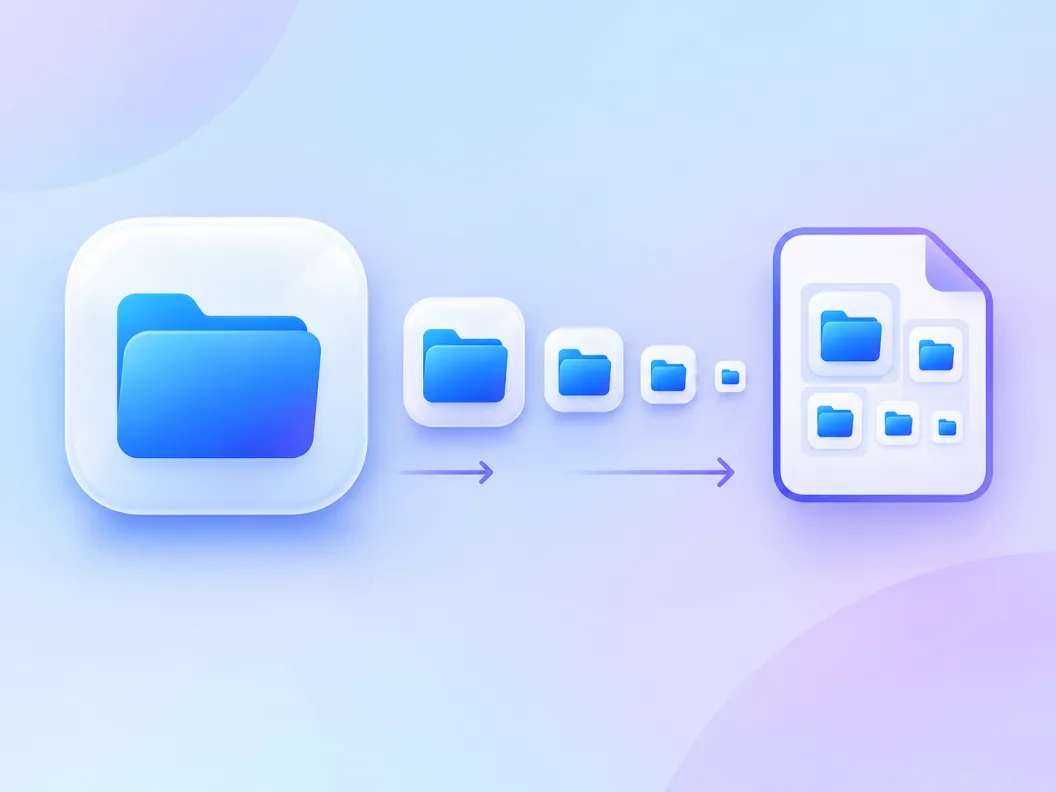
Honest mechanics first, because the file format hides the real work. Windows never displays your icon at one size: the shell picks a layer from inside the .ico for every surface, 16 px in list views, 24 px taskbar buttons, 48 px desktop shortcuts and up to 256 px in extra-large and high-DPI views. Good windows app icon design therefore means one master that survives that whole ladder. The AI model paints your prompt at 1024 px, and the export dialog cuts and packs every layer into a single .ico file, so an icon generator for Windows is really a master painter plus a packer in one session.
One .ico, many sizes
The .ico format is a container, not a picture. A well-built file carries 16, 24, 32, 48 and 256 px layers so every Windows surface renders from a cut made for it instead of a squeezed single image.
Windows picks the layer, not you
The shell chooses which layer to show based on the view and your display scaling. If a size is missing, Windows upscales a smaller one and the icon turns soft, which is why the full set matters.
AI paints the master, the packer cuts it
The model draws one 1024 px render, and the same master exports as a multi-size .ico plus transparent PNG and WEBP. App icon generator for Windows searches end at exactly this handoff.
How to Make Windows Icons in 3 Steps
From one sentence to a multi-size .ico on disk, no design tool and no converter site in the middle.
- 1
Describe the app icon
Like 'glassy app icon of a blue folder, frosted layers, rounded square tile, plain background, no text'. One subject, one palette, bold shapes.
- 2
The glassy preset is already selected
This page pins the glassy style because frosted highlights and rounded tiles match the Fluent material language Windows 11 uses for its own icons. Switch styles any time to compare.
- 3
Download the .ico plus the rasters
Open the export dialog and save the packed multi-size .ico together with transparent PNG and WEBP cuts of the same master, ready for your build folder or the Microsoft Store listing.
Windows ICO Icon Sizes: What Each Layer Is For
Tool pages skip the table that answers icon design windows questions, so here it is: the layer ladder a Windows app icon should ship, where the shell displays each one, and how it is stored inside the file.
| Where Windows shows it | Stored as | Design note | |
|---|---|---|---|
| 16 px | Explorer list and small icon views | BMP, tightest palette | One bold silhouette, no detail, no text |
| 24 px | Taskbar buttons at default scaling | BMP | Check that stroke weight survives the downscale |
| 32 px | Alt-Tab switcher, small desktop icons | BMP | The first size where inner details earn their pixels |
| 48 px | Default desktop and Explorer icon size | BMP | The size most users meet every day; make it perfect |
| 96 px | Large desktop icons, scaled displays | BMP | Gradients and highlights start to pay off here |
| 256 px | Extra-large views, high-DPI scaling source | PNG-compressed | Full detail layer; store listing crops come from it too |
Layer set and storage formats follow Microsoft's app icon guidance as published in 2026; display sizes vary with DPI scaling. Verify the exact slots your installer or framework requires before release.
From AI Render to Multi-Size .ico
Packing is the step converter sites make you do by hand. Here it runs inside the same session as the generation: the pipeline resamples your 1024 px master into the layer ladder and writes one .ico with every size inside, PNG-compressed at the top layer and compact BMP below it.
Render at 1024 px first
The master is painted at high resolution so every downscale starts from clean edges. A small master would blur the 48 and 96 px layers, the sizes users see most.
Cut each layer from the same master
Every size in the set is resampled from one render, so the mark stays the same icon at every scale instead of drifting between separately cropped files.
Pack PNG and BMP layers into one file
The 256 px layer is stored PNG-compressed to stay small; the classic sizes stay BMP for the widest shell compatibility, including older Windows releases that never learn new tricks.
Fluent Rules from Microsoft's Icon Design Guidelines
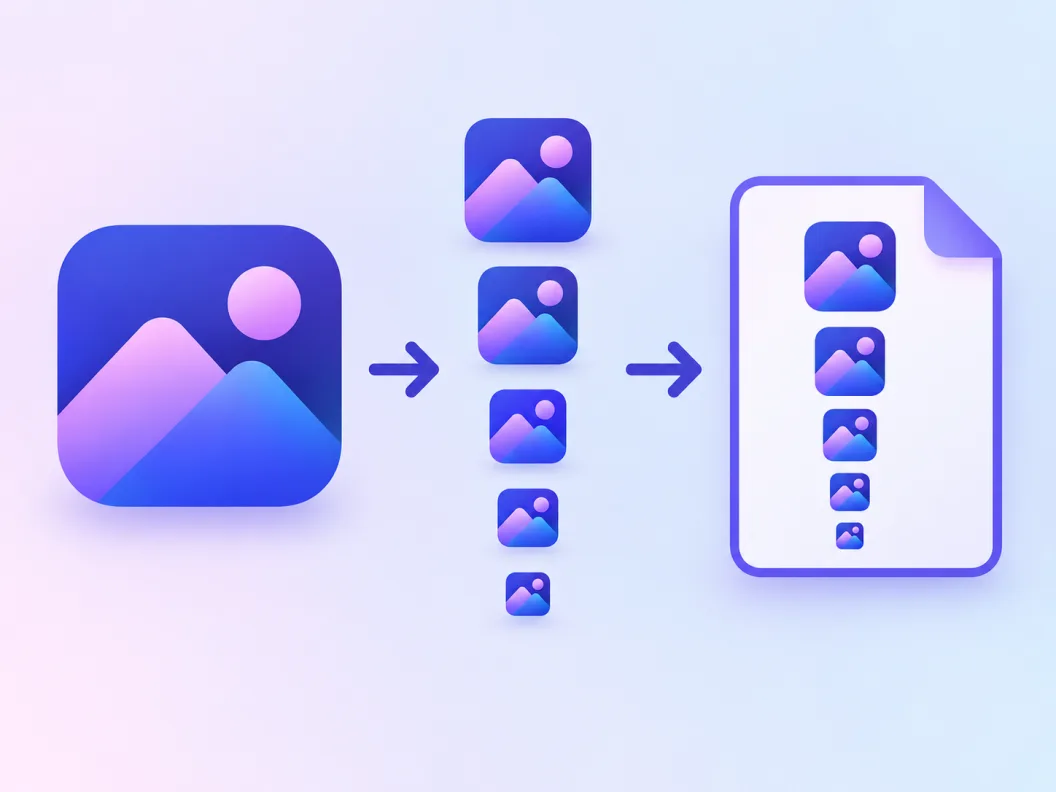
Microsoft publishes design guidance for Windows app icons, and the same four rules explain most of what makes a mark feel native instead of pasted on. Apply them at the prompt stage and the generator has far less to fight.
No text in the mark
Microsoft's guidance is explicit: letters and words inside an icon stop reading at small sizes and look like a screenshot, not a symbol. Name the object instead of the brand.
Plan for light and dark modes
Windows renders app icons across themes and materials. A mark built on a mid-tone core with a clear outline survives both; a white-only glyph disappears on light taskbars.
One focal silhouette
Fluent icons read as a single shape with one idea. Secondary elements crowd the 24 px layer first and the 16 px layer first after that.
Test at 16 px before you ship
Zoom the exported set out to the smallest layer. If the subject is still recognizable as a silhouette, the design is done; if not, regenerate with simpler shapes.
Prompts for the Windows Icon Generator
Copy one and swap the subject. Windows-friendly prompts name one subject, a material and a plain background; text, faces and busy scenes fall apart at taskbar size.
Glassy Fluent tile
glassy app icon of a blue folder, frosted acrylic layers, rounded square tile, soft highlight, plain background, centered, no text
Flat taskbar glyph
flat icon of a wrench, two colors, navy on white, rounded corners, bold silhouette, plain background, centered
Desktop app mark
minimal desktop app icon of a paper plane, gradient navy tile, subtle glass reflection, rounded square, centered
What This Icon Maker for Windows Handles for You
Everything between your sentence and the .ico in your build folder.
Glassy preset pinned for the Fluent look
Frosted highlights and rounded tiles come out of the box, so candidates already read as Windows 11 citizens.
True multi-size .ico download
The export packs 16 to 256 px layers into one .ico container, not a renamed PNG, so every shell surface gets its own sharp cut.
Transparent background included
Exports carry the alpha channel, which is what 32-bit .ico entries and store-ready PNGs both need to sit on any surface.
PNG and WEBP beside the ICO
The same master exports the full format set in one dialog: .ico for the shell, PNG for the store listing, WEBP for the web.
Variations that keep the material
Generate variations of a candidate and the glassy language holds, so the shortlist stays one product family.
A whole set in one session
Keep the finish words identical across prompts and export a consistent icon family for your app suite.
Related Workflows
Neighboring generators for the jobs around a Windows app icon.
Browse the glassy gallery
Frosted, Fluent-adjacent icons generated on SparkIconAI, browsable before you spend a prompt.
Ship the website favicon too
The favicon generator covers the browser tab and site icon set from the same style of master.
Desktop builds beyond Windows
The Electron icon generator cuts the .icns and Linux PNG sets for cross-platform desktop releases.
Need every PNG size instead?
The app icons PNG generator exports the full size ladder for stores and asset folders.
Related Tools
Blog
Further Reading
Longer reads on icons, styles and export workflows.
Icon Design for Windows FAQ
How the .ico export is built, which sizes Windows expects, and the Windows 11 versus Windows 10 style question, plus the free-credit one.
How do I make my own .ico file?
Generate the artwork here and download the .ico from the export dialog: describe the icon, pick a candidate, and the packer writes a multi-size container with 16 through 256 px layers inside. No converter site and no image editor needed, and the same master also exports as PNG and WEBP.
What icon sizes does a Windows app icon need?
The safe set is 16, 24, 32, 48 and 256 px, all packed into one .ico. Explorer list views ask for 16 px, taskbar buttons 24 px, Alt-Tab 32 px, the default desktop 48 px, and 256 px serves extra-large views plus high-DPI scaling. The table above maps every layer to its surface.
Can you customize icons on Windows?
Two different jobs hide in that question. Redecorating desktop shortcuts is a settings job: Windows lets you point a shortcut at a different .ico file through its Properties dialog. Designing the icon your app ships with is a design job, and that is what this page does: draw the mark, pack the sizes, and hand the file to your installer or shortcut.
What makes Windows 11 icon design different from Windows 10?
Windows 11 moved its own icons to Fluent: rounded silhouettes, layered materials and soft frosted highlights, while Windows 10 favored flat, perspective-free shapes. The glassy preset pinned on this page targets the Windows 11 language, and the flat prompts in the list above match the Windows 10 look for apps that keep that branding.
Is this icon maker for Windows free?
Free credits cover your first generations, and each candidate costs one credit to render. The multi-size .ico export is part of the standard download dialog, so a free-credit run already produces the packed file. Paid plans add volume and higher resolutions.
Does the .ico include a 256 px layer?
Yes. The top layer is stored PNG-compressed inside the container, which keeps the file small despite the resolution. That layer is what extra-large views, high-DPI screens and store crops sample from, so an .ico without it looks soft exactly where modern displays are sharpest.
Can Windows icons have transparent backgrounds?
Yes, and they should. The .ico entries are written 32-bit with the alpha channel intact, so the rounded silhouette sits directly on the taskbar and desktop instead of a white box. Only pictographic in-app graphics that must fill a tile need a solid background.
Is this an online icon maker or a Windows app?
It runs in the browser, so nothing installs and any Windows version reaches it, along with macOS and Linux machines in the same team. That online trait is the difference from an icon maker app for Windows from the Microsoft Store: no build step, no admin rights, and the download is the finished .ico rather than a project file.
Will the file work on Windows 10 and Windows 7 machines?
Yes. The .ico container format has been stable for decades, and the classic layers are stored as BMP precisely so older shells read them without new codec support. A mark generated today lands correctly on a Windows 7 desktop, a Windows 10 taskbar and a Windows 11 Fluent surface.
What else can I export besides ICO?
The same master exports PNG and WEBP, and the platform's SVG pipeline can trace a flat render into a true vector file on the AI icons SVG page. Practical split: .ico for the Windows shell, PNG for stores and docs, SVG for the web assets that need to scale forever.
Design Your Windows Icon
Describe the mark in the icon generator for Windows and download the packed multi-size .ico beside its PNG and WEBP cuts, all from one 1024 px master.