
AI App Logo PNG Generator with Transparent Background
A logo lives on other people's surfaces: a website header at noon mode, a dark-mode docs page, a pitch deck slide, a press kit. That is why the file that matters is the AI app logo PNG with a transparent background: the alpha cut lets your mark sit on anything without a white box around it. Describe the mark on this page, get original artwork at 1024 px with the transparent cut included, then export PNG sizes for every surface beside it. Free credits cover your first logos.
App Logo PNGs Generated from Text
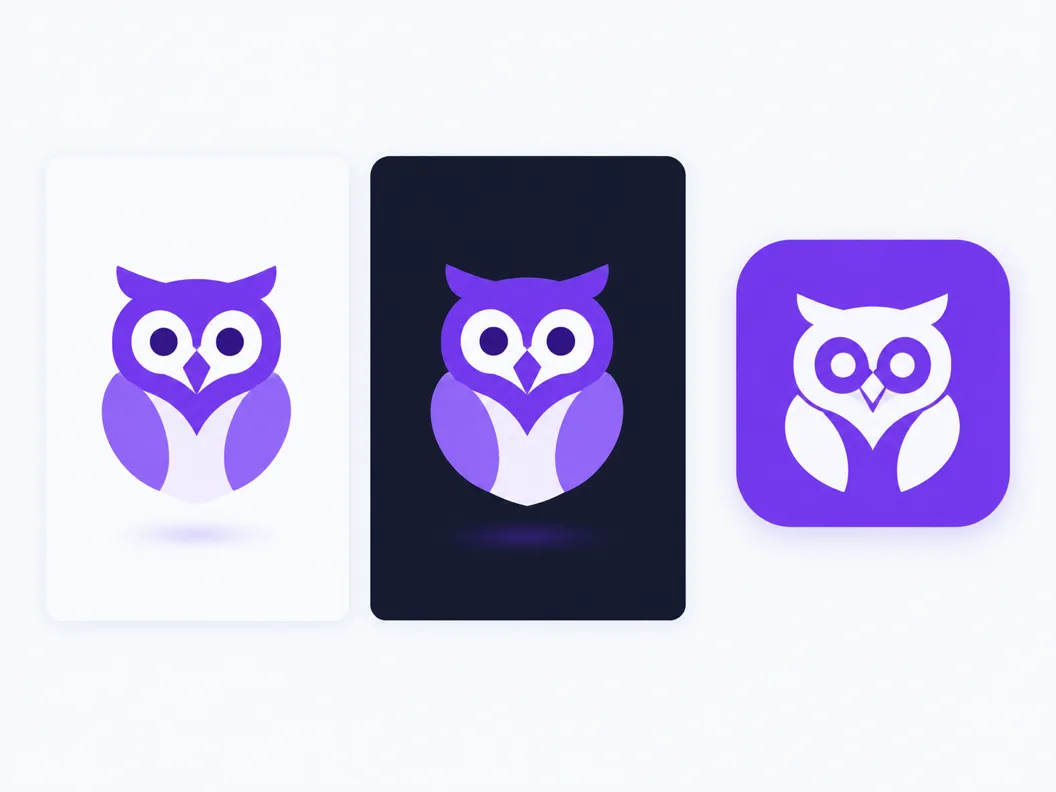
Logo marks drawn by the AI app logo PNG generator from one-sentence prompts: single glyphs, flat finishes and clean silhouettes that export with the alpha cut included.


What an AI App Logo PNG Generator Produces
Two facts decide whether a logo file is usable, and both are about the alpha channel, not the artwork. First: a transparent PNG carries an invisible fourth channel that marks which pixels are see-through, so the mark sits on any background without a box. Second: the places that legally require your logo do not all want transparency. The iOS App Store and Google Play icon slots bake their own masks and reject alpha in the shipped tile, while websites, docs and decks want exactly that alpha. An AI app logo PNG generator gives you both from one master: describe the mark, download the transparent cut for the open web, and bake the solid tile for the store rows.
The alpha cut is the product
Every transparent export leaves this generator with real alpha, not white painted to look empty. The same file drops onto light, dark or brand-colored surfaces without cleanup.
Stores want solid, the web wants transparent
App store icon slots flatten and mask the artwork themselves, so they take the opaque tile. Websites, docs and decks take the transparent cut. One master serves both.
Original artwork from your description
The mark is drawn to your prompt, so the owl, rocket or leaf in your logo is generated for you, not pulled from a stock sheet other products already use.
How to Make an App Logo PNG in 3 Steps
From one sentence to a transparent logo PNG you can hand to a developer or a deck.
- 1
Describe the mark
Like 'geometric owl mark, teal, flat, plain background'. One subject, one palette, one finish; logo marks read best when the prompt stays narrow.
- 2
The minimalist style is already selected
This page pins the minimalist preset because flat shapes and single subjects are what a logo needs. Switch to line for outline marks or glass and metal for richer finishes.
- 3
Export the transparent PNG and its cuts
Download the 1024 px master with the transparent background, then cut the sizes you need from the same dialog. The alpha edge stays clean because the master never gets upscaled.
App Logo Prompts That Export Clean
Copy one and swap the subject. A logo-friendly prompt names one glyph, a small palette and a flat finish; anything scenic or busy turns the mark into an illustration.
Geometric glyph
minimal app logo of a geometric owl, flat teal shapes, rounded corners, plain background, centered, bold silhouette
Outline mark
line logo of a coffee bean, single navy stroke, consistent weight, rounded joins, plain background, minimal detail
Two-tone mark
flat app logo of interlocking leaves, two tone green, simple curves, balanced negative space, plain background
Transparent Background or Solid: Which Logo PNG Where
The most common mistake with logo files is not the artwork, it is shipping one background choice everywhere. Transparency and solid fills solve opposite problems, and every platform has an opinion about which one it accepts. Use this checklist before you export.
Ship transparent when the surface varies
Website headers, docs pages, decks and press kits all sit on different colors. The alpha cut is the only file that survives all of them, which is why it is the default export here.
Ship solid when the platform masks for you
The iOS App Store and Google Play icon slots crop, round and flatten the artwork themselves, and uploads with alpha can render with black or white edges after processing. Bake the solid tile for these rows.
Check the viewer before blaming the file
Some image viewers paint a white or gray checkerboard behind alpha, so a working transparent PNG can look broken in the preview. Open the file on a colored web page to confirm the cut is real.
Keep both exports from one master
The export dialog bakes the solid tile and cuts the transparent file from the same 1024 px artwork, so the two never drift out of sync across brand refreshes.
What the App Logo PNG Generator Handles for You
Everything between your sentence and the transparent file in your export folder.
Minimalist preset pinned for logo marks
Flat shapes, small palettes and single subjects arrive preset, so candidates differ by idea instead of by finish quality.
True alpha in every transparent export
The PNG and WEBP downloads carry a real alpha channel, so the mark sits on light, dark or brand surfaces with no white halo.
Every size cut from one master
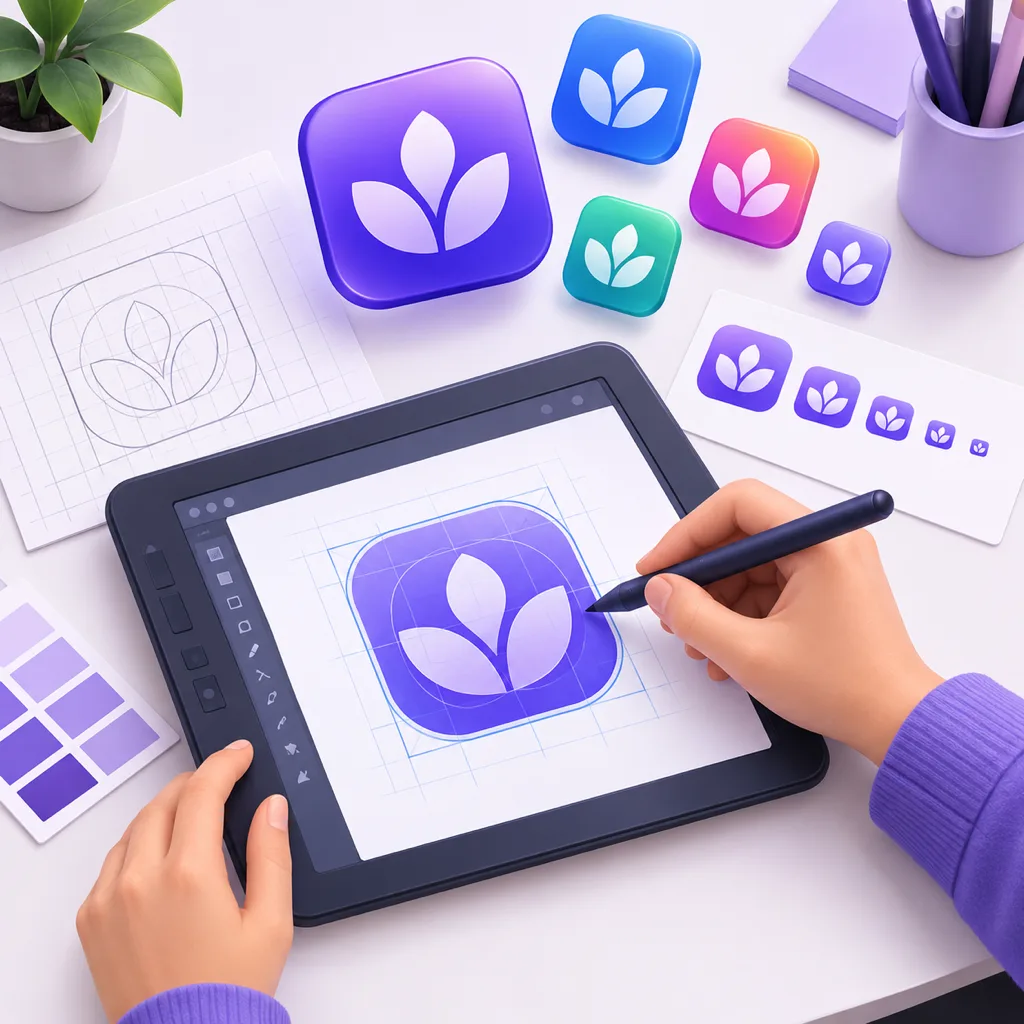
Cut 96 px nav marks, 512 px deck images and store tiles from the same 1024 px file inside one export dialog.
Variations that keep the mark
Generate variations of a candidate and the flat logo language holds, so you can explore ideas without restarting the style.
One-click style comparisons
Switch the same prompt to line, glass or metallic to test which register fits the brand before committing.
Sets for product families
Keep the finish words identical and generate a whole product family's marks in one session, consistent by construction.
From a 1024 px Logo Master to Every PNG Size
One transparent PNG master covers more surfaces than any other single asset you ship, as long as each cut starts from full resolution. Here is where the AI app logo PNG lands and which cut each surface wants.
Website headers and footers
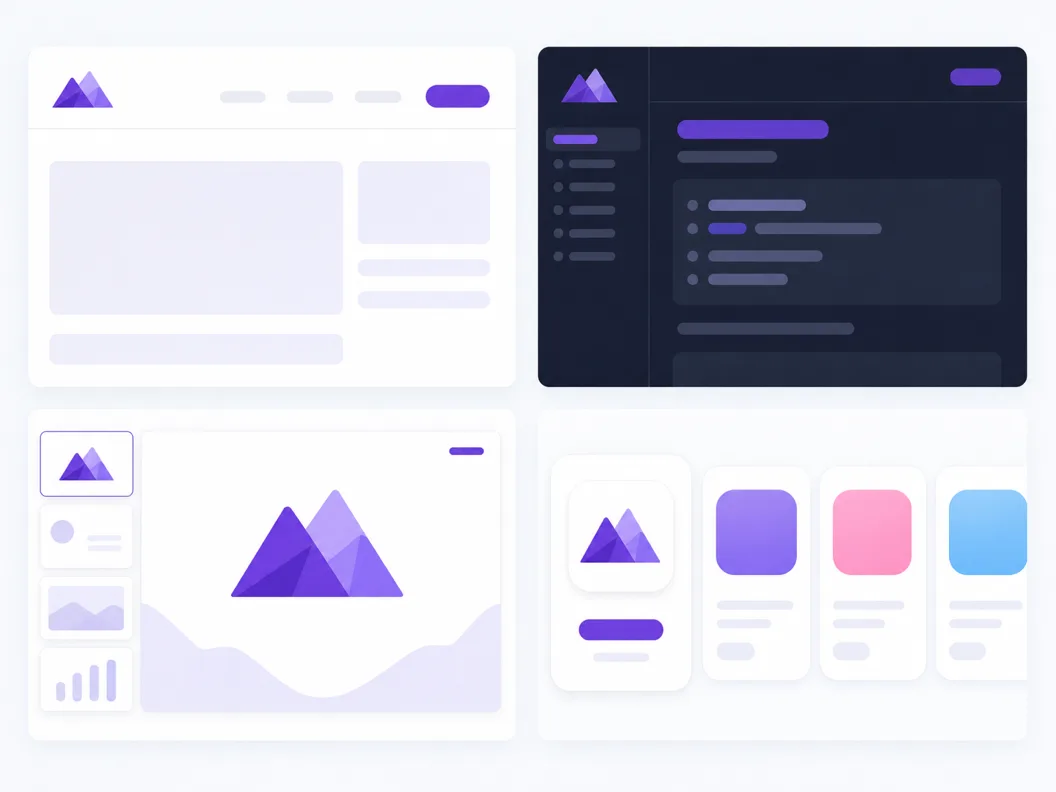
Cut a 96 px or 128 px transparent PNG for the nav bar. The alpha edge means the same file works on the light header and the dark footer without a second export.
Docs, decks and press kits
Writers and journalists drop the 512 px cut straight into slides and articles. No background cleanup, no white box over someone else's brand color.
Store tiles and avatars
Store rows and social profiles want the opaque tile: bake a solid background into a 1024 px export and let each platform apply its own mask to that.
Three Ways to Get an App Logo PNG
The pages ranking for logo PNG searches fall into three camps: template logo makers, stock icon marketplaces, and AI generators that draw the mark to your description. They answer different jobs.
| Template logo makers | Stock icon marketplaces | SparkIconAI | |
|---|---|---|---|
| What you get | Layouts assembled from preset parts | Pre-drawn symbols, same files others use | Original artwork drawn to your prompt |
| Custom subject | Pick from template libraries | Search their catalog | Anything you can describe |
| Transparent PNG export | Often paywalled or watermarked | Varies by license | Included, alpha cut on the 1024 px master |
| Commercial use | Bound to template license tiers | Attribution or per-license fees | Yes, AI-generated from your description |
| Other formats in the same download | Usually PNG and JPG only | SVG behind paywalls | PNG, WEBP, ICO and SVG from one master |
| Cost to try | Freemium with watermarks | Free tier with attribution | Free credits to start |
Comparison of template logo makers, stock icon marketplaces and AI logo generators as they ship in 2026, based on the tool categories ranking for app logo PNG queries. Individual products vary.
Related Tools
Related Workflows
Neighboring generators for the jobs around an app logo PNG.
Every app icon size at once
Need the full store size ladder instead of one file? The app icons PNG page exports the whole set.
Website favicon from the same mark
Turn the logo into the browser tab icon set with the favicon generator.
Want the vector version?
The AI icons SVG page traces the same artwork into an editable vector file.
Logo design, wider process
A fuller workflow for logo design with AI, from brief to export.
Blog
Further Reading
Longer reads on icons, styles and export workflows.
AI App Logo PNG FAQ
Transparency mechanics, store rules on alpha, size cuts and the commercial-use question, answered from how the generator ships files.
What is an AI app logo PNG generator?
It is a text-to-logo tool: you describe a mark in one sentence, the model draws it as original artwork at 1024 px, and the export ships a PNG with a transparent background plus size cuts from the same master. It is built for the file handoff developers and decks need: alpha included, no cleanup.
How do I create an app logo with a transparent background for free?
Free credits cover your first generations. Describe the mark, keep the background plain in the prompt, and download the transparent PNG from the export dialog; the alpha cut is part of the standard export, not a paid tier. Each render costs one credit, and paid plans add volume.
Should an app icon have a transparent background?
Not for the store slots themselves. iOS and Google Play mask and flatten the icon artwork on their side, and an alpha channel in the shipped tile can produce dark edges after processing. Transparent PNGs are for everything around the store row: website headers, docs, decks, press kits and social banners.
What size PNG do app stores need for a logo?
Google Play takes a 512 x 512 PNG for the store listing, and iOS wants a 1024 x 1024 master for marketing from which the device sizes derive. Generate the 1024 px master here and cut down; the shapes stay clean because the master is never upscaled.
Why does my transparent PNG show a white box?
Two different causes. If it shows in an image viewer, the viewer is painting a white or checkerboard backdrop behind the alpha and the file is fine. If it shows on your website, something flattened the file along the way, usually a screenshot or an editor export without alpha. Re-download the transparent cut from the export dialog.
PNG or SVG for a logo?
PNG where pixels are the contract: store listings, chat avatars, social uploads. SVG where scaling is the contract: website UI, design systems, anything that renders at many sizes. This generator exports both from one master, and the AI icons SVG page covers the vector side in depth.
Can I use the generated logo commercially?
Yes. The artwork is generated from your description, so the mark is yours to use in a product, on a website or in marketing. The same caution that applies to any logo still applies here: search for close matches before you commit, and check that the mark does not read as an existing brand.
What prompt words make a clean logo mark?
One subject, one palette, one finish: 'minimal app logo of a geometric owl, flat teal, plain background'. Words that help: geometric, flat, minimal, centered, bold silhouette. Words that fight the logo look: scene, character action, texture, gradient background.
Can I turn my existing sketch into a transparent logo PNG?
Yes. Upload the sketch on the photo-to-icon page and the model redraws it as a clean mark, then export the transparent PNG here. That path keeps your composition while giving the export the flat shapes and clean edges a transparent cut needs.
Is the AI app logo PNG generator free to try?
Yes. Free credits cover the first renders, transparent PNG export included, so you can test marks before paying. Each candidate costs one credit, and paid plans add volume, higher resolutions and the full style set for richer finishes.
Generate Your App Logo PNG
Describe the mark and download the transparent 1024 px master with every size cut in the same dialog.