
3D Icon Generator: Make 3D App Icons from Text
The 3D style is already selected: describe your idea and generate. SparkIconAI's 3D icon generator renders soft lighting, clean surfaces and bold silhouettes, the clay, glass and Liquid Glass looks you see across today's app stores. Use it as a 3D app icon generator for iOS and Android, or make 3D icons for your website and product UI.
3D Icon Examples & Style Gallery
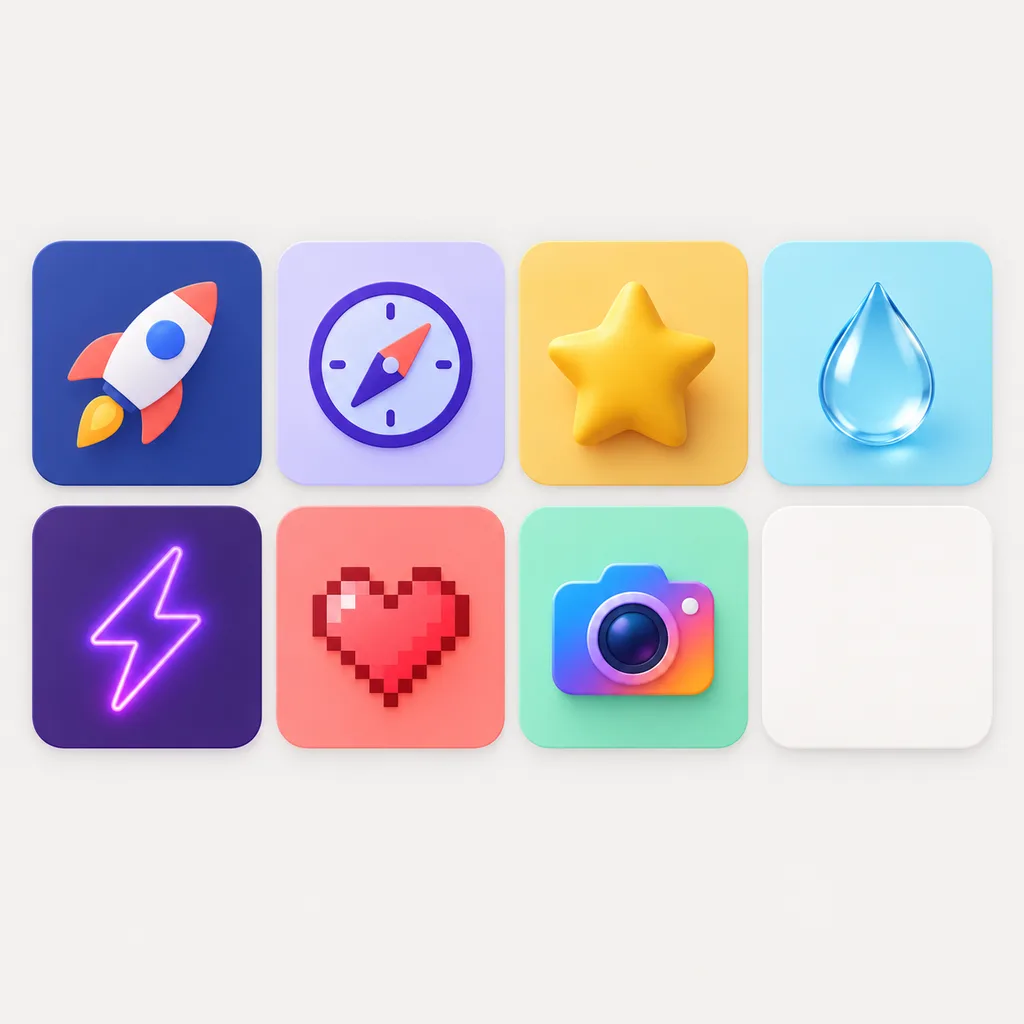
Claymorphism, glossy glass, brushed metal and soft plastic, all generated from plain text prompts. Every 3D icon lands on the infinite canvas, ready to iterate the moment it arrives.


What Is a 3D Icon?
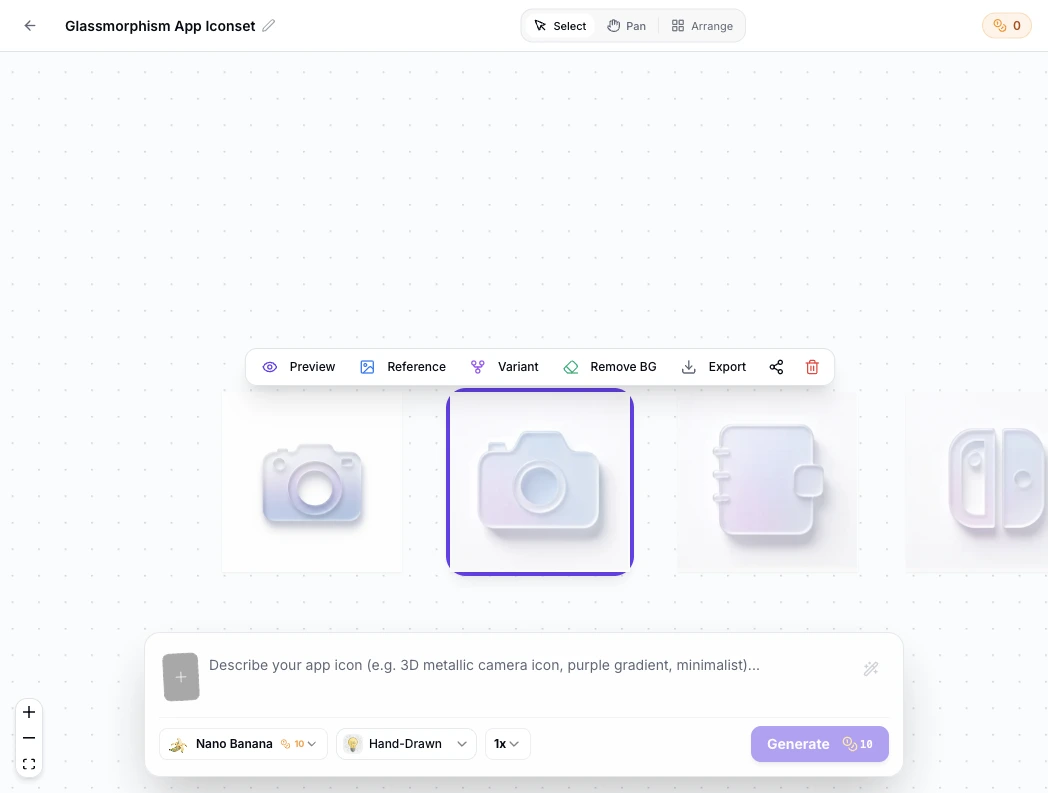
A 3D icon adds controlled depth, soft shadows and simplified materials to a bold, readable silhouette, like the rounded, tactile app icons from Apple's design language. Our 3D icon generator covers the full family: claymorphism built from two inner shadows and a top-left light for that squishy toy feel, glass for the translucent depth behind iOS 26's Liquid Glass icons, metallic for premium hardware products, and clean soft 3D for everyday app icons. Every generation keeps the silhouette bold at small sizes, so a 3D app icon still reads clearly at 32px. The first render is rarely the final one. On the canvas, every 3D icon becomes a node you can branch from: tweak the prompt, swap materials, compare clay against glass side by side, and trace every version back to its origin.
Visual Lineage Tree
Track prompt iterations and remix variants with elegant Bezier curves to compare lighting, texture, and color branches side by side.
Built-in Post-Processing
Instant 1-click background cutout with precise color replacement to fulfill strict Apple App Store non-transparent requirements.
Safe Zone Protection
Adjustable inner padding guides protect key artwork silhouettes from aggressive system corner clipping.
How to Make a 3D Icon in 3 Steps
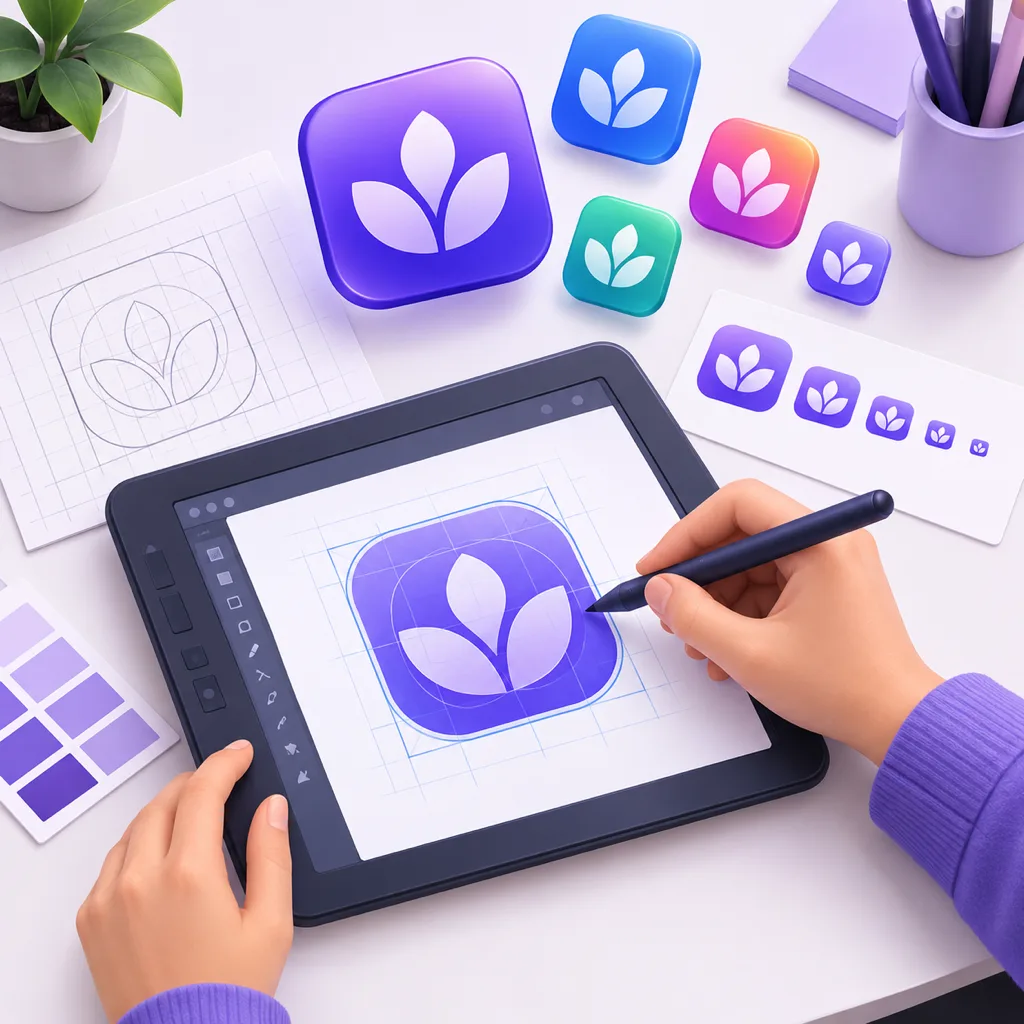
No 3D modeling skills, no Blender, no lighting rigs. From prompt to finished 3D icon in under a minute.
- 1
Describe your icon
Type what you need, like "a red 3D camera icon with soft studio lighting". The 3D style preset is already active on this page.
- 2
Generate variations
The AI 3D icon generator returns several takes in seconds. Pick the one with the depth and silhouette you want.
- 3
Export in your format
Download 1024x1024 masters, or export directly as PNG, ICO, WEBP or SVG for your app icon and web projects.
What the 3D Icon Generator Can Do
Everything you need to go from idea to production-ready 3D icons.

Purpose-built 3D presets
Soft 3D, claymorphism, glass and metallic presets are tuned for icon silhouettes rather than general 3D renders.

1024x1024 masters
Export 1024x1024 masters for the App Store or 512px Google Play listing icons, with Android adaptive-icon safe zones kept clear.

Liquid Glass-ready transparent exports
Generate on transparent or solid backgrounds. The frosted glass preset matches the iOS 26 Liquid Glass look, and transparent PNGs drop straight into Icon Composer as layers.

Reference image guidance
Upload a sketch or an existing icon, and the AI keeps your composition while adding the 3D treatment.

Variants and remixing
Turn one 3D icon into a family of variants to test colors, angles and materials before committing.

Every export format
PNG, ICO, WEBP and SVG exports with size presets for iOS, Android, favicons and desktop apps.
3D Icon Generator vs. the Old Ways
Photoshop and Blender can both produce 3D icons. Here is what each path costs when you need one icon today.
| SparkIconAI 3D Icon Generator | Photoshop / Figma (manual) | Blender (3D modeling) | Generic AI image tools | |
|---|---|---|---|---|
| Time to first 3D icon | Under 60 seconds | 1-3 hours | 3-8 hours | Minutes, but off-brief |
| Skill required | Plain text description | Design + layer styles | 3D modeling + lighting | Prompt trial and error |
| Built for icons | Needs setup | |||
| Icon-optimized 3D presets | Clay, glass, metallic, soft 3D | Manual layer styles | Manual materials | None |
| 1024x1024 app icon output | Manual export | Render setup | Varies | |
| Store spec compliance (safe zones, 30% corner radius) | Manual | Manual | ||
| Export PNG / ICO / WEBP / SVG | Plugins needed | External converter | PNG only | |
| Consistent icon set generation | ||||
| Cost per icon | $0.1 | $20+/hr of your time | $20+/hr of your time | Subscription |
Comparison based on typical single-icon workflows as of 2026.
Make 3D Icons for Every Surface
Start from this 3D icon generator, or jump to a sibling tool tuned for your target platform.
Browse 3D icon examples
See real 3D icons generated with SparkIconAI in the style gallery.
3D app icons for iOS & Android
The app icon generator exports store-ready sizes from your 3D designs.
3D favicons and site icons
Turn the same 3D look into favicons and web app icons for your site.
Explore other icon styles
Pixel, cartoon, hand-drawn and more. Compare them side by side.
Related Tools
Blog
3D Icon Design Insights
Guides on 3D icon trends, app icon design and icon systems.
3D Icon Generator FAQ
Common questions about making 3D icons with AI.
How do I make a 3D icon for free?
Open the generator on this page: the 3D style is preselected. New accounts get starter credits, so you can generate your first 3D icons free before buying more.
What is the best 3D icon generator?
For icon work specifically, pick a tool that keeps silhouettes bold at small sizes and exports app icon formats. SparkIconAI's 3D icon generator is tuned for exactly that, unlike general-purpose 3D renderers.
Which 3D icon styles can I generate?
Soft 3D, claymorphism, glass, metallic and isometric-leaning 3D are all available as presets, and you can steer any of them further with your prompt.
Can I use 3D icons for my app icon?
Yes. Generate at 1024x1024, then use the app icon export presets to get every iOS and Android size, including rounded-corner previews.
Do the 3D icons have transparent backgrounds?
You can generate 3D icons on transparent or solid backgrounds. Transparent PNG and WEBP exports composite cleanly into any interface.
Can I turn an existing logo into a 3D icon?
Upload your logo or sketch as a reference image and the AI will rebuild it with the 3D treatment while keeping your composition recognizable.
How do I get the iOS 26 Liquid Glass look for my app icon?
Generate a glass-style 3D icon here and export it as a transparent PNG. In Apple's free Icon Composer, place the export as your background or middle layer, add your foreground art, and Icon Composer applies the specular highlights and frostiness across light, dark and tinted modes.
What size should a 3D app icon be?
Apple needs a single 1024x1024 PNG with no transparency for the App Store. Google Play wants a 512x512 PNG under 1 MB, and Android adaptive icons keep critical detail inside the 66dp safe zone. Since Google Play began enforcing a 30% corner radius in March 2026, keep key shapes centered so rounding never crops them.
Make Your First 3D Icon Now
The 3D style is preloaded: one prompt is all it takes.