
Site Icon Generator: One Prompt to Every Favicon Size
A site icon sits through three different exams: 16 pixels in a browser tab, a multiple of 48 pixels in Google's mobile results, and 180 pixels on an iPhone home screen. Describe the mark once, and the site icon generator turns it into every favicon size, all exported from one 1024px master.
Site Icon & Favicon Examples
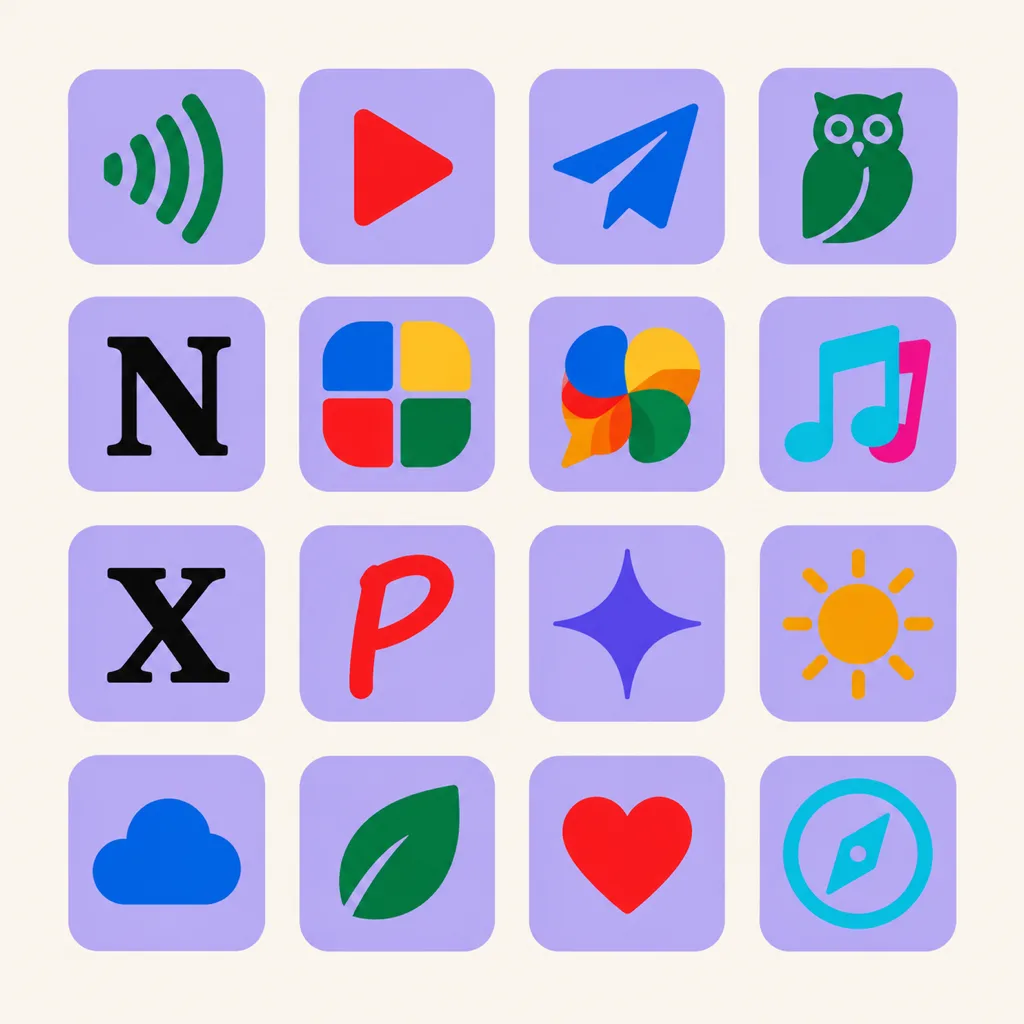
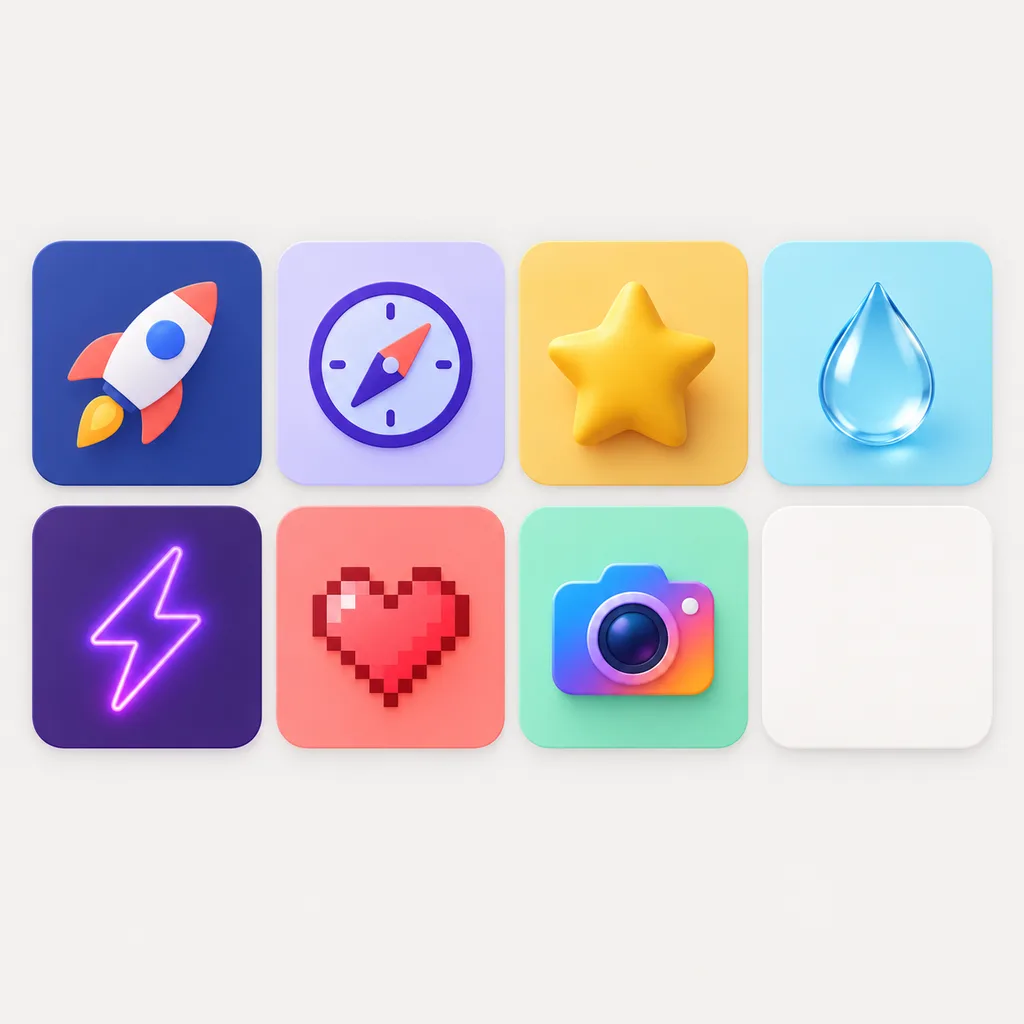
Marks generated for real websites and web apps, in flat, line, glass and minimal styles that stay sharp from 512 px down to a 16 px browser tab.


Refine Your Site Icon on an Infinite Canvas
A favicon lives at 16 px, so tiny details decide everything. Generate on the canvas, branch variants, strip backgrounds in one click, and check every candidate against real tab sizes before exporting the full set.
Visual Lineage Tree
Track prompt iterations and remix variants with elegant Bezier curves to compare lighting, texture, and color branches side by side.
Built-in Post-Processing
Instant 1-click background cutout with precise color replacement to fulfill strict Apple App Store non-transparent requirements.
Safe Zone Protection
Adjustable inner padding guides protect key artwork silhouettes from aggressive system corner clipping.
Site Icon Prompt Examples
Copy any of these into the site icon generator, then swap the subject, style and color words for your own. A site icon prompt works best when it states the subject, the style and palette, and the fact that the mark has to read at 16 pixels.
Minimal lettermark
Minimal site icon for a developer blog, one bold letter P centered on a dark slate square, white mark with high contrast, readable at 16 px, flat style, no fine detail, no text besides the letter
Friendly shop mark
Site icon for a plant shop, simple monstera leaf glyph centered, deep green on a cream background, soft rounded shapes, flat minimalist style, crisp edges that survive tiny sizes
Glassy SaaS favicon
Glassy site icon for a SaaS dashboard, abstract cube mark with a subtle highlight, blue gradient background, single clear silhouette, thick shapes, nothing that breaks below 32 px
How to Create a Site Icon in 3 Steps
From one sentence to a complete favicon set: the site icon generator handles every size, with no image editor involved.
- 1
Describe the mark
Write one sentence covering subject, style and colors, like "a flat compass mark, navy on white, site icon for a travel planner". Simple geometry gives the AI the clean silhouette a favicon needs.
- 2
Generate the 1024 master, then judge it small
Generate at 1024x1024 and preview the result at 16 and 32 px before deciding. The tab strip is where the icon lives; a mark that only works large fails there.
- 3
Export the full favicon set
Export the multi-size ICO, the 180px Apple touch icon, the 192 and 512 manifest PNGs and modern WEBP in one pass, then upload them or drop the files into your repo.
Site Icon Sizes and Formats, All in One Table
Browsers, Apple, Android and Google Search each pull a different file, and the site icon generator has to ship them all. These are the current numbers.
| Surface | What you ship | Format rules | Where it appears |
|---|---|---|---|
| Browser tab | 16x16 and 32x32 px PNG | Square; keep one glyph with strong contrast, since this is the smallest surface your icon ever fills | Tab strip and window title; Chrome uses 16 px on standard displays and 32 px on HiDPI screens |
| Legacy favicon.ico | One multi-size ICO holding 16, 32 and 48 px | Placed at /favicon.ico in the site root, so tools that never read link tags still find it | Old browsers, feed readers and crawlers that request the root file directly |
| Google Search results | Square file, a multiple of 48 px: 48, 96, 144 or 192 px | PNG, ICO, GIF, JPEG or SVG; must be crawlable, linked from the homepage head, and visually represent the site | Beside site names in mobile results; icons that break the size or branding rules get dropped |
| Apple touch icon | 180x180 px PNG | Square artwork with no transparency; iOS rounds the corners and drops it on the home screen as-is | iOS home-screen shortcuts and Add to Favorites bookmarks |
| Web manifest (PWA) | 192x192 and 512x512 px PNG | Declared in the web manifest; keep content inside the maskable safe area because Android crops its own shape | Android install prompts, home-screen icons and splash screens |
| SVG icon | One square SVG at any size | Scales to every surface and can carry a prefers-color-scheme variant for dark browser themes | Modern Firefox, Chrome and Safari swap raster favicons for it when declared |
Sizes follow Google's favicon guidelines and current browser behavior, checked September 2026.
Describe the mark, preview it at tab size, then ship the ICO, Apple touch, manifest and WEBP files from the table above in one pass.
Open the Site Icon GeneratorOne master, every surface
Every surface in the table reads a different file from the same master. Hand-coded sites wire them with at most three head tags: <link rel="icon">, <link rel="apple-touch-icon"> and a manifest link. Have a logo already? The free app icon resizer slices it into the full set.
The 16px tab strip
The hardest surface a site icon fills. The 1024px master shrinks 64-fold, and detail-rich logos turn to mud. Surviving marks carry one subject, two colors at most, and strokes that stay visible when half the pixels are gone.
The favicon.ico fallback
A format from 1996 that part of the web still runs on. Browsers that ignore every link tag and crawlers that never read your head still request /favicon.ico at the site root. One multi-size ICO there is the cheapest compatibility insurance.
Google's 48px rule
Mobile results show favicons next to site names, but only icons that pass the guidelines: square, side a multiple of 48px, declared on the homepage, crawlable and on-brand. Sites shipping 32px-only files have watched theirs disappear.
CMS uploads, no code
WordPress calls the favicon the site icon: upload a 512x512 square under Site Identity and it cuts every smaller size. Squarespace, Wix and Shopify keep a favicon field in their settings and take the 512px export unchanged.
Where a site icon actually shows up
The browser tab is the obvious spot, but the same file travels further: bookmark bars and reading lists, browser history pages, the most-visited grid on new-tab screens, Google's mobile results above the URL, iOS and Android home-screen shortcuts, and the task switcher of an installed PWA. Each surface crops or shrinks the icon differently, which is why the size table above exists. A mark that holds up at 16 px in a tab holds up everywhere else; the reverse is not true.
Three Ways to Get a Site Icon
A site icon generator and a favicon converter solve different halves of the problem: converters resize artwork you already have, AI generators create the artwork first.
| AI site icon generator | Favicon converter | Designer | |
|---|---|---|---|
| Starting point | A text prompt or a reference image | A finished square logo you upload | A brief, then review rounds |
| What you get | Original marks generated for the brief | Your existing artwork sliced into favicon files | Original artwork, tuned by hand |
| Legibility at 16 px | Regenerate until the mark survives the tab strip | Only as strong as the logo you started with | Strong, with enough iteration time |
| Full package export | Multi-size ICO, Apple touch, manifest PNGs and WEBP from one master | The whole point of most converters | Whatever the contract specifies |
| Time to ship | Under a minute per concept | Minutes | Days per round |
| Cost | Free credits to start, then credits per batch | Free | Hundreds per project |
Comparison of typical workflows, verified September 2026.
What the Generator Handles for You
Everything the site icon generator handles between the first prompt and files you can drop into a repo or a CMS field.
One 1024px master
Generate at high resolution once; every favicon size downscales from it without turning muddy at 16 px.
Favicon-ready exports
Multi-size ICO, 180px Apple touch icon and 192/512 manifest PNGs, without opening an image editor.
PNG, ICO and WEBP
Ship the format each platform asks for, including lean WEBP for modern pages.
Transparent or solid background
Transparent PNGs for pages with custom headers, solid fills that hold up against any tab color and dark theme.
Variants and history
Regenerate directions on the same concept and keep every version until the set ships.
Reference your brand
Upload an existing logo to steer palette and shape language so the favicon matches the rest of the brand system.
Site Icon Styles That Survive 16 Pixels
Style decides how much of the design survives the shrink to tab size, so test two or three directions in the site icon generator. Flat and minimalist marks hold up best because nothing depends on gradients or thin lines. Glassy presets work once the silhouette stays single and bold. 3D styles read beautifully in Apple touch and manifest sizes and acceptably in tabs when the outline is clear. Pixel art turns the tiny-canvas constraint into the aesthetic itself. Compare them at icon scale in the icon style gallery: the minimalist, 3D and glassy pages show each direction on real marks.
Design a Site Icon That Survives the Tab Strip
Most favicon problems start with designing at the wrong zoom, so four habits prevent nearly all of them. Compose around one subject, because two competing shapes at 16 px become noise. Cap the palette at two or three colors, since anti-aliasing eats subtle contrast long before the eye does. Test against both light and dark browser themes, because a navy mark on a dark tab disappears. And skip words: one letter can work at 16 px, a word never fits. Preview at tab size before committing, not after.
Where the Workflow Fits
One master from the site icon generator, exported for every surface that shows a small square beside your site's name.
WordPress site icons
Upload the 512x512 export under Site Identity; WordPress generates the smaller cuts and the link tags for you.
Squarespace, Wix and Shopify
Each platform keeps a favicon or browser-icon field in site settings, and all of them take the 512 px export unchanged.
Hand-coded sites
Drop the exported files in the site root, add the link tags once, and the set covers browsers, search results and shortcuts.
PWAs and web apps
The 192 and 512 maskable exports slot into the web manifest while the same master feeds the tab icon.
Studios and client work
Keep per-project history, regenerate the whole family when a client rebrands, and export consistent sets for every property.
Side projects and portfolios
Free credits to start, one prompt to a complete favicon set, and the tab icon ships the same evening.
Related Tools
Blog
Further Reading
Longer reads on icon design, sizes and workflows.

Site Icon FAQ
Sizes, formats, CMS uploads and the questions people actually ask about favicons.
What size should a site icon be?
Design at 1024x1024 and export down: 16 and 32 px for browser tabs, a square multiple of 48 px for Google Search results, 180x180 for the Apple touch icon, and 192 plus 512 px for the web manifest. The site icon generator exports all of them from the 1024 master, since every size is a clean downscale.
How do I add a site icon to my website?
Upload the files to your site root and link them from the homepage head: a <link rel="icon"> tag for the ICO, SVG or PNG, an <link rel="apple-touch-icon"> tag for the 180 px file, and a manifest link if you ship PWA sizes. On WordPress, Squarespace, Wix or Shopify, upload the icon in the site settings instead; the platform writes every tag for you.
Why isn't my favicon showing in Google search results?
Google only shows favicons that pass its guidelines: a square file whose side is a multiple of 48 px, linked from the homepage head, hosted on a stable crawlable URL, not blocked by robots.txt, and visually representative of the site. A 32 px-only icon fails the size rule. After fixing the file, the update lands when Google re-crawls, which can take a few days.
Site icon vs favicon vs app icon: what's the difference?
Favicon and site icon are two names for the same thing: the small square representing a website in tabs, bookmarks and search results. Site icon is simply what WordPress calls it. An app icon is the larger home-screen and store asset with its own specs, covered in the mobile application icon guide.
Can a favicon have a transparent background?
Yes, and transparent PNG or ICO exports are the default choice for hand-coded sites. Check the mark against a dark browser theme before shipping, because dark marks vanish on dark tabs. For the Apple touch icon, ship opaque artwork; iOS fills transparency black.
ICO, PNG or SVG: which format should I use?
The current minimal set is three files: one multi-size ICO at /favicon.ico as the fallback, one square SVG for modern browsers, and one 180x180 PNG for Apple devices. Add 192 and 512 px PNGs to the web manifest if the site installs as a PWA. Anything beyond that is redundancy.
How do I change the site icon in WordPress?
Go to Appearance → Customize → Site Identity and upload a square image of at least 512x512 px; WordPress crops it and generates every smaller size plus the link tags automatically. Generate the 512 px file in the tool above, upload it, and the tab icon updates after any cache clears.
Do I own the site icons I generate?
Yes. You keep full commercial rights to every icon you create, subject to the terms of service, which covers favicons shipped on client and commercial sites.
Ship a Site Icon That Survives the Tab Strip
Describe the mark once, let the site icon generator export every favicon size in one pass, and update the site the same afternoon.