
Mobile Application Icon: Sizes, Specs & Design Guide
A mobile application icon has to work in two places at once: on a phone's home screen, where it competes with dozens of neighbors at a fraction of its master size, and in the app stores, where uploads are checked against exact pixel specs before anyone sees the design. This page collects the numbers for iOS, Android and Google Play in one table, explains the design rules behind them, and shows how to turn one text prompt into a store-ready icon.
Mobile App Icon Examples
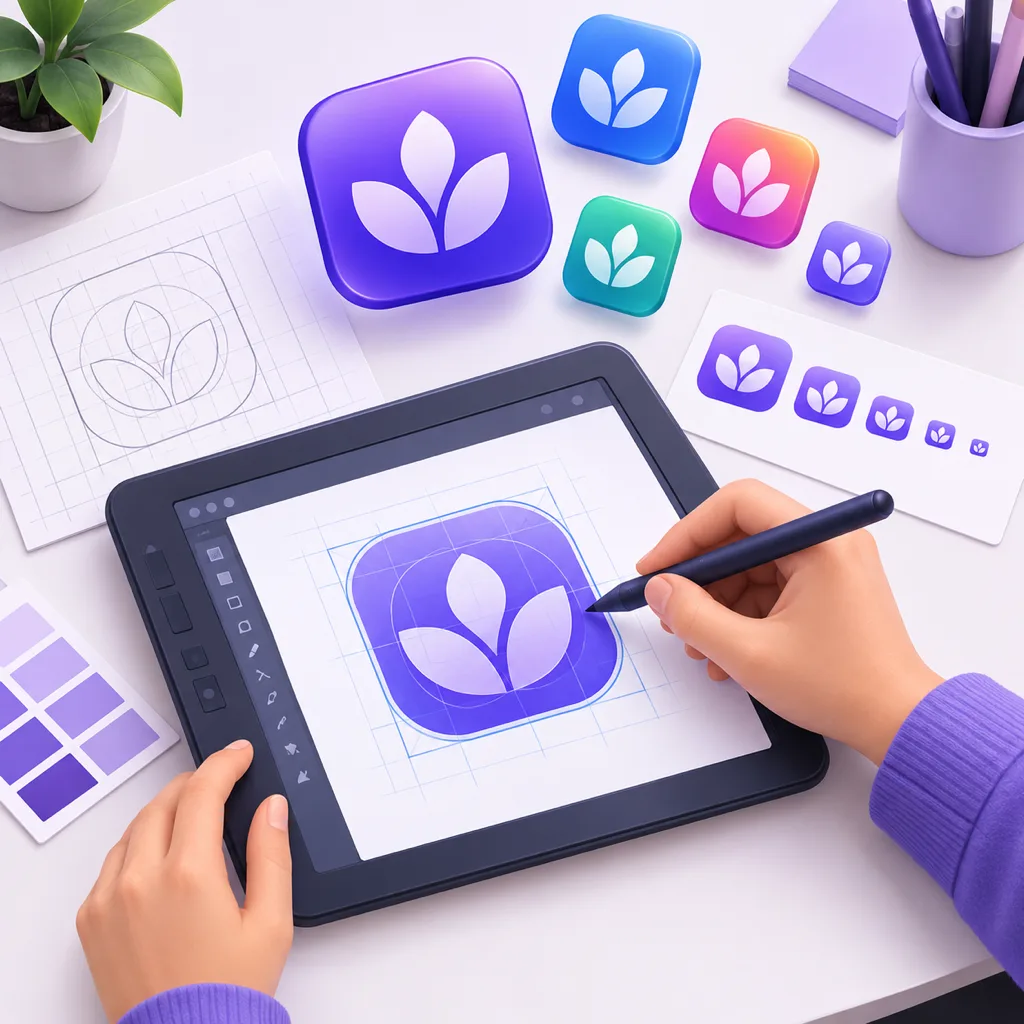
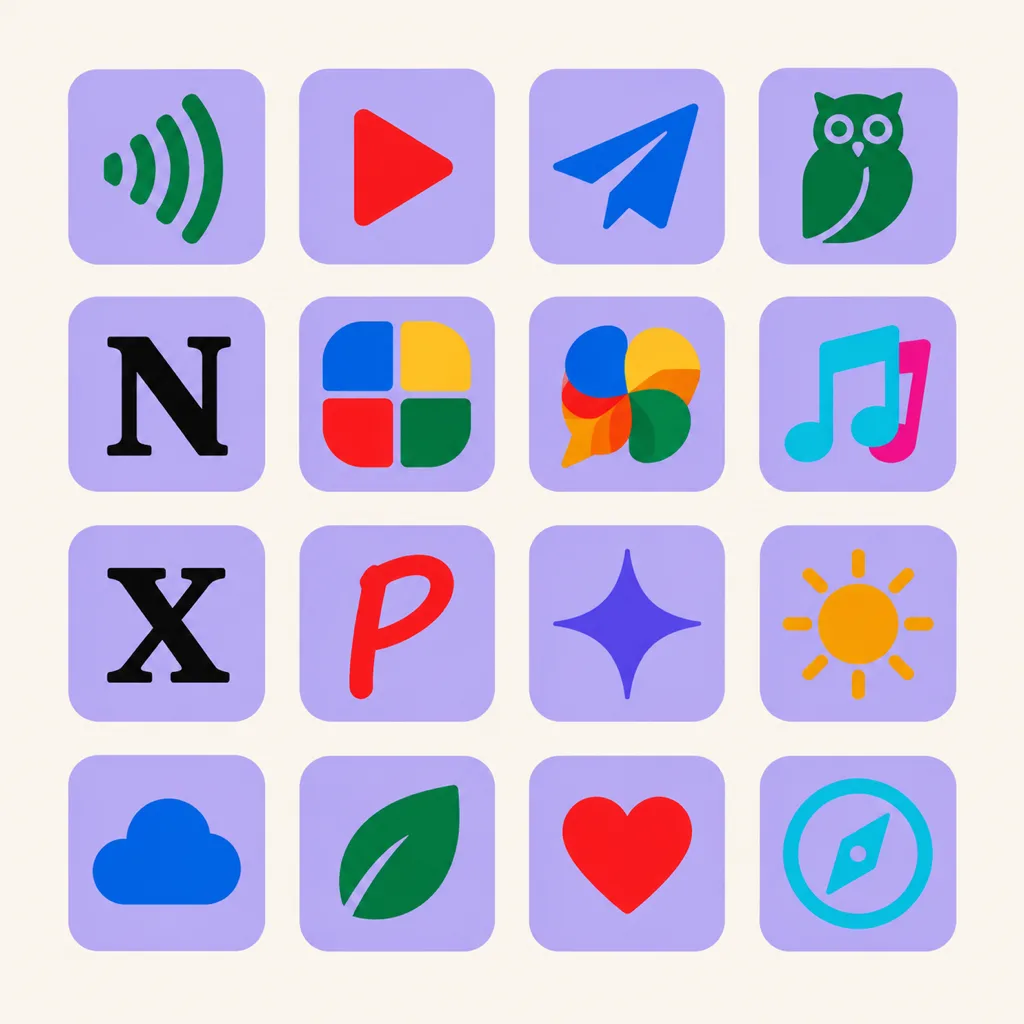
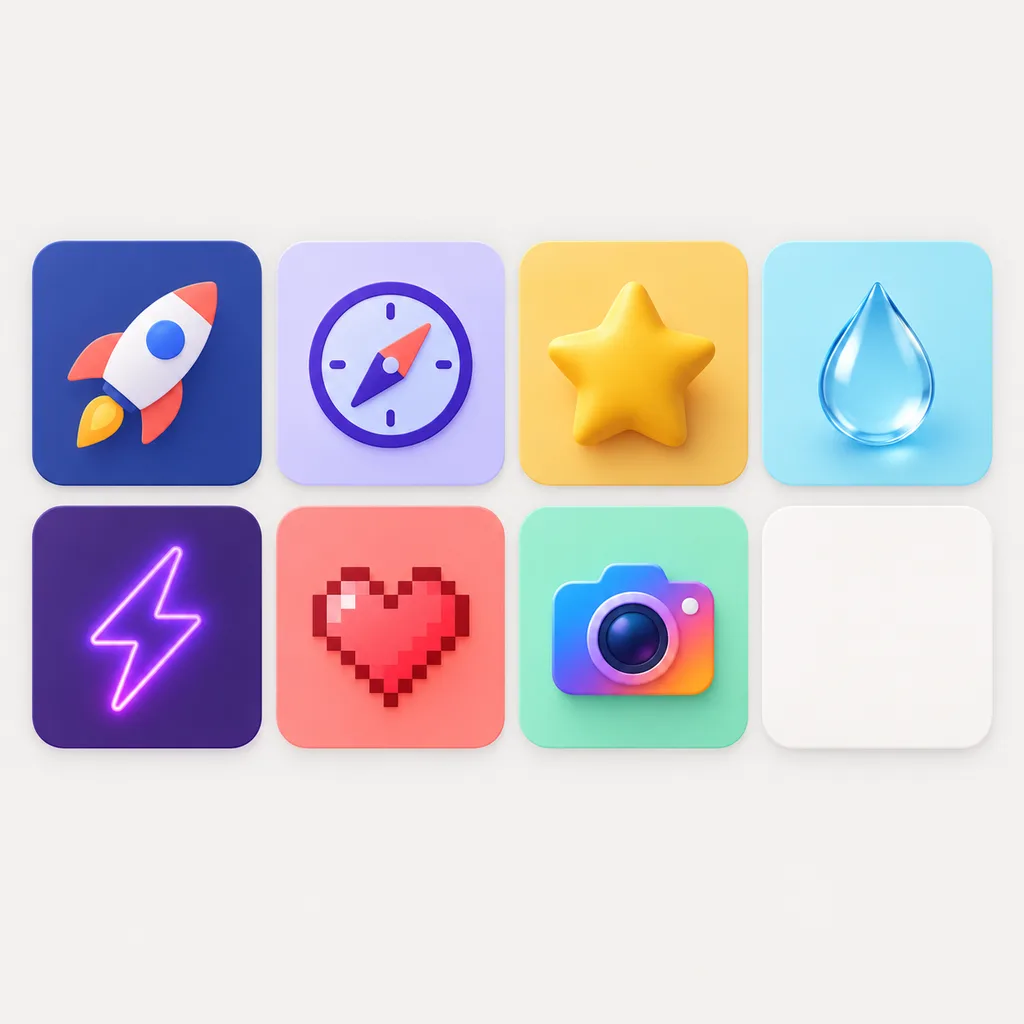
App icons generated for iOS and Android launches. Each one starts as a 1024 px master, gets refined on the canvas, and ships to every store size.


From First Draft to Store-Ready on One Canvas
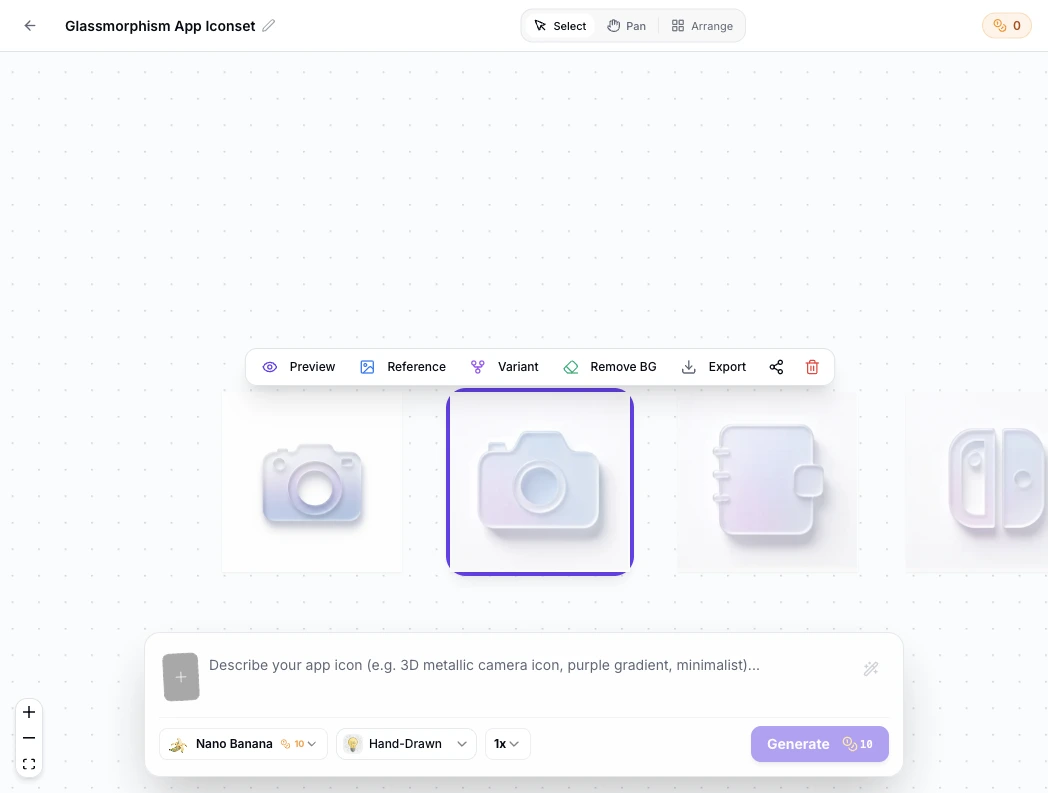
Every generation opens in the canvas workspace. Branch variants from any icon, switch to a solid background for the App Store, protect your silhouette with safe-zone guides, then export every store size in one click.
Visual Lineage Tree
Track prompt iterations and remix variants with elegant Bezier curves to compare lighting, texture, and color branches side by side.
Built-in Post-Processing
Instant 1-click background cutout with precise color replacement to fulfill strict Apple App Store non-transparent requirements.
Safe Zone Protection
Adjustable inner padding guides protect key artwork silhouettes from aggressive system corner clipping.
Mobile App Icon Prompt Examples
Copy any of these into the generator, then edit the subject, style and color words to fit your app. A good mobile app icon prompt states three things: the subject and where it sits in the square, the style and color, and the platform the icon ships on.
Minimal geometric mark
Minimal mobile app icon, one geometric compass mark centered on a deep navy field, thick silhouette readable at 48 px, full square composition, no text, no baked rounded corners, iOS app icon style
Photo app icon
Photo app icon for a photography portfolio, single camera lens subject with soft depth of field, warm amber tones, subject filling two thirds of the square, crisp edges, mobile application icon style
Adaptive-friendly letterform
Android adaptive app icon, bold letter M centered inside the safe zone, solid teal background layer, white foreground mark, simple shapes, no thin strokes that break at small sizes
How to Make a Mobile Application Icon in 3 Steps
From one sentence to every store size, with no design tools open.
- 1
Describe the icon
Write one sentence covering the subject, the style and color, and the platform it ships on, like "a flat geometric wave mark, two colors, mobile application icon for a fitness app". The clearer the shape, the closer the first result.
- 2
Generate the 1024 master, then check it small
Generate at 1024x1024 and preview the icon at 29 px and 60 px before judging it. An icon that only works large will fail on a home screen.
- 3
Export every store size
Export the master plus the presets for the App Store, adaptive layers, Play Store and PWA. Each file follows the format rules in the table below.
Mobile Application Icon Sizes for Every Store
Each store app icon upload is checked against hard numbers before review, so the numbers come first. This is the full list in one table.
| Platform | What you submit | Format rules | What happens next |
|---|---|---|---|
| iOS, App Store Connect | One 1024x1024 px master | PNG, fully opaque, no alpha channel, square with no rounded corners baked in | Xcode derives 180, 167, 152, 120, 80, 60, 40 and 29 px versions and applies the corner mask at display time |
| Android, adaptive icon | Foreground, background and monochrome layers, 108x108 dp each | Vectors preferred; the logo sits inside the inner 66 dp safe zone; the outer 18 dp per side is bleed for launcher masks and parallax | Each device masks the layers to its own shape: circle, squircle or rounded square. On Android 13 and up, the monochrome layer lets themed icons follow the wallpaper tint |
| Google Play Store | One 512x512 px asset | 32-bit PNG, sRGB color, at most 1024 KB, full square artwork | The store applies its own corner treatment, so upload the full square |
| PWA, optional | 192x192 and 512x512 px | PNG, content kept inside the maskable safe area | Browsers and install prompts crop to their own shape |
Describe the icon in one sentence, generate the 1024x1024 master, then export every size in the table above with one click.
Open the App Icon GeneratorSince Xcode 14, one 1024x1024 master covers every iOS context: 180x180 px on the iPhone home screen, 167x167 px on iPad Pro, 152x152 px on iPad, 120x120 px on older iPhones, down to 80, 60, 40 and 29 px for Spotlight, Notifications and Settings. You draw one opaque square with square corners; iOS owns the rounding.The adaptive format separates the artwork from the mask. You supply a foreground layer with the logo and a background layer of solid color or a quiet pattern, both 108x108 dp. Only the inner 66 dp is guaranteed visible, so nothing you cannot afford to lose goes outside it. A third, monochrome layer can ride along in the same adaptive icon so Android 13 themed icons can tint the mark to match the user's wallpaper. Older launchers still read a legacy 48 dp PNG, so export that too.The Play listing asset is separate from anything inside the APK or AAB: 512x512, 32-bit PNG in sRGB, under 1024 KB, full square.If the app also installs from the browser, add 192x192 and 512x512 PNGs to the manifest and keep the content inside the maskable safe area, since installed PWAs get masked much like Android icons. Already holding a finished square master from a designer or an earlier export? The free app icon resizer cuts it into every size in the table above without spending credits.
Where a phone application icon actually appears
A phone application icon shows up in more places than the home screen. It appears in store search results beside competitor icons, on the product listing next to your screenshots, in the app drawer or App Library, in Settings at 29 pt on iOS, and in notifications at 20 pt. Design for the smallest of these first: an icon that stays recognizable at 29 px holds up everywhere else.
Three Ways to Get a Mobile App Icon
An AI generator, an icon library and a freelance designer all produce a mobile app icon. They differ in how much of the result is yours, and how fast you get it.
| AI icon generator | Icon library or template | Hiring a designer | |
|---|---|---|---|
| Uniqueness | Every icon generated for your prompt | Shared with everyone who downloaded it | Original, within the brief |
| Time to a finished icon | Under a minute per concept | Minutes of browsing | Days per round |
| Cost | Credits or subscription, free to start | Cheap to free | Hundreds per project |
| Style and color control | Full, by prompt and preset | Fixed packs | Full, with skill |
| Copyright and store risk | Yours to use in shipping apps | License terms to check, lookalike risk on the shelf | Contract terms to check |
| A full icon set later | Same prompt base, repeatable | Mixed across libraries | Another round of work |
Comparison of typical workflows, verified as of 2026.
What the Generator Does for App Icons
Everything needed to go from one prompt to files a store accepts.
1024x1024 masters
Every icon generates at the size App Store Connect asks for, and it downscales cleanly.
One-click store presets
Export the 512x512 Play asset, adaptive layers and PWA sizes from the same master, with no manual resizing.
Opaque or transparent exports
Export the opaque PNG iOS requires, or transparent files for Android layers and the web.
Corner preview, not baked corners
Preview how iOS and Android masks will crop the artwork while the file stays square.
Variants until it fits
Regenerate versions of the same concept to test colors and weights before committing.
Every style for one mark
Minimalist, glassy, 3D, pixel and more presets, all tuned for small-screen marks.
App Icon Styles, from Photo to Flat
Style does most of the work once the size rules are met. A photo app icon, built around one clear subject with soft depth of field, suits photography and travel apps when the subject is big and centered. Flat and minimalist marks survive the smallest sizes most reliably, glassy and 3D presets add depth without fine detail, and pixel styles turn the small-canvas constraint into the look itself. Browse the icon style gallery to compare before you generate: the 3D, glassy and minimalist pages show each style at icon scale.
Design an App Icon That Survives the Home Screen
Most mobile application icon problems come from designing at the wrong zoom. Four habits prevent them. Compose for the full square, edge to edge, because both stores mask everything and crop nothing. Keep strokes thick, since hairlines vanish between 29 and 60 px. Hold contrast between the mark and the background, because home screens sit on wallpapers you do not control. And preview at 29 px before committing: that is closer to how most users first meet the icon than the 1024 px canvas is.
Where the Workflow Fits
One master, exported for every destination, is the whole idea.
Indie iOS apps
Ship the App Store master, let Xcode derive the rest, and keep the PNG opaque. Start in the app icon generator.
Android utilities
Adaptive layers with the logo inside the safe zone, plus the legacy 48 dp PNG for older launchers.
PWAs and web apps
192 and 512 maskable assets for install prompts, with a matching favicon from the site icon generator.
Product teams
Reuse one prompt to keep a mobile apps icon family consistent across several apps, then browse the icon gallery when a set needs to grow.
Store listing refreshes
New icon, same app: export, upload, and update the listing the same afternoon.
Game icons
Character-led marks with saturated palettes that stand out in crowded store search rows; branch variants until the mascot reads at 29 px.
Related Tools
Blog
Further Reading
Longer reads that pick up where this page ends.
Mobile Application Icon FAQ
Common questions about sizes, formats and how to make one.
What size should a mobile application icon be?
The master is 1024x1024 px for the App Store and 512x512 px for Google Play. Android adaptive layers are 108x108 dp with the logo inside the inner 66 dp. The stores derive or mask everything smaller, so you design once at master size.
Why does the App Store require a 1024x1024 icon?
It is the largest size iOS uses, and since Xcode 14 one opaque 1024x1024 PNG is all you submit; Xcode generates every smaller variant from it. The file must not carry an alpha channel or pre-drawn rounded corners, because iOS applies its own mask.
Can a mobile app icon have a transparent background?
On iOS, no: App Store icons must be fully opaque, and uploads with transparency are rejected. Android adaptive icons use a separate background layer instead of transparency, and web formats such as PWA icons and favicons can use transparency where the design calls for it.
What is an Android adaptive icon?
A two-layer format, 108x108 dp per layer, with your logo in the foreground and a color or pattern in the background. The launcher masks both layers to the device's shape, and the outer 18 dp per side exists as bleed for masks and effects, so live content stays inside the inner 66 dp safe zone.
What is the difference between an app icon and a logo?
A logo works at any size on surfaces you control; an app icon works at 29 px on someone else's wallpaper inside a mask you do not choose. App icons need simpler shapes, stronger contrast and a full-square composition, while logos can carry finer detail. Many apps derive both from one mark.
How do I create a mobile application icon?
Write one sentence describing the subject, style and platform, then generate the 1024x1024 master in the app icon generator. Pick a direction first if you are undecided, from a photo app icon for a photography app to a flat mark for a utility, preview it at 29 px, and export the store presets when it reads clearly.
Can I use the generated icons in a published app?
Yes. You keep full commercial rights to every icon you generate, subject to the terms of service, including icons shipped on the App Store and Google Play.
Why does Google Play reject my 512x512 icon?
The three usual reasons are a file over 1024 KB, a PNG that is not 32-bit sRGB, and artwork with baked-in rounded corners or padding. Export the full square 512x512 PNG from the master, keep it under 1 MB, and upload it again in Play Console.
Where does the 1024px icon go in Xcode?
Open Assets.xcassets, select the AppIcon set and drop the 1024x1024 PNG into the single size slot. Since Xcode 14 the asset catalog derives every smaller size and writes the Contents.json for you. Export an opaque PNG: App Store Connect rejects uploads that carry an alpha channel.
Ship a Mobile App Icon That Survives the Home Screen
Describe the mark once, export the 1024px master and every store size from the same file, and upload to App Store Connect or Play Console the same day.