
AI Icon Neon Generator: Glow That Ships
Neon belongs in dark interfaces: dock rows, tab bars, stream overlays, game menus. This neon icon generator turns one sentence into a glowing icon asset with controlled bloom, then exports a clean 1024 px PNG or WEBP you can drop straight into a project. Pick the subject, keep the glow readable, ship the file.
Neon Icons Generated from Text
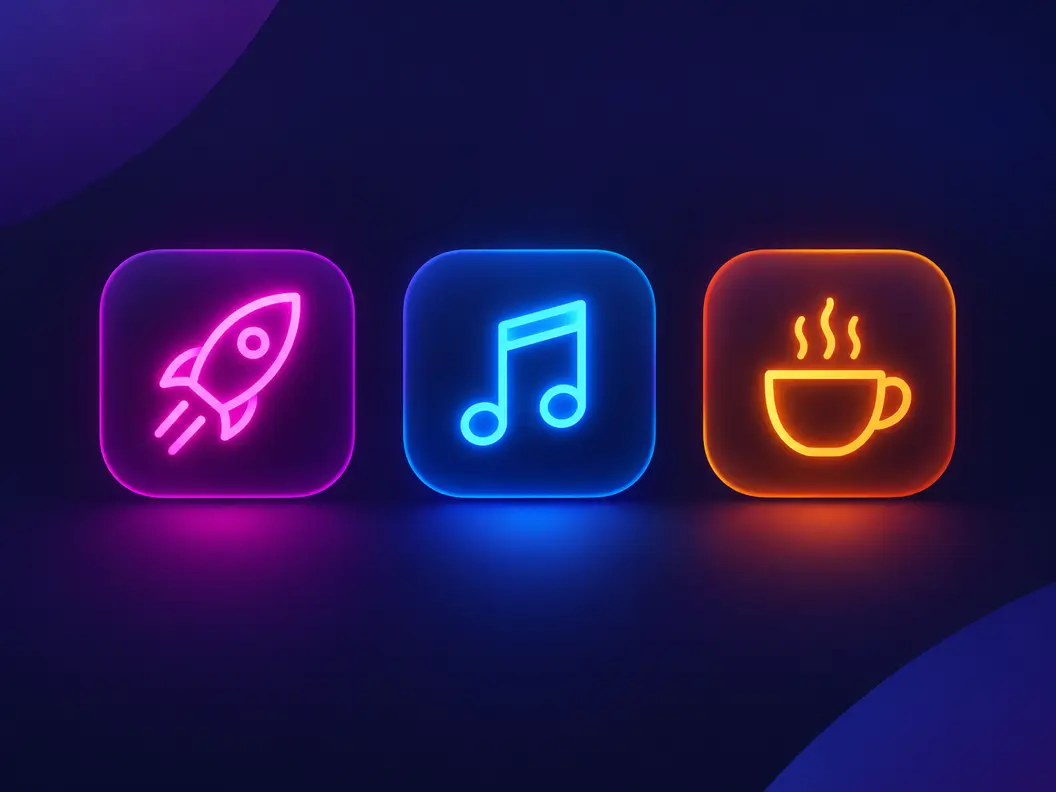
Neon style icons drawn by the neon icon generator from one-sentence prompts: single glyphs, small objects and marks that keep a readable silhouette under the glow.


What an AI Neon Icon Generator Produces
Neon is a style with strict physics: a bright core, a colored halo, and a dark stage that lets both read. A neon sign maker stops at the mood and hands you a picture of a lamp. An AI neon icon generator has to go further and return an asset: a flat 1024 px icon file where the glow survives at 48 px and the silhouette still reads at 24 px. The NEON style preset pins that physics for every generation, so candidates differ in subject, not in glow discipline.
Glow with a readable core
Neon icon prompts fail when the halo eats the shape. The preset asks for strong contrast and controlled light bloom, so the bright core stays inside the silhouette and the icon survives at small sizes.
Dark stages, transparent exports
Neon needs near-black surfaces to read properly. Export with a dark background baked in for store listings, or pick the transparent PNG when the icon will sit on your own dark UI.
One style, repeatable
Because the neon style is pinned, a second run of the same subject lands in the same visual family. That is what makes sets possible: five navigation glyphs that glow the same way.
How to Make a Neon Icon in 3 Steps
How the neon icon generator moves from a sentence to a glowing, exportable file.
- 1
Describe the subject and the glow color
Like "neon rocket icon, pink glow, dark background, clean silhouette". Name one subject, one glow color, and say icon so the model keeps the shape compact instead of drawing a full sign.
- 2
The NEON style is already selected
The page presets the NEON style, so you do not have to spell out bloom or contrast. Changing styles is one click if you want to compare a neon run against, say, a flat or 3D run.
- 3
Export the master at 1024 px
Download a 1024 px PNG or WEBP with a transparent or solid dark background. The file is big enough for store listings and cuts down cleanly for dock and toolbar use.
Neon Sign Generator or Neon Icon Generator?
Search AI neon icon generator and most results are neon sign makers, because the sign niche owns the word neon. They answer a different job. Here is how the three camps split, so you land on the right kind of tool.
Neon sign makers sell a mood
Sign generators render your text or logo as a photograph of a lamp on a brick wall. Great for picking bedroom decor, useless for shipping software: the output is a scene, not an asset with a transparent background.
Neon logo makers give you a lockup
Logo makers assemble glowing fonts and templates into a wordmark. Useful when the deliverable is a brand lockup, but you inherit the template family and rarely get a square icon cut.
An AI neon icon run gives you files
The deliverable here is a square 1024 px icon asset: subject drawn in neon style, exported as PNG or WEBP, transparent or dark. It drops into app bundles, UI kits and overlay scenes directly.
Turn a logo into neon the honest way
If the mark already exists, upload it as a reference and run the photo-to-icon page with the neon style, so the glow follows your shapes instead of a template's fonts.
Neon Icon Prompts That Keep the Glow Readable
Copy one and swap the subject. A neon icon prompt that works names one subject, one glow color, and a dark or transparent background; leave the bloom to the style.
Single object
neon coffee cup icon, warm orange glow, clean silhouette, dark background, no text
Letter glyph
letter K icon in neon style, cyan glow, bold single stroke, black background, readable at small size
Game asset
neon game controller icon, purple and pink glow, rounded silhouette, transparent background
Three Neon Tool Types, Compared
The tools ranking for neon queries fall into three camps and they answer different questions. Match your job to the right camp before you spend an hour prompting, and check where a neon icon generator fits among them.
| Neon sign makers | Neon logo makers | SparkIconAI | |
|---|---|---|---|
| What you get | A rendered photo of a neon sign | A glowing wordmark lockup | A square icon asset at 1024 px |
| Transparent background | No, the wall is baked in | Rarely, depends on template | Yes, PNG or WEBP |
| Style consistency across runs | One-off renders | Bound to the template family | NEON style pinned across candidates |
| Usable in an app bundle | No | Rarely, needs manual recutting | Yes, export sized for stores and docks |
| Prompt control | Text and font choice | Colors and fonts | Full subject, color and background control |
| Cost to try | Freemium with watermarks | Subscription at checkout | Free credits to start |
Comparison of typical neon sign makers, neon logo makers and AI icon generators as they ship in 2026, based on the tool categories ranking for neon queries. Individual products vary.
Where a Neon Icon Shows Up
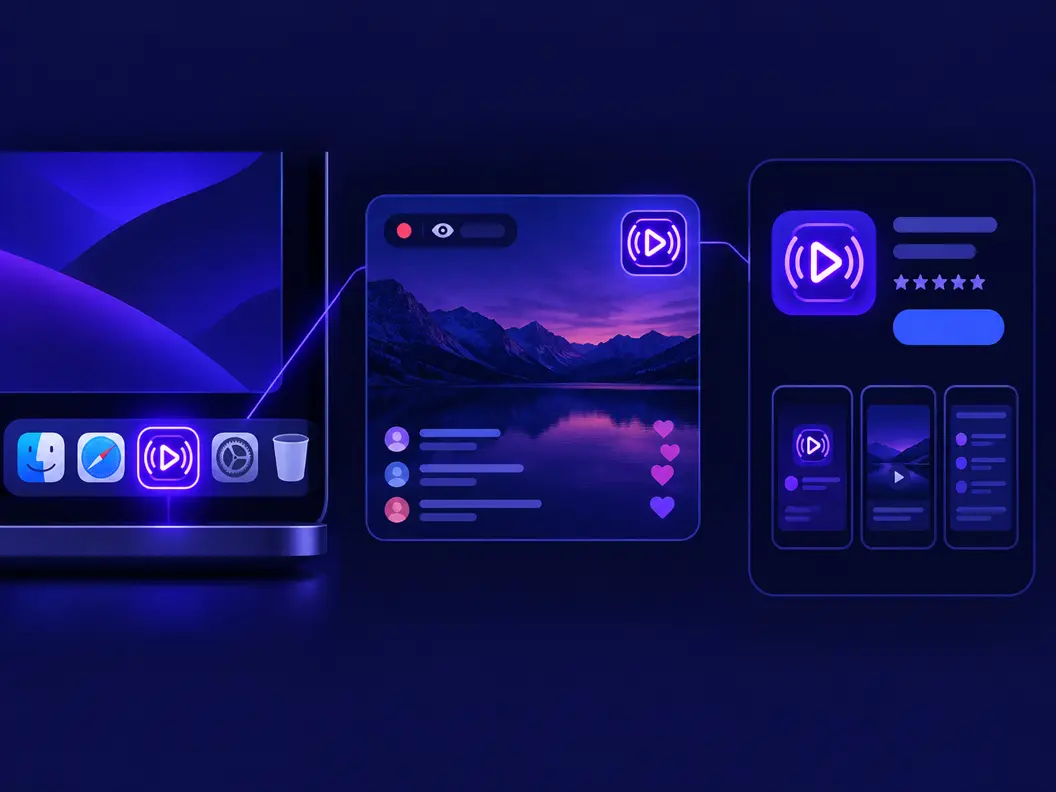
Glow is a dark-surface language, and the canvas previews respect that: the neon icon generator judges every candidate on the dark stage first, then you check the transparent cut on whatever surface ships.
Docks and tab bars first
Dark UI surfaces are where neon earns its keep. The 1024 px master scales down to dock and tab sizes with the glow intact, as long as the core stayed readable in the preview.
Stream overlays and avatars
Streamers paste neon marks on dark overlay panels where a flat icon would vanish. Export the transparent cut so the glow composites over the panel instead of arriving in a box.
Store listings on dark artwork
A neon icon photographed against a dark listing tile needs no retouching. Keep one master and recolor the stage, not the glow.
What the Neon Icon Generator Handles for You
Everything the neon icon generator does between your sentence and the glowing file in your export folder.
Style preset pinned to NEON
The glow language, contrast and bloom discipline arrive preset, so candidates differ by subject instead of by glow quality.
Dark and transparent exports
Pick the baked dark background for listings or the transparent PNG for UI. Both cut from the same 1024 px master.
Variations that keep the family
Generate variations of a candidate and the neon language holds, so you can pick a silhouette without restarting the style.
One-click style comparisons
Switch the same prompt to 3D, flat or pixel styles to sanity-check that neon is the right register for your product.
4K upscale for hero surfaces
Landing pages and overlay panels sometimes want more than 1024 px. The upscale path keeps the glow smooth instead of banding it.
Sets from one subject family
Need five navigation glyphs that glow alike? Generate the family in one run and pick the keepers.
Related Workflows
Neighboring generators for the jobs around a favicon.
Browse the neon gallery
Real neon style icons generated on SparkIconAI, browsable before you spend a prompt.
Neon sets, eight at a time
Generate a consistent glowing set for a dark UI kit.
Logo marks with a glow pass
Turn a brand letter into a neon mark for campaign pages.
Neon from your own artwork
Upload a sketch or logo and redraw it in neon style.
Related Tools
Blog
Further Reading
Longer reads on icons, styles and export workflows.
Neon Icon Generator FAQ
Style behavior, exports, the sign-vs-icon split, and how prompts interact with the preset.
What is an AI neon icon generator?
It is a text-to-icon tool with a neon style preset: you describe a subject, the model renders it as a glowing icon on a dark or transparent stage, and you export a square 1024 px file. The preset pins the glow physics so every candidate shares the same neon language.
Is the neon icon generator free to try?
Yes. Free credits cover your first generations, and each candidate costs one credit to render. Paid plans add volume and higher resolutions; the pricing section above lists the current tiers.
Can I export neon icons with a transparent background?
Yes. The transparent PNG or WEBP is the default export for UI use, and a baked dark background is available for store listings and mockups. Both come from the same 1024 px master.
What is the difference between a neon sign and a neon icon?
A neon sign generator renders a photograph of a lamp, wall included, for decor mockups. A neon icon generator produces a square asset file with the glow drawn into the artwork and a transparent cut for interfaces. If the deliverable is a file that ships inside an app or a site, you want the icon generator.
Why does my neon icon look muddy at small sizes?
Because the halo grew past the silhouette. Regenerate with the glow color named once and drop words like sparks, rays or smoke; the preset already handles bloom, so extra glow adjectives only blur the core. A neon icon generator rewards restraint.
Can I turn my existing logo into a neon icon?
Yes. Use the photo-to-icon page with your logo as the reference image and the neon style selected, and the redraw will follow your shapes instead of inventing new ones.
Which prompts pair well with the neon style?
Single-subject prompts with one glow color work reliably: a rocket, a letter, a controller, a coffee cup. Icons are small canvases, so one subject with a clean silhouette outperforms a scene with five elements.
Do neon icons work in light mode interfaces?
Directly on white, weakly: neon needs a dark stage for contrast. In light UIs, place the transparent cut on a dark tile or chip, which is also how most dock and overlay designs use it.
What sizes should a neon app icon cover?
Generate the 1024 px master here, then cut platform sizes from it. Stores want 512 px tiles, docks and tab bars live under 64 px, and the neon icon generator's master covers both ends without upscaling artifacts.
Can I generate a matching set of neon icons?
Yes. Keep the subject family and glow color identical across prompts and generate the set in one session; the pinned style keeps the language consistent. The 8-icon set page batches the whole run.
Generate Your Neon Icon
The neon icon generator turns one sentence into a 1024 px glowing asset, with transparent and dark background exports in the same download.