
8 Icons, One Style: Generate a Matching Set of 8 Icons
Eight is the number a landing page feature grid displays: two rows of four, four columns of two, and it splits evenly beside a screenshot. The hard part is not drawing 8 icons, it is making all 8 look like one family. Describe the style once, generate each mark from the same prompt family, and check the whole set side by side on one canvas before anything ships.
Icon Set Examples
Marks generated from single style prompts: line, minimalist and flat families that keep one stroke weight and palette across every glyph, from 1024 px masters down to 24 px grid tiles.


What Is an 8-Icon Set?
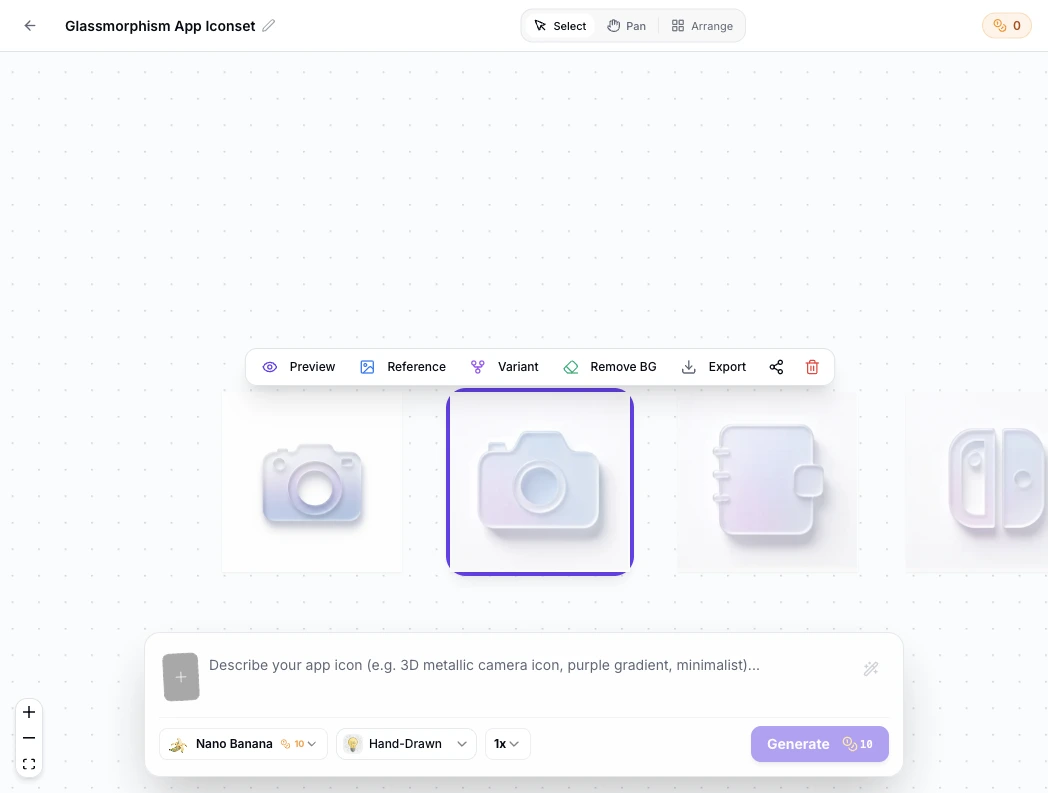
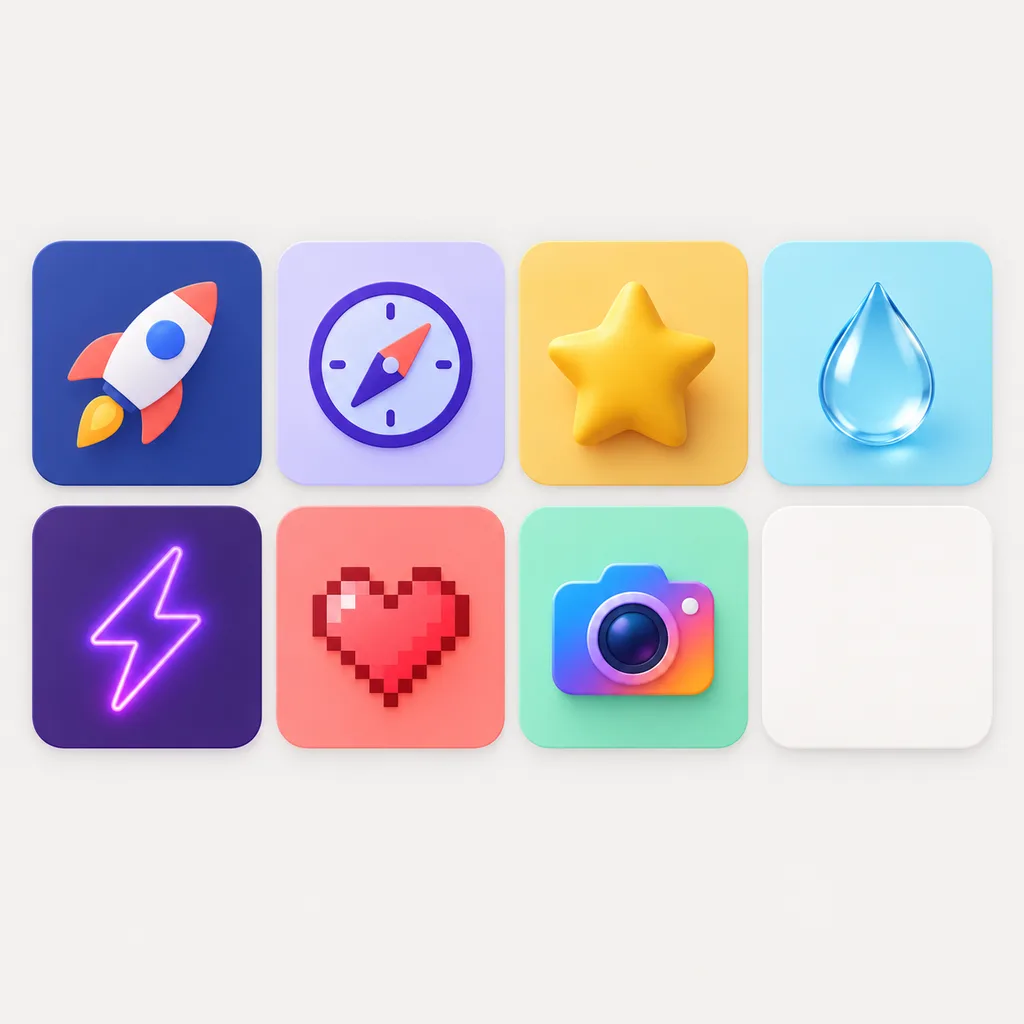
An 8-icon set is a matched family of exactly eight marks, sized for the places eight fits: the two-by-four feature grid on a landing page, a pricing table's plan columns, an onboarding flow with four steps shown twice, a category tile row. The set works when all eight share one style, one palette and one stroke weight, and it fails when even one glyph comes from somewhere else. That is the quiet failure of assembled sets: one icon saved from a stock pack, seven drawn in-house, and the grid reads as clipart. A set generator closes the gap from your side. Write the family description once, generate each of the 8 icons against it, use the first approved mark as a reference for the remaining seven, and review the whole family side by side on the canvas at the size the grid will display them.
Prompt DNA for All 8
Every mark in the set reuses the same style, palette and stroke sentence, so icon 8 belongs to icon 1 by construction.
Reference Locks the Look
Attach your first approved mark as a reference image and the next generations follow it instead of reinterpreting the style.
Family Review at Grid Size
Compare all 8 at 24 px in one canvas view, because a matched set is judged as a row, not one icon at a time.
8-Icon Set Prompt Examples
Copy any of these into the generator and swap the subjects for your own. A set prompt names the family first, style, palette and stroke, then the subject: generate the 8 subjects one by one against the same family sentence.
SaaS feature grid family
icon for a feature grid, minimal line style, 2 px uniform stroke, single indigo accent on white, subjects: analytics chart, calendar sync, team inbox, automation flow, file lock, API plug, mobile preview, globe
Onboarding steps family
icon for onboarding steps, flat minimalist style, rounded corners, teal and charcoal palette, thick silhouettes readable at 24 px, subjects: account seed, profile edit, team invite, first task, data import, notification setup, tour, checklist
Category tiles family
icon for marketplace category tiles, line style with soft fills, 2.5 px stroke, warm amber and cocoa palette, subjects: fresh produce, bakery, dairy, drinks, household, pets, garden, gifts
How to Make a Set of 8 Matching Icons in 3 Steps
One family sentence, eight generations, one review pass at the size the grid displays.
- 1
Write the family sentence
Lock the shared traits before the first generation: "minimal line style, 2 px stroke, indigo accent on white, no text". This sentence is the DNA every one of the 8 icons reuses, and it matters more than any single subject description.
- 2
Generate the marks against it
Generate each subject with the family sentence in the prompt. After the first mark passes review, attach it as a reference image so icons 2 through 8 follow its exact stroke and palette.
- 3
Review as a row, then export
Line all 8 up on the canvas at display size and fix the outliers: a mark too detailed or too thin gets regenerated, not excused. Export PNG at 2x the tile size when the row reads as one family.
8-Icon Set Sizes and Consistency Specs
Where sets of eight land and what each placement expects. Export at 2x the render size and hold the consistency rules, and the same 8 files serve every placement below.
| Placement | How the marks are arranged | Render size to check | Consistency rule |
|---|---|---|---|
| Feature grid | Two rows of four, or four columns of two beside a screenshot | 24 to 48 px per mark | Same stroke weight on every tile; one odd glyph reads as a stock leftover |
| Pricing table | One mark per plan column, with an eighth for the FAQ or comparison row | 32 px per mark | Same palette in every column, no per-plan recolors of the same glyph |
| Onboarding and empty states | Step markers and helper glyphs, reused across flows | 16 to 32 px inline | One concept per mark, since onboarding text carries the meaning |
| Category tiles | Two rows of four on marketplaces, shops and directories | 32 to 64 px per tile | Equal visual weight: no mark denser than its row neighbors |
| Deck and social variants | The same eight marks reused as a slide strip or post carousel | 1024 px PNG masters | Transparent and solid-background cuts from the same masters, never redrawn |
Render sizes follow common feature grid, pricing table and tile conventions in 2026 web design; export at 2x for retina displays.
Describe the style once, generate the first mark, then let the reference chain carry it across the whole set.
Open the 8 Icon Set GeneratorHow the 8 Icons Stay One Family
Consistency is engineered, not hoped for. The workflow below is what keeps icon 8 inside the family icon 1 started. Have finished squares that need a different size? The free app icon resizer cuts them without a new render.

The family test
The set passes when a viewer cannot tell which icon was generated first: same stroke, same corners, same palette density. Review in the 2x4 arrangement the grid will use.
The reference chain
Generate subject one, approve it, then attach it as the reference image for subjects two through eight. Each new mark inherits the approved look instead of reinterpreting the prompt.
The outlier pass
At review size, the outliers announce themselves: too thin, too dense, too cute. Regenerate outliers against the family sentence rather than shipping a near miss.
The growth path to nine and ten
Sets rarely stay at eight forever. The same reference chain adds a ninth category or a new feature mark later, inside the same style, without redoing the first eight.
Three Ways to Get 8 Icons
An AI generator, an assembled stock pack and an icon font all promise eight matched marks. They differ in who enforces the match and what breaks when the page changes.
| AI icon generator | Stock icon packs | Icon fonts | |
|---|---|---|---|
| Where the marks come from | Generated for your subjects, one family sentence | Drawn by mixed authors, bundled by search term | One typeface, glyphs as characters |
| Set consistency | Enforced by shared prompt and reference image | Rare across packs; you curate the match yourself | High within the font, capped by its catalog |
| Exact subjects | Any subject you can describe, including your own features | Only what the pack already contains | Only the glyphs the font ships |
| Format | PNG, ICO and WEBP, transparent or solid | SVG, PNG and font files per license | Web font or SVG sprite |
| Performance on the page | Plain image files, no extra requests beyond the images | Extra requests when marks come from several packs | Font file loads before icons paint; alignment needs CSS fixes |
| Adding icon number nine | Generate it against the same reference | Search again and break the match | Wait for the font to ship the glyph |
Comparison of typical icon sourcing workflows for feature grids, verified as of 2026.
What the Generator Handles for You
Everything between the family sentence and 8 matched files your grid can ship.
One family sentence
Style, palette and stroke weight declared once and reused for every mark in the set.
Reference-image chaining
Lock the first approved icon as reference and every later mark follows its exact look.
Variants per subject
Branch any of the 8 into alternate weights and colors without losing the family line.
Grid-size previews
Check every mark at 48, 32 and 24 px, the sizes feature grids render.
2x exports
PNG exports at twice the tile size, plus ICO and WEBP when the surface needs them.
Canvas family view
All 8 marks on one infinite canvas, arranged in the row the grid will use.
Set Styles: Line, Minimalist and Flat
Grid sets live small, so style decides survival. Line styles keep feature grids light and technical, minimalist styles carry the most subjects without collisions, and flat color blocks add weight when tiles need punch. See each direction on real marks in the icon style gallery: the line, minimalist and cartoon pages show finished families.
Design Rules for a Set of 8
Four rules keep eight marks reading as one. Fix the stroke weight and corner radius before generating, because the eye flags a thin sibling before it flags a wrong glyph. One concept per mark: a grid tile has room for one idea, not a scene. Balance visual weight, since a dense mark beside light ones pulls the whole row. And review the finished set at 24 px in the final 2x4 arrangement, where optical adjustments matter and glamour renders do not.
Where the Workflow Fits
Any surface that displays a row of small matched symbols, plus the neighbors that get the same family shipped.
Landing page feature grid
The classic two-by-four grid of feature marks, generated in one style and reviewed at tile size.
Full brand icon family
When the 8 grow into a full vocabulary across app, site and support pages.
Store launch icons
The launch mark that anchors the set, exported for the App Store and Google Play.
Favicon cuts from the same family
The smallest family member cut into favicon.ico and PWA sizes for the site.
PNG export pass
One master per mark, exported to every PNG size the site and deck need.
General purpose icon maker
Subjects outside the grid: single marks, avatars and monograms in the same style.
Related Tools
Blog
Further Reading
Longer reads on icon sets, grid design and export workflows.
8-Icon Set FAQ
How to generate, match and ship a set of eight, and what to do when the set needs to grow.
How do I make 8 icons that match?
Write one family sentence covering style, palette and stroke weight, generate all 8 subjects against it, and attach the first approved mark as a reference image for the rest. Finish with a review pass at 24 px with the whole set in a row.
Can I generate all 8 icons at once?
Each generation produces one icon. The set workflow is one subject per generation with the same family sentence and a reference image, which is what keeps the 8 marks matched. The canvas then lines them up as one family.
Why do feature grids use 8 icons?
Eight fills a two-by-four or four-by-two grid evenly, splits into two screenshot-width rows, and matches the common case of four product pillars each shown with a benefit mark. It is the largest count that stays scannable without a second visual tier.
How many icons should my landing page grid have?
Ship as many as the page honestly supports: 8 for a full feature grid, 4 or 6 when the section sits beside a screenshot. The generator does not lock a count, so start at 8 and cut the two weakest marks rather than padding the row.
What sizes do feature grid icons need?
Export at 2x the tile render size: 96 px files for 48 px tiles, 64 px for 32 px tiles, plus 1024 px masters if the marks double as app or social icons. The sizes table above lists each placement.
How do I keep the set consistent?
Three controls do the work: the shared family sentence in every prompt, the reference image chained from the first approved mark, and the outlier pass that regenerates any glyph that drifts on weight or density at review size.
What if I need more than 8 icons?
Generate the ninth and tenth against the same reference chain. The family sentence does not expire, so later marks join the set without redoing the first eight.
Can I use the set commercially?
Yes. You keep full commercial rights to every icon you generate, subject to the terms of service, including sets shipped on products, client sites and paid templates.
Do the icons work as SVG?
Generation outputs raster masters with PNG, ICO and WEBP exports. For vector SVG glyphs, the raster masters can guide a trace in your editor of choice, with the canvas previews as the reference for stroke weight.
How do I start an 8 icon set for free?
The generator above starts with free credits: write the family sentence, generate the first marks, and review the row before paying anything. A full set of 8 uses 8 generations.
Generate Your Set of 8 Icons
One family sentence, one reference chain, eight matched marks ready for the grid.