
Icon Maker: Generate Any Icon with AI
Describe the icon you need, or drop in a reference image, and get a crisp 1024 px master you can export as PNG, ICO, WEBP, SVG and more. Every icon you generate is yours to use commercially.
Icon Maker Examples Across Every Style
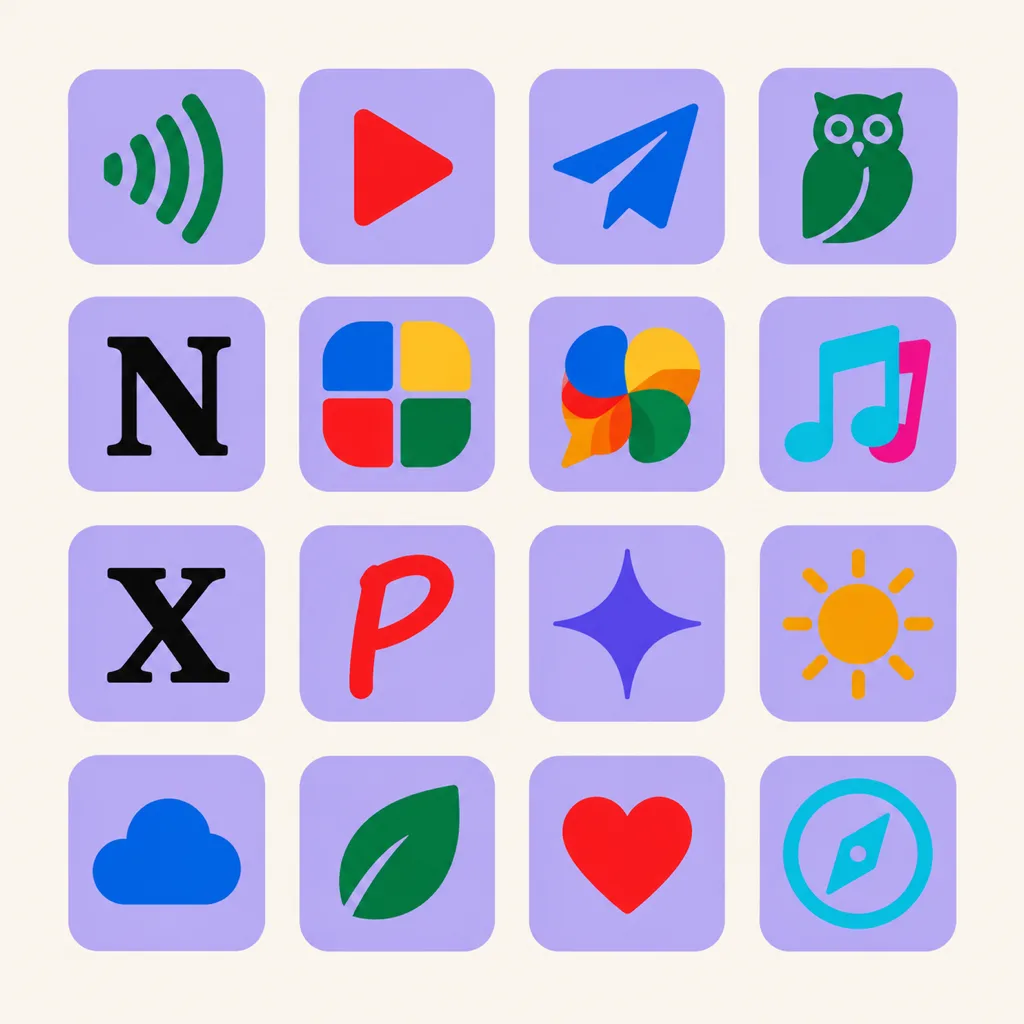
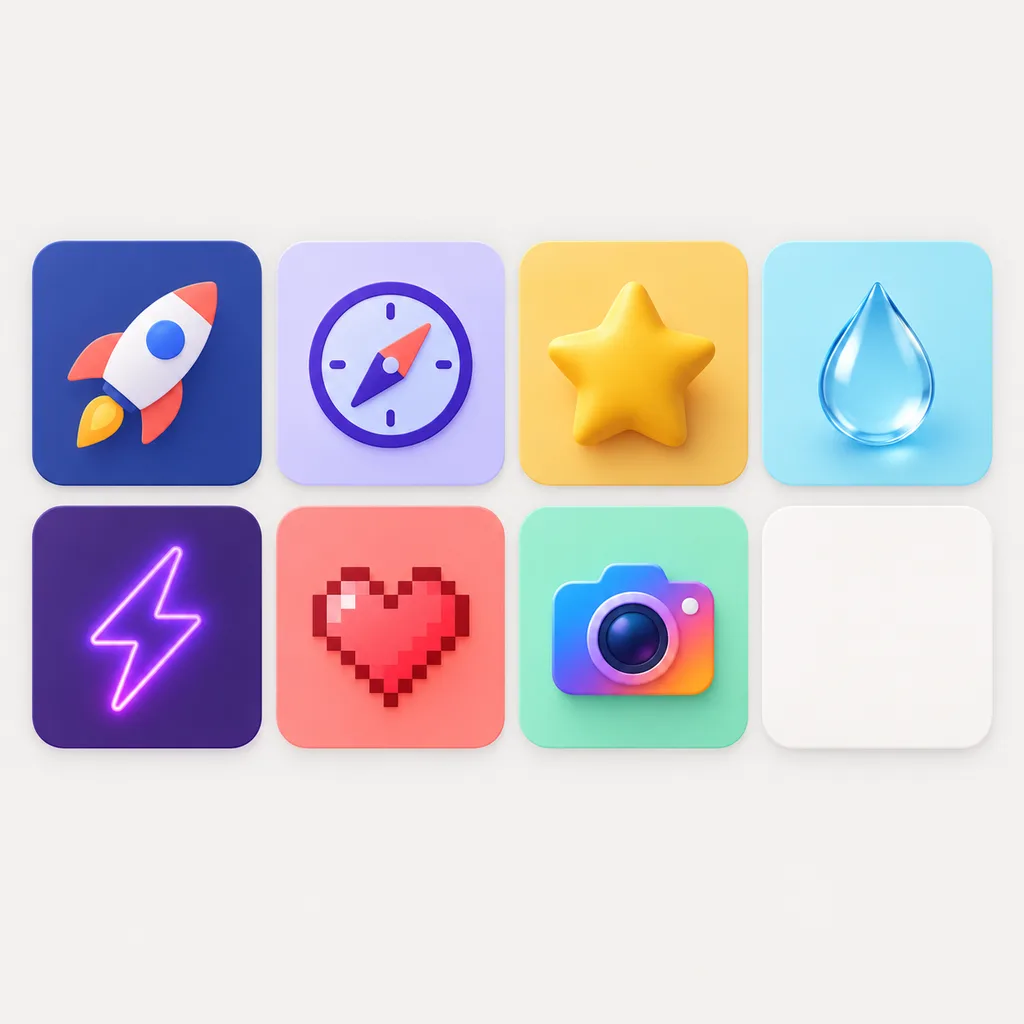
Real icons made with this icon maker, spanning 3D, glass, clay, metallic, flat, line and hand-drawn styles. Describe a direction you like, then keep branching variants on the infinite canvas until it feels right.


What Is an Icon Maker?
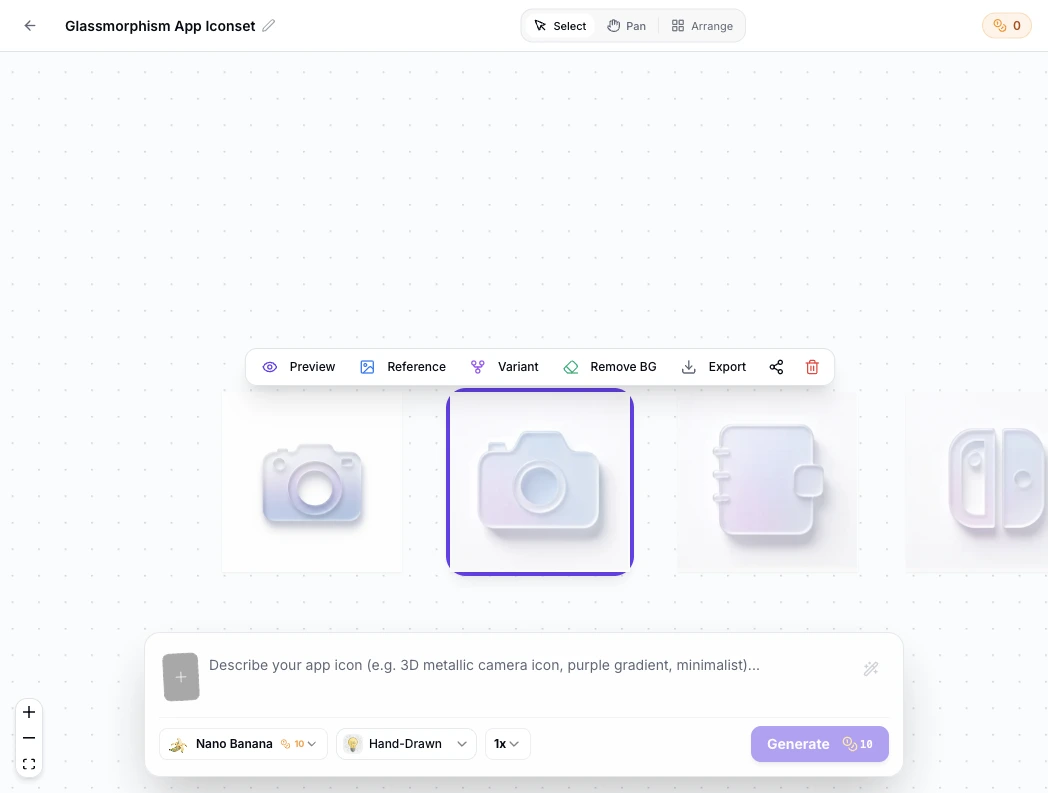
An icon maker turns a written description into a finished icon. This one runs on modern image models: choose a style, set a primary color and background, and get a 1024 x 1024 master ready to export as PNG, ICO, WEBP, JPEG, AVIF or SVG. Instead of dragging premade shapes around, you get an icon drawn for your prompt, and every result is yours to use commercially. Generation is only the first step. Each icon lands on a node-based canvas where you branch variants, compare options side by side, remove backgrounds in one click and keep a clear lineage of every iteration. No file juggling, no starting over.
Visual Lineage Tree
Track prompt iterations and remix variants with elegant Bezier curves to compare lighting, texture, and color branches side by side.
Built-in Post-Processing
Instant 1-click background cutout with precise color replacement to fulfill strict Apple App Store non-transparent requirements.
Safe Zone Protection
Adjustable inner padding guides protect key artwork silhouettes from aggressive system corner clipping.
Icon Maker Prompt Examples
Each prompt below follows the same formula: the subject and where it sits, the style, the colors, then constraints. Copy one into the generator above and swap the subject to fit your app, brand or game.
Flat app icon
Flat app icon of a paper plane centered on a deep teal square, bold silhouette readable at 48 px, two colors, full square composition, no text, no baked in rounded corners
3D clay style
3D icon of a rocket in soft clay texture, pastel orange and cream, centered with even lighting, rounded shapes, isolated on a plain background
Pixel game item
Pixel art icon of a health potion, 16 bit palette in red and gold, thick outline, centered in the square, crisp edges, game item icon style
How to Make an Icon in 3 Steps
From one sentence to platform ready files, with no design tool open.
- 1
Describe the icon
Write one sentence covering the subject, the style and the colors, like "a flat geometric fox mark, two colors, mobile app icon". Or upload a reference image and let the style follow it.
- 2
Generate, preview and refine
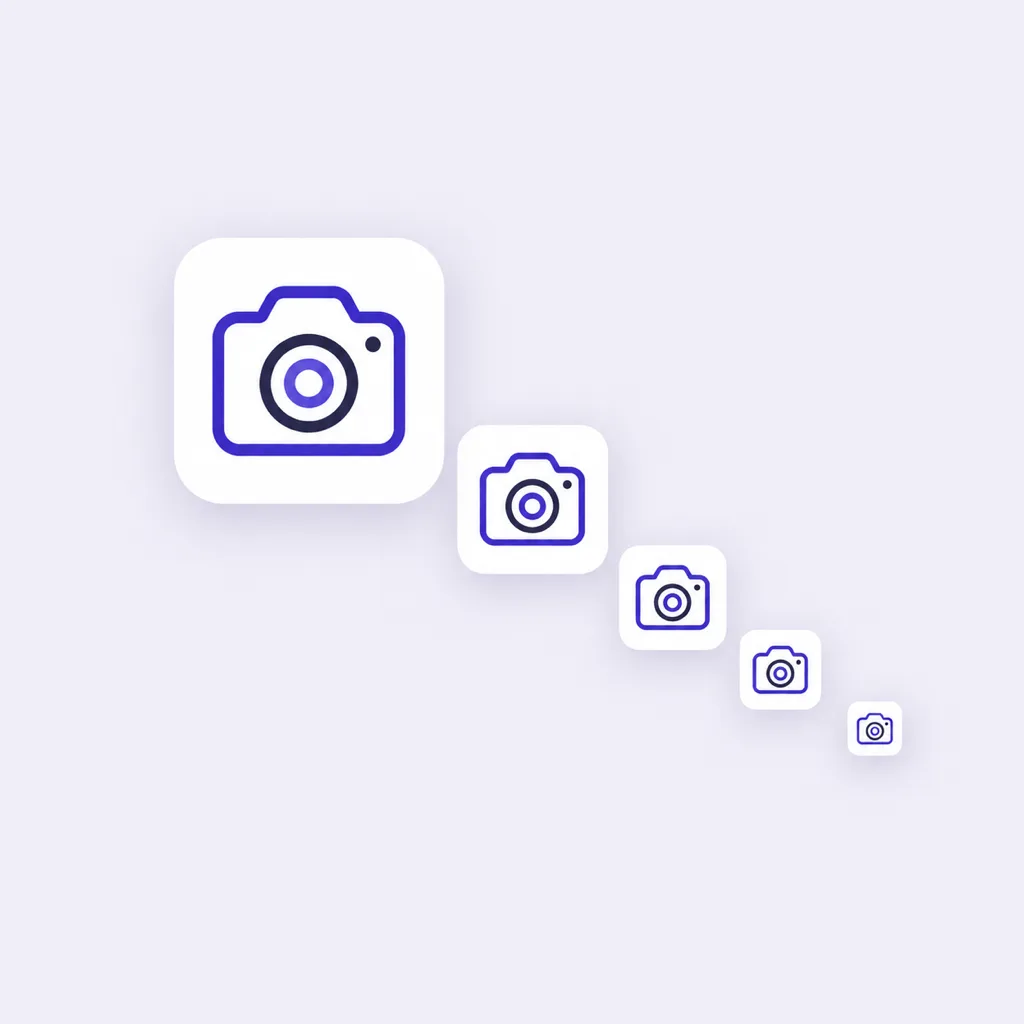
Each run returns a 1024 x 1024 master. Check it at small sizes, then spin off variants or switch models, from the fast option at 10 credits per icon to the highest quality one at 50.
- 3
Export the right format
Pick a preset or set your own: PNG for stores, a multi-size ICO for desktop, WEBP for the web, SVG for scalable uses. Background and corner radius adjust before download.
What This Icon Maker Does Differently
The parts that matter once you move from a first draft to files you can ship.

Advanced AI Models
Generate with the Nano Banana and GPT Image series, including the new GPT Image 2.5. Use a fast model at 10 credits per icon while exploring, and a premium one at 50 credits when the final mark matters. Upscaled 2K and 4K output costs proportionally more credits.

16 Curated Styles, One Consistent Set
Start from styles tuned for icons: 3D, flat, pixel, hand drawn, Ghibli, neon, jelly, enamel badge and more. Lock a style once and reuse it across a whole set so every icon matches.

Crisp at 1024 px and Beyond
Every icon generates at 1024 x 1024, with 2K and 4K output when a project needs it. Solid or transparent backgrounds, so icons drop onto any surface without halos.

Instant Variants
Generate variations of any result and keep the version history. Iterating on your strongest draft beats rolling the dice on a brand new prompt every time.

Flexible Export Options
Export PNG, ICO, WEBP, JPEG, AVIF or SVG with presets for web, mobile, desktop and favicon sizes, or set custom dimensions and corner radius. ICO exports bundle multiple size layers into one file.

Reference Image Guidance
Upload a logo, sketch or screenshot and the maker follows its subject and palette while redrawing it in your chosen style. Works with any of the 16 styles.
What Can You Make with an Icon Maker?
One master, exported for every destination. These are the jobs it handles most often.
App icons
A 1024 px master that drops straight into iOS and Android icon sets, ready for Xcode or Play Console. The app icon generator on the homepage exports the full platform resource packs.
Website favicons
A mark that still reads at 16 px. Pair the master with the site icon generator for the complete favicon bundle.
Game and 3D icons
Items, badges and characters in a consistent style. The 3D icon generator presets clay, glass and glossy looks for this.
Slides and documents
Illustrative icons for presentations, docs and Notion pages, exported as PNG or SVG at exactly the size the layout needs.
Community and profile icons
Server icons, bot avatars and profile pictures that match a brand, generated in minutes instead of briefs.
Matching icon sets
Reuse one prompt and style across a whole UI set so every icon feels related, then export each at its own size.
AI Icon Maker vs Template Editor vs Icon Library
Three common ways to get an icon. They differ in where the design comes from and what you can do with the result.
| AI icon maker | Template editor | Icon library | |
|---|---|---|---|
| How the icon is produced | Drawn from your text prompt or reference image | Assembled from premade shapes and templates | Downloaded as someone else drew it |
| Uniqueness | Generated for your prompt | Limited by the template catalog | Shared with every other downloader |
| Style range | 16 icon-tuned styles plus prompt control | Fixed to what the editor ships | Fixed packs from mixed authors |
| Time to a finished icon | About a minute per concept | Minutes to an hour of assembly | Minutes, if a fitting one exists |
| Cost | Credits, packs from $9.90 | Free to a monthly subscription | Per icon or license fee |
| Commercial use | You own the generated output | Depends on the platform license | License terms vary per icon |
Comparison of typical workflows, verified as of 2026.
Design Tips That Keep Icons Readable
Judge every icon at the size it will actually appear. A 1024 px master can hide problems that show up at 48 px, so preview small before you export. Compose for the full square, edge to edge, because platforms apply their own masks and crops. Keep one clear subject and avoid text, since letters blur long before the shape does. Hold strong contrast between the mark and the background, and leave rounded corners off the master: presets handle corner radius per export, so one file serves every platform. For desktop, export a multi-size ICO; for app stores, a flat 1024 px PNG; for the web, a WEBP or SVG at the exact pixel size your layout uses.
Related Tools
Blog
Latest Posts
Trends, tips and insights about icon design and AI.
Icon Maker FAQ
Formats, licensing, pricing and workflow, answered.
What is an AI icon maker?
It is a tool that draws an icon from a written description instead of assembling premade shapes. You describe the subject, pick a style and colors, and the model returns a finished 1024 x 1024 icon you can refine and export.
How do I write a good icon prompt?
State the subject and where it sits, then the style, then the colors, then constraints. "A flat geometric fox mark, centered, two colors, no text" gives the model far more to work with than "cool fox icon". The prompt examples on this page follow the same formula.
Can I generate an icon from an image?
Yes. Upload a reference image such as a logo, sketch or screenshot, choose a style, and the maker redraws your subject to match it. Reference guidance works with all 16 styles.
What styles and colors can I choose?
16 curated styles, from 3D, flat and pixel to Ghibli, neon, jelly and enamel badge. Set a primary color and a solid or transparent background before generating.
Which file formats and sizes can I export?
PNG, ICO, WEBP, JPEG, AVIF and SVG. Presets cover web, mobile, desktop and favicon sizes such as 256, 512 and 1024 px, or set custom dimensions and corner radius. ICO exports bundle several size layers into one file.
Can I use generated icons commercially?
Yes. Icons you generate are yours, with commercial use included, so you can ship them in apps, websites and products you sell.
Can I edit an icon after generating?
Yes. Generate new variants from any result, adjust corner radius, remove or change the background, and keep the version history until the icon is right.
Does it make app icons, favicons and game icons?
All three. The same master exports as an app store PNG, a multi-size desktop ICO and a web favicon. For complete iOS and Android resource packs, continue from the app icon generator on the homepage.
How much does it cost?
Generation runs on credits. Models cost 10 to 50 credits per icon depending on quality, credit packs start at $9.90, and a small trial is available before paying.
How is this different from template based icon makers?
Template editors arrange existing shapes, so results converge on the same parts everyone uses. An AI icon maker draws each icon from your description, which gives you a mark nobody else downloaded, at the cost of credits instead of a subscription.
Make Your First Icon in Minutes
Describe it once, refine with variants, and export every size your platform needs.