
Designer Icon: Custom Icons from One Prompt
A designer icon search usually ends in a stock library: thousands of near matches, none of them drawn for your palette. Write the brief instead. One sentence about the concept, the style and the colors becomes a 1024 px icon you can branch, check at 16 px, and export in every format the deliverable needs.
Designer Icons Generated from Text
Finished marks from the generator, from line designer icons to flat and 3D takes, each one owned by its creator because it was generated, not downloaded.


What Is a Designer Icon?
A designer icon is any mark a designer commissions from themselves: the concept glyph for a case study, the pictogram set for a service page, the creator icon for a channel avatar. Stock libraries answer this need with files that thousands of other sites also downloaded, which is how two competing landing pages end up wearing the same lightbulb. Generating closes that gap: the brief you write belongs to your project alone, the mark arrives in the palette your system already uses, and the master file is large enough to cut every size from.
A brief, not a search box
Searching means accepting the closest match. Writing a brief means deciding the concept, the style family, the stroke weight and the palette before the first candidate exists, which is how the set ends up consistent instead of assembled.
One mark can be judged everywhere
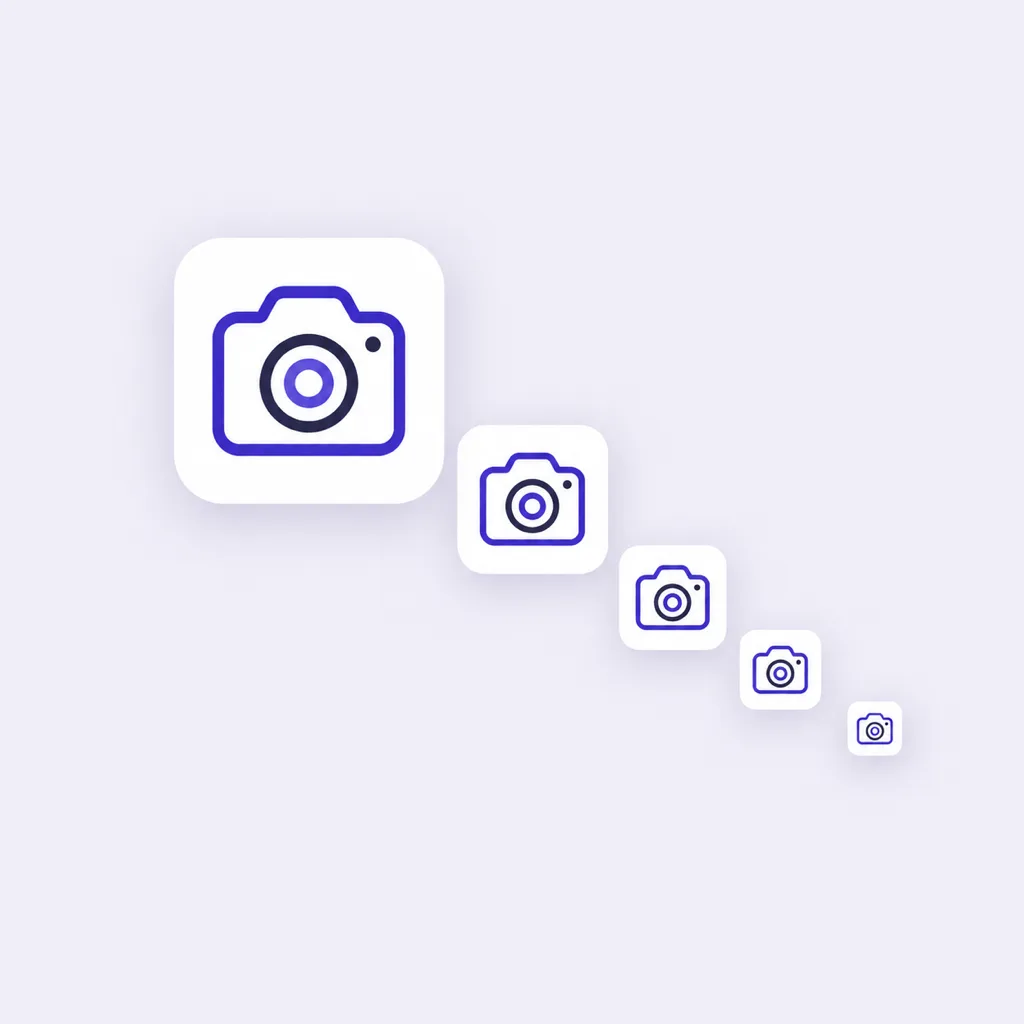
Every candidate can be previewed at 48, 32 and 16 px beside its 1024 px master, so the decision happens at the size the icon will really render, not at the size it flatters.
The work stays revisitable
Generations land on a canvas with their prompts attached. Branch a direction, park it, and reopen the session weeks later when the client sends notes, without redoing the rounds you already ran.
How to Create a Designer Icon in 3 Steps
From a one-line brief to a master file that covers the deck, the product UI and the favicon.
- 1
Write the brief in one sentence
Name the concept, the style family and the palette, like "flat designer icon, pen nib inside a rounded square, warm gray on white, readable at 16 px, no text". A sentence that names those three things usually lands usable candidates on the first generation.
- 2
Generate, branch, judge small
Candidates arrive at 1024x1024. Branch the promising ones into weight and color variants, then switch to the 48, 32 and 16 px previews, because a mark that only works large is a decoration, not a designer icon.
- 3
Lock the style, cut every size
Keep the winner's style words as the set's recipe, attach the mark as a reference image so later icons follow it, then export PNG, ICO and WEBP cuts from the single master for the deliverable.
Three Ways to Get Designer Icons
A stock marketplace, a commission from icon designers, and an AI generator all end at a folder of files. They differ in who owns the mark, whether it matches your system, and what happens when the next concept is missing.
| Stock icon marketplaces | Commissioning icon designers | AI icon generator | |
|---|---|---|---|
| Where the icons come from | Marketplaces listing thousands of premade designer icons anyone can download | A freelance icon designer or studio brief, quoted per set or per icon | Your prompt: concept, style family and palette in one sentence |
| Who else has the same mark | Every other buyer of the same file, which is why lookalike icons keep appearing across sites | No one, if the contract assigns exclusive rights to the final icons | No one: each generation is a new drawing that exists once |
| Brand fit | Closest match wins; palette and stroke weight rarely line up with the system | High, if the brief is precise, and the set ages with the relationship | Generated in the exact palette and weight named in the prompt |
| Turnaround | Immediate download | Days to weeks per round, plus revision cycles | About a minute per generation round, revisions included |
| Adding the next icon | Search again and hope a lookalike ships in the same pack | Go back to the designer, at day rates | Reuse the style words and the reference image, generate in minutes |
| Cost at set scale | Subscription or per-pack, repeated yearly | The most expensive route once a set passes a dozen marks | Credits per generation, free credits to start |
Comparison of typical sourcing routes for designer icons, based on marketplace pricing pages and common freelance terms as of 2026.
Designer Icon Prompt Examples
Copy any of these into the generator, then swap the concept for your own. A strong designer icon prompt names three things: the concept, the style family, and the palette with its background, because those three decide whether the mark can sit in a real layout.
Concept glyph for a service page
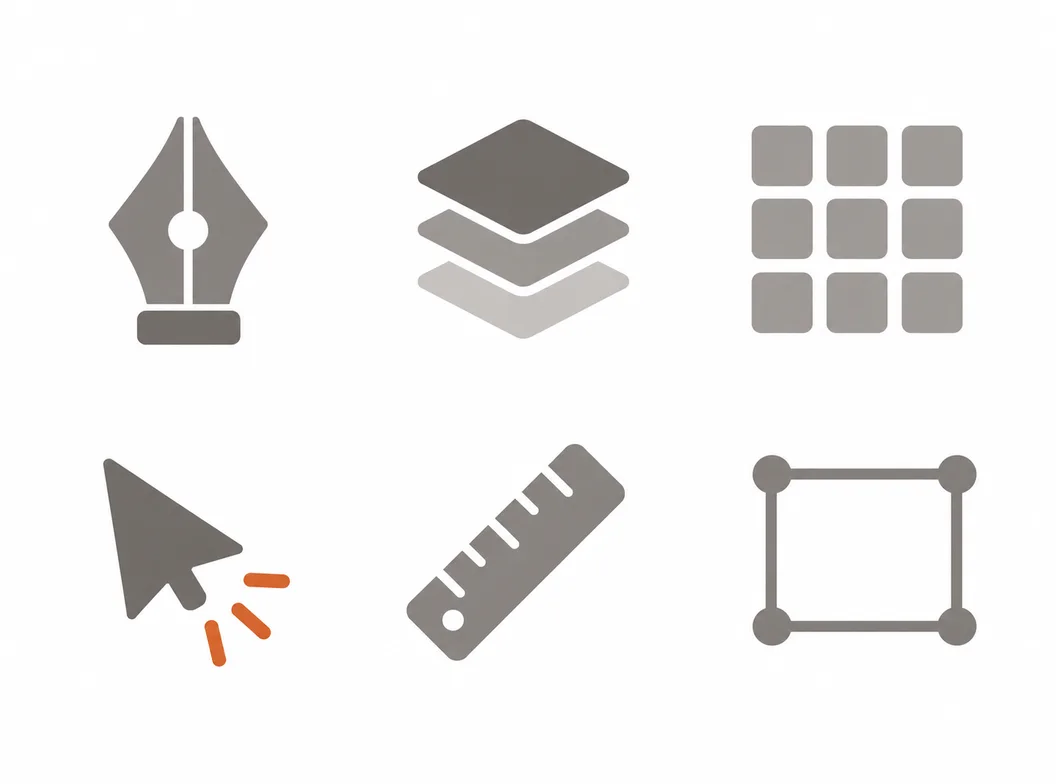
flat designer icon, pen nib inside a rounded square, warm gray on white, single accent in burnt orange, readable at 16 px, no text
Creator icon for a channel
flat creator icon, camera aperture with a play triangle in its center, coral and charcoal on cream, bold silhouette, crisp at 24 px, no text
Editorial mark for a publication
line style editorial icon, open book with a leading of three lines, indigo on white, uniform 2 px stroke, generous margins, no text
What the Generator Handles for You
Everything between the first sentence of the brief and a master file that drops into the deliverable.
Marks in your palette
Name the colors in the prompt, plain words or hex values, and the candidates arrive in them, so the mark sits in the layout without a recoloring pass.
Reference-image matching
Upload one approved mark and new generations follow its look, which keeps a growing icon set inside the style that was already signed off.
Variants on one concept
Branch a mark into weight, palette and style versions, compare the takes side by side, and keep the winner without losing the runners-up.
Small-size previews
Check every candidate at 48, 32 and 16 px, the sizes where concept marks fall apart next to their labels.
Exports for every deliverable
PNG, ICO and WEBP from one master, transparent for layout work, solid cuts for buttons and badges.
A canvas that keeps the session
Every generation stays on the canvas with its prompt, so an icon set started under one deadline can continue under the next.
Where a Creator Icon Fits
The neighboring search to a designer icon is the creator icon: the mark a content creator uses for a channel, a newsletter or a product. The two ask the same question at different scales. A creator icon lives at avatar sizes, so it favors one bold silhouette over detail: an aperture, a waveform, a monogram letter. It also has to survive being cropped to a circle on most platforms, which argues for a centered subject and breathing room at the edges. The generator handles both briefs the same way: name the object, the style and the palette, generate at 1024 px, and cut the avatar sizes from the master rather than letting a platform crush a detail-heavy original.
One silhouette per channel
Pick the single object the channel is known for and let it carry the mark; a creator icon that lists three interests reads as none of them at 40 px.
Crop-safe composition
Center the subject and keep the outer margin clear, because profile frames on social platforms crop to circles and rounded squares without asking.
Cut avatars from the master
Generate at 1024 px and export the 400, 200 and 48 px avatar sizes yourself instead of uploading one file and letting every platform rescale it differently.
Related Workflows
One generator behind every icon a project ships, from the first concept to the browser tab.
The full icon design workflow
Concept, silhouette and small-size testing for marks that must survive every surface.
Graphic icon design
Small graphic marks for decks, packaging and wayfinding, in the project's own palette.
UX concept marks
Journey maps, usability marks and interface icons for design documentation.
A matched family for the brand
Take the design language across the app, site, deck and support pages.
Feature grids of eight
A consistent set of 8 icons for the landing page, one prompt family.
Resize a finished square
Cut an existing 1024 px icon into every store and web size, free and local.
Related Tools
Blog
Further Reading
Longer reads on icons, styles and export workflows.
Designer Icon FAQ
What a designer icon covers, where to get icons as a designer or creator, and the questions asked before generating.
What is a designer icon?
It is a mark made for design work: the concept glyph on a case study, the pictogram row on a service page, the creator icon on a channel avatar. What separates it from a stock download is intent. A designer icon is briefed for one system, so its stroke weight, palette and corner style match the layout around it instead of fighting it.
Where can I download designer icons for free?
Free tiers of stock libraries like Flaticon and Icons8 offer designer icon downloads with attribution rules and daily caps. Open-source sets like Lucide and Tabler are MIT licensed and free for commercial use. Or write the brief in the generator above: it starts with free credits and returns a custom mark in your palette instead of a file thousands of sites share.
How do I create a designer icon with AI for free?
The generator above starts with free credits. Name the concept, the style family and the palette in one sentence, generate the first candidates, and check them at 16 px before paying anything. Further generations use credits, and every plan includes all styles and export formats.
Do stock marketplaces sell icons I can use as my own?
You buy a license to use the file, not the file itself. Stock licenses are non-exclusive, so the same mark can appear on other sites, and most standard licenses were never written for marks that identify a brand. If the icon has to be yours alone, generate it or commission it with rights assigned.
Why do so many sites have the same icons?
Because convenience concentrates. When thousands of projects pull from the same top-ranked packs, the same lightbulb and rocket marks spread across landing pages. Generating from your own brief breaks the pattern: the mark exists once, for you.
What makes a good designer icon?
One concept per mark, a silhouette that survives 16 px, a stroke weight that matches the type beside it, and a palette pulled from the brand rather than near it. Most weak designer icons break one of those four, not all of them.
What is a creator icon?
The mark a content creator uses to identify a channel, newsletter or product: avatar, watermark, overlay corner. It lives at small sizes on social platforms, so it favors one bold, centered silhouette that survives a circular crop, generated large and exported at the exact avatar sizes.
How do I keep an icon set consistent while generating?
Write the style words once and reuse them in every prompt, then upload the first approved mark as a reference image so later generations follow its weight, palette and corner style. The canvas keeps every prompt attached to its generation, which makes the recipe auditable when the set grows.
Can I use AI-generated icons in commercial projects?
Yes. You keep full commercial rights to every icon you generate, subject to the terms of service, including marks used in client work, shipped products and paid campaigns.
What file formats does a designer icon need?
PNG with transparency for layout and web work, WEBP for lighter delivery, and ICO when the mark doubles as a favicon. The master is 1024x1024 and every smaller cut comes from it, so the same mark stays sharp from the deck to the browser tab.
Start Your Designer Icon
Write the one-sentence brief, generate candidates in your palette, judge them at 16 px, and export every cut the deliverable needs.