
AI Favicon Generator: One Mark, Every Browser Tab
A favicon is your brand at 16 pixels: the tab strip, the bookmark bar, the history list, the phone's home screen. An AI favicon generator draws that mark from a sentence. Describe the subject and the palette, judge the candidates at the size tabs render, and export the whole set, favicon.ico with its packed sizes, the scalable favicon.svg, and the PNG cuts every platform asks for, from one 1024 px master.
Favicons and Marks Generated from Text
Marks from the favicon generator that hold up at tab size, from single-letter favicons to small pictograms, each drawn from a one-line brief and exported as a full favicon set by its creator.


What a Favicon Set Includes in 2026
One favicon has not been a single .ico file for years, and the browsers keep adding surfaces. A complete set in 2026: favicon.ico packing 16, 32 and 48 px as the fallback every browser still asks for at the site root; favicon.svg, the scalable version modern browsers render in tabs, which can also carry a dark-mode variant inside the file itself; apple-touch-icon.png at 180 px for iOS home screens; and the 192 and 512 px PNGs a web app manifest references, which is what an installed PWA shows on a phone. Draw one mark that survives all of them and the favicon generator cuts the set from it.
favicon.ico, the fallback that never died
Browsers request /favicon.ico by default when nothing else is declared. The generator packs the multi-size ICO so a missing declaration still shows your mark, not the generic document icon.
favicon.svg, the sharp one
One vector file renders crisply at every tab and bookmark size, and can switch its colors for dark mode inside the file. Its quality-to-weight ratio leads the set.
Touch and install sizes
The 180 px apple-touch-icon and the 192 and 512 px manifest PNGs cover iOS home screens, Android launchers and installed web apps, all cut from the same master.
How to Make a Favicon in 3 Steps
How the favicon generator turns one sentence into the files your site root needs.
- 1
Describe the mark in one sentence
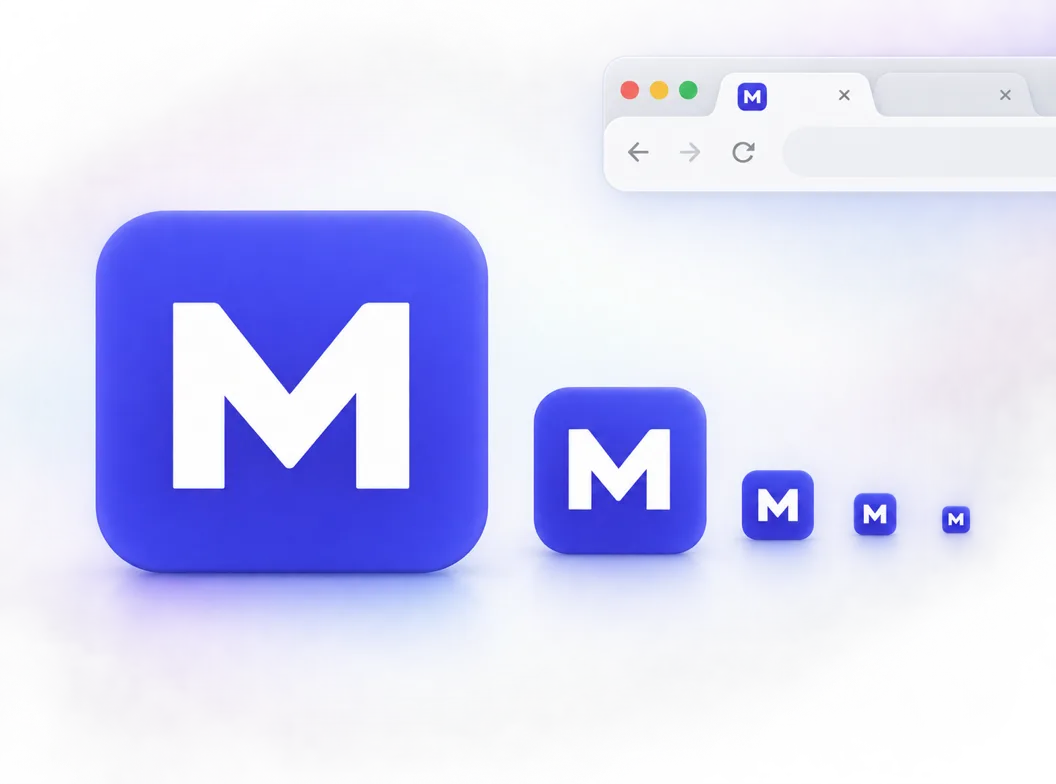
Like "letter M favicon, bold geometric M, white on indigo square, readable at 16 px". A favicon generator prompt that works names one subject, one shape idea and strong contrast; a favicon is a mark, not a picture.
- 2
Judge every candidate at 16 px
Candidates arrive at 1024x1024, but tabs render them at 16 and 32. The favicon generator's small-size previews decide the winner; anything that turns to smudge there is out, whatever it looks like full screen.
- 3
Export the set and wire the links
Export favicon.ico, favicon.svg and the PNG cuts, drop them in the site root, and declare the ones beyond the default lookup with the link tags in the FAQ below.
Favicon Generator npm: When a Package Beats an Online Tool
Search favicon generator npm and the results are packages: favicons, @profullstack/favicon-generator and their neighbors on npm. They earn their installs when the favicon pipeline has to run itself. An npm favicon generator takes a source image and emits the full set into your build, on every build, in CI, with zero human judgment in the loop. That is the right call when the mark already exists and ships on a schedule: an app team pushing releases weekly wants the ICO, SVG and manifest PNGs regenerated by a task, not by someone remembering a website. The online AI favicon generator route earns its place one step earlier, where the mark itself does not exist yet: the drawing, the palette call, the 16 px judgment. The two compose: draw the mark here once, commit the 1024 px master, and let the npm package own the pipeline from there.
Use an npm package for the pipeline
favicons and its siblings plug into webpack, Vite and CI. They resize and pack what you feed them, on every build, which is what a shipping product wants.
Use the AI generator for the mark
No package invents your mark or tells you it dies at 16 px. Drawing the thing, judging it at tab size and branching alternatives is the human-judgment half.
Compose them: master here, pipeline there
Generate and approve the 1024 px master once, commit it as the source asset, and point the npm task at it. The set stays fresh and the mark stays yours.
Skip the package for a small site
A landing page or a docs site does not need a build task for five files. Export the set once, put it in the root, and spend the saved afternoon on the product.
Three Ways to Generate a Favicon
The favicon generator results split into three camps, and they answer different questions. Match the camp to the job.
| npm packages | Online converters | AI favicon generator | |
|---|---|---|---|
| Where it runs | In your build and CI pipeline | In the browser, per upload | In the browser, the AI favicon generator, per prompt |
| What you start from | A finished source image you already approve | An existing image, usually a logo file | A sentence: subject, shape idea and palette |
| Creates new artwork | No: it packs and resizes what you feed it | No: it crops and converts what you upload | Yes: each generation is a new drawing of your brief |
| Judgment at 16 px | Yours, on the source image, before the run | Yours, on the upload, before the convert | Built in: 48, 32 and 16 px previews on every candidate |
| Repeats on every release | Yes, that is the point | No: a manual upload each time | No: manual, but variants branch in minutes |
| Cost profile | Free package, your build time | Free to a few dollars per batch | Credits per generation, with free credits to start |
Comparison of typical favicon generator routes, based on the tool categories ranking for the query as of 2026.
Favicon Prompts That Survive 16 px
Copy one and swap the subject for your own. A favicon prompt that works names one subject, one shape treatment with its colors, and the 16 px target out loud.
Letter mark
letter M favicon, bold geometric M, white on indigo rounded square, thick strokes, readable at 16 px, no text besides the M
Pictogram
rocket favicon for a developer tool, white rocket ascending on a dark slate square, simple silhouette, readable at 16 px, no text
Transparent glyph
transparent background favicon, single green leaf glyph, centered, thick stem, readable at 16 px, no text
One Favicon, Every Surface That Shows It
The set is the deliverable, and the favicon generator's canvas keeps the whole story: the mark that won at 16 px, the ICO, SVG and PNG exports cut from it, and the variants you parked for the next brand refresh. Branch a neon or a dark-mode take, pin it beside the production mark, and the next round starts from decisions, not from zero.
Tab strip first
The 16 px preview decides the winner, because the tab strip is where the favicon works for a living.
Set exports from one master
favicon.ico, favicon.svg and the touch and manifest PNGs all cut from the same 1024 px master, so every surface matches.
Variants parked, not lost
Dark-mode and seasonal takes stay on the canvas with their prompts, ready when the refresh comes.
What the Favicon Generator Handles for You
Everything the favicon generator does between your sentence and the files in your site root.
16 px judgment built in
Every candidate previews at 48, 32 and 16 px, the sizes tabs, bookmarks and history lists render. The decision happens at the size that matters.
Multi-size ICO packing
Export favicon.ico with 16, 32 and 48 px packed in one file, the fallback every browser still requests at the root by default.
SVG and transparent exports
favicon.svg for crisp modern tabs, transparent PNG and WEBP glyphs for interface use, solid fields for touch icons.
Marks in your palette
Name the colors in plain words or hex values and the candidates arrive in them, with the figure-ground contrast a 16 px mark needs.
Branches on one concept
Take the same mark through weight, palette and dark-mode variants, compare side by side, and keep the runners-up parked for later.
A canvas that keeps the set
The approved master, its exports and the parked variants stay on the canvas with their prompts, so the next refresh starts from history.
Related Workflows
Neighboring generators for the jobs around a favicon.
Related Tools
Blog
Further Reading
Longer reads on icons, styles and export workflows.
Favicon Generator FAQ
File formats, sizes, the npm route, and the link tags that tie the set together.
What is the best free favicon generator?
It depends on what you are missing. If the mark exists and you need files, an npm package like favicons in your build, or a converter site, produces the set from an upload. If the mark does not exist yet, the generator above draws it: describe the subject, judge candidates at 16 px, and export favicon.ico, favicon.svg and the PNG cuts. Free credits cover the first round.
Should I use PNG or SVG for a favicon?
Both, in different slots. SVG is the primary favicon for modern browsers: one file scales to every tab and bookmark size and can carry a dark-mode variant. PNG covers the sizes and platforms SVG does not reach, and ICO with 16, 32 and 48 px packed inside remains the fallback browsers request at the root. Declare the SVG first, the others behind it, and every browser takes the sharpest format it supports.
Are favicons still used in 2026?
Yes, and in more places than before. Tabs, bookmarks, history lists and search results on some browsers render the favicon, installed PWAs use its manifest siblings on home screens, and chat apps show it beside shared links. A missing favicon renders as a generic document icon next to everyone else's mark, which is why the 16 px version of a brand still gets designed on purpose.
How do I add a favicon to my website?
Put favicon.ico in the site root, where browsers look by default, then declare the rest in the head: , and . In Next.js, add the icons field to the metadata export; in Vite, the public folder plus the same tags. The FAQ on touch sizes covers the manifest side.
What size should a favicon be?
The source master should be 1024x1024 px. The shipped set: favicon.ico with 16, 32 and 48 px packed inside, favicon.svg unscaled, apple-touch-icon.png at 180x180, and 192x192 plus 512x512 PNGs referenced by the web app manifest. Tabs render the favicon at 16 or 32 px depending on the browser and device, which is why candidates are judged at 16 px before anything ships.
How do I make a favicon from a PNG?
If the PNG is a finished, approved mark, feed it to the free resizer or an npm favicon task and collect the set. If the PNG needs redesigning to survive 16 px, thinner strokes and cleaner silhouette, generate from it: attach it as the reference image in the favicon generator above and describe the rework.
Can a favicon have a transparent background?
Yes. PNG favicons and the SVG format both support transparency, and a transparent glyph reads well on both light and dark tab strips. Keep in mind the mark itself must carry enough contrast to survive any background, which is the stricter test: a mark that only works on white is a mark that disappears at night.
How do I generate favicons with npm?
Install a favicon generator package, favicons or @profullstack/favicon-generator are the established options, point its config at a source image of at least 512 px, and wire the task into your build. The package packs the ICO, SVG and PNG set on every run. It resizes what exists; it does not design the mark, so the common pattern is to approve the 1024 px master here first and let the npm task own the pipeline after that.
Do I still need favicon.ico if I have favicon.svg?
Keep it. Browsers that understand the SVG will use it when declared first, but older browsers, some readers and scanners, and the default /favicon.ico request at the root still expect the ICO. It costs a few kilobytes as the fallback for the entire set, and it is the one file every client knows how to ask for without being told.
Can the favicon match my app icon?
Yes, and it should: one mark, exported at every size, is how a brand stays recognizable from the browser tab to the home screen. Run the favicon generator once, export the set from the 1024 px master, and cut the store sizes with the site icon generator or the platform-specific exporters.
Generate Your Favicon Set
The favicon generator turns one sentence into a 16 px-proof mark, with favicon.ico, favicon.svg and the PNG cuts ready for the site root.