
What Is an App Icon? Definition, Sizes and How It Works
What is an app icon?
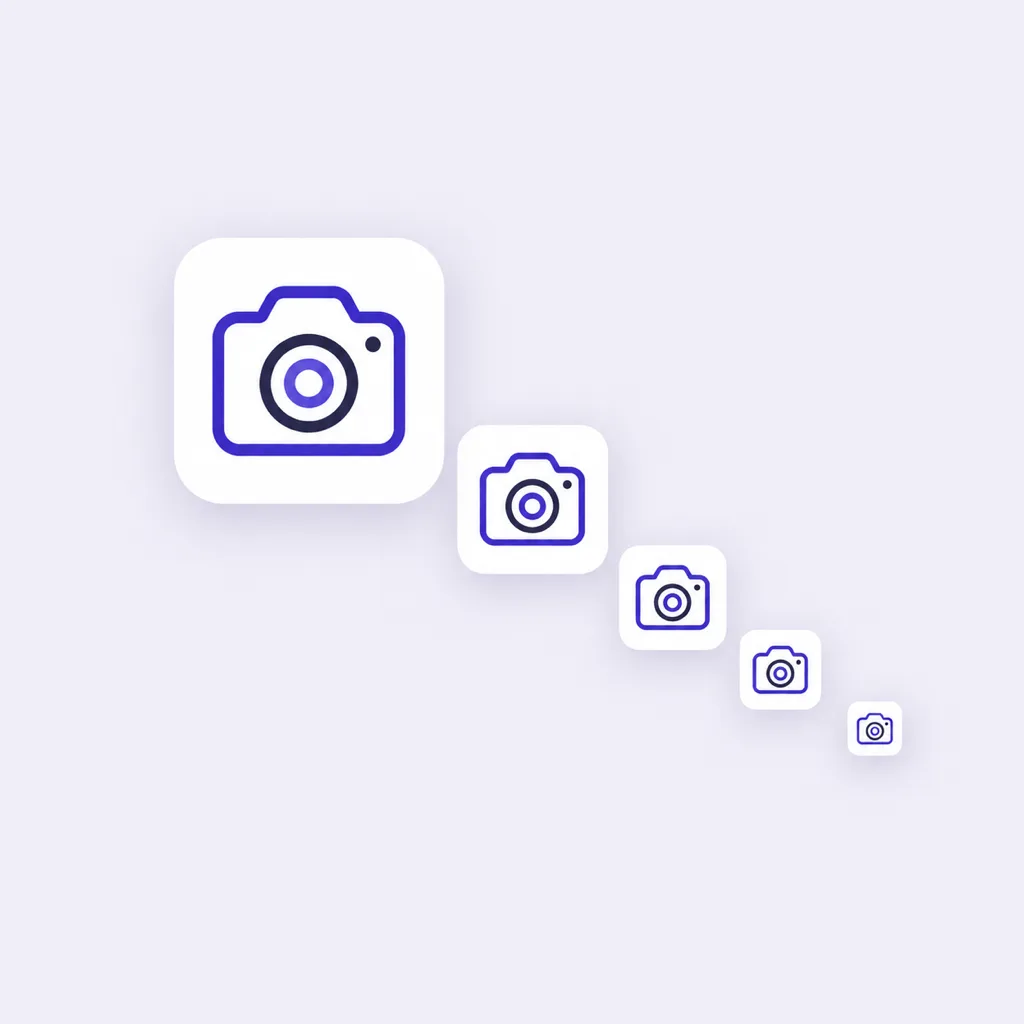
An app icon is the small square image that represents an application on a phone, a tablet or a computer. It is the picture you tap to open the app, the thumbnail you scroll past in the store, and the mark that sits beside the app's name in a share sheet. One file, or more often one set of files, works as a button, a label and a brand mark all at the same time.
The term overlaps with a few neighbors, and the boundaries are easy to blur. A logo is the company's mark and can be any shape. That square rendering on the device is the one people tap. A favicon is the website's equivalent in a browser tab. And a notification icon is the tiny glyph an app shows in the status bar while it runs. Ask what an app icon is and most people mean that square launcher image, which is what this guide covers.
App icon vs logo vs favicon
The three get mixed up because they often look alike on purpose. The differences sit in shape, size and where each one lives:
| App icon | Logo | Favicon | |
|---|---|---|---|
| Shape | Square, corners rounded by the OS | Any shape | Square, shown small and often round in tabs |
| Lives in | Home screen, app store, settings | Website header, business card, packaging | Browser tab, bookmark list, history |
| Typical sizes | 1024 px master, cut down to 48 px or smaller | Vector, any size | 16 px, 32 px, 48 px, 180 px apple-touch-icon |
| Who shapes it | You design the square, the system rounds and scales it | You or your designer | You ship it with the site |
A favicon, to define it directly, is the small image file a website publishes so browsers can show its mark in tabs and bookmark lists. If you need the web side of this, the MDN guide to favicons explains the mechanics, and SparkIconAI's site icon generator cuts a master into every favicon and PWA size in one pass.
What is the iOS app icon size?
On the Apple side, you supply one square master at 1024 x 1024 px, PNG, with no transparency. Since Xcode 14 that single master is all the asset catalog needs: iOS derives every other context from it, the home screen, Spotlight, Settings and notifications. Apple's App icons guidance asks for a full-bleed square because the system, not the designer, applies the rounded corners, and with iOS 26 the system can also apply its Liquid Glass treatment to home screen icons. In practice that means you never bake rounded corners into the file you submit.
What is the Android app icon size?
Android asks for two things. The Google Play listing icon is a 512 x 512 px 32-bit PNG. The launcher icon is an adaptive icon: two layers, background and foreground, each 108 dp, of which the middle 72 dp survives the mask and a centered 66 dp circle is the guaranteed safe zone. Different launchers mask that shape differently, some round, some squircle, which is why the rule is to keep the important part of your mark inside the safe circle. The adaptive icon documentation has the full spec, and the Google Play icon generator exports both the 512 px listing asset and the mipmap set from one master.
What is an app icon badge on Android?
An app icon badge is the small dot or number that appears at the corner of the icon when the app has a pending notification. Google calls the dot form notification dots, a feature since Android 8.0. Samsung's One UI names the same thing app icon badges and lets you choose between a dot and a number per app, which is why the phrase reads differently on a Samsung phone than on a Pixel. Long-press the icon to peek at the notifications, or toggle the feature in Settings under Notifications. The badge is drawn by the system, so there is nothing to design into the file itself, though it is one more reason to keep the center of your mark uncluttered.
What is the apps icon on Android?
On many Android phones, the apps icon is the button at the bottom of the home screen, usually a circle or a grid of dots, that opens the app drawer: the full alphabetical list of every installed app. It is a navigation control, not an application's icon, which is the mix-up the question usually carries. Its look changes with the launcher, and on gesture navigation it disappears entirely, replaced by a swipe up.
While we are decoding unfamiliar marks: a stray letter icon in the status bar, like a T icon on Android, is almost never from the system itself. Android ships no built-in T symbol, so it comes from a third-party app that posted a notification, often one whose name starts with that letter. Checking notification history in Settings names the app in a few seconds.
How icons are made
There are two ways to get the square master. The classic way is a designer drawing it in vector software against a grid, tuning the silhouette until it reads at 48 px. The newer way is generative: you describe the mark in a sentence, an AI model returns a 1024 px master, and you iterate by re-prompting or branching. The second road is what SparkIconAI does: describe the icon, generate candidates, check them at 16 px, then export the store and web sizes from one master. If you want the full design process, the icon design guide and generator walks through concept, type and silhouette decisions, and the AI icon generator is the quickest way to make your first one.
Quick FAQ
- What is a favicon generator? A tool that turns one square master into the favicon files a site needs: favicon.ico, the 180 px apple-touch-icon and the 192 and 512 px PWA icons. The site icon generator does exactly that cut.
- What is icon design? The practice of drawing symbols that represent objects and ideas, which covers the marks on your home screen, interface icons and brand sets. The icon design page covers types, rules and the AI workflow.
- Can one image serve as every size? Yes, when the silhouette is simple enough. Design the 1024 px master, preview it at 48, 32 and 16 px, and simplify the shape rather than the idea if it blurs.
- Do I need rounded corners in the file? No. iOS and Android both apply their own masking, so submit a full-bleed square and let the system round it.