
App Icons PNG: Generate Every Size from One Master
Every store still reads PNG somewhere. Apple wants a 1024x1024 PNG master with no transparency, Google Play wants a 512x512 32-bit PNG, and launchers and browsers want small PNG cuts of the same mark. Describe the icon once, generate the 1024 master, and export every size the stores and the web ask for in one pass.
App Icon PNG Examples
Icons generated as PNG masters: bold subjects in flat, 3D and glass styles that stay readable from a 1024 px master down to a 16 px favicon tab.


What Are App Icons in PNG Format?
PNG is the lossless raster format every icon pipeline agrees on: Apple validates a 1024x1024 PNG master, Play Console expects a 512x512 32-bit PNG, Android density folders fill with 48 to 192 px PNGs, and browsers fall back to small PNG favicons when nothing else is declared. The rules differ per surface, and the differences are where files get rejected. This generator starts at the sentence: describe the mark, generate the 1024 master on the infinite canvas, branch variants until the silhouette survives 16 px, then export the whole PNG ladder in one pass with transparency applied only where the target surface allows it.
Visual Lineage Tree
Branch one mark into PNG variants by weight, color and background, and keep every iteration linked to its prompt.
Built-in Post-Processing
One-click background cutout for surfaces that allow transparency, solid fills for the stores that refuse it.
Safe Zone Protection
Inner padding guides keep the subject readable through launcher masks and favicon crops at the smallest PNG sizes.
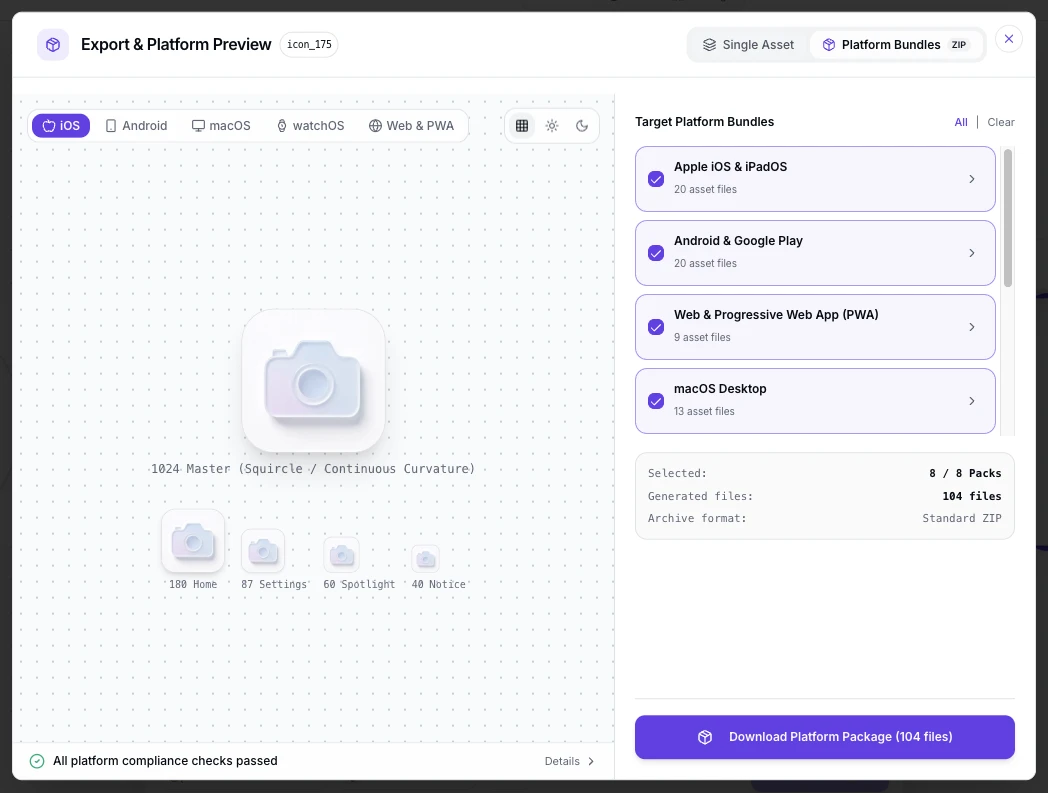
App Icon PNG Prompt Examples
Copy any of these into the generator, then edit the subject, style and color words to fit your project. A strong PNG icon prompt states three things: the subject and how it sits in the square, the style and palette, and how the mark behaves at small sizes.
Flat store-ready mark
Flat app icon PNG, single geometric mountain centered on a teal field, thick silhouette readable at 48 px, full square composition, no text, crisp edges for lossless scaling
Transparent web icon
Minimal icon for a web app, white bolt glyph on transparent background PNG, thick strokes, centered with generous padding so maskable crops keep the silhouette
3D PNG master
3D app icon PNG master, soft clay dice with pastel gradient, studio lighting, subject filling two thirds of the square, one clear silhouette that reads at 32 px
How to Make App Icon PNGs in 3 Steps
From one sentence to the full PNG size ladder, with no resize round-trips.
- 1
Describe the icon
Write one sentence covering subject, style and colors, like "a flat anchor mark, coral on navy, app icon PNG for a sailing app". State whether the background is solid or transparent.
- 2
Generate the 1024 master, then test it small
Generate at 1024x1024 and preview the mark at 48 px and 16 px before judging it. Every smaller PNG is a downscale of this master, so weak silhouettes fail everywhere at once.
- 3
Export the PNG ladder
Export the 1024 iOS master, the 512 Play asset, the mipmap sizes and the favicons from the same file, with transparency only where the target allows it.
App Icon PNG Size Matrix
Every PNG an app ships, per surface, with the format rules that decide whether the file passes. These are the current requirements.
| Surface | PNG sizes | Format rules | Notes |
|---|---|---|---|
| App Store master | 1024x1024 px | PNG in sRGB or Display P3, no alpha channel, no transparency, square corners | The single upload Apple derives every other iOS size from |
| Google Play listing | 512x512 px | 32-bit PNG in sRGB, at most 1024 KB, full square with no baked rounded corners | Play Console validates the file before review |
| Android launcher mipmap | 48, 72, 96, 144 and 192 px | One per density bucket; adaptive foreground layers ship as PNGs too | Alpha is allowed in adaptive layers, kept inside the 66 dp safe zone |
| Web favicons and PWA | 16, 32 and 48 px favicons; 192 and 512 px manifest icons | Transparency supported; maskable variants keep content inside the 80% safe circle | Browsers pick the declared size and fall back to PNG when no SVG or ICO is listed |
| Windows ICO packaging | 16 to 256 px inside one .ico | The container wraps PNG frames; 256 px is the largest single frame | Desktop builds and installer resources read the multi-size file |
Sizes follow App Store, Google Play, web app manifest and Windows icon requirements, checked September 2026.
Describe the mark, test it at 16 px, then ship the 1024 master, the 512 Play asset, the mipmap set and the favicons in one pass.
Open the App Icon PNG GeneratorOne PNG, every surface
The same lossless file scales up and down the whole ladder. Have a finished square logo already? The free app icon resizer cuts it into every PNG size locally, no new render needed.
The alpha channel, per surface
Transparency is the rule that flips the most: banned on the App Store master, rendered black by most Play surfaces, expected in web favicons and allowed inside Android adaptive layers. Export opaque for stores, transparent for the web.
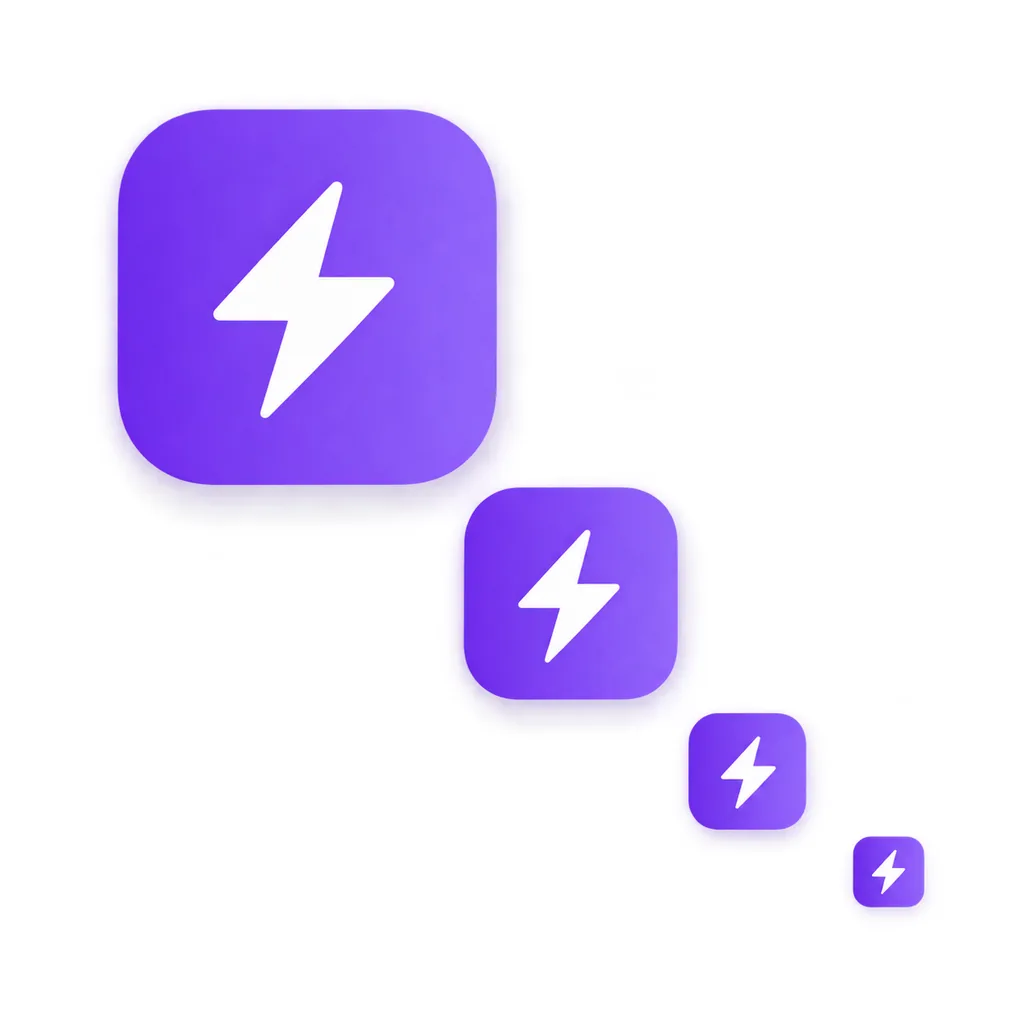
One master, every cut
A 1024x1024 master carries enough pixels for every target: downscale to 512 for Play, 192 down to 48 for launchers, 32 and 16 for favicon tabs, all without re-illustrating.
PNG, SVG, ICO and WEBP
The format stays lossless and universally accepted. SVG scales freely but no store accepts it as the icon upload. ICO bundles many PNG sizes for Windows. WEBP compresses smaller for web art, yet PNG remains the favicon and store default.
Keeping PNG files small
Play caps the 512 asset at 1024 KB and 32-bit color. Flat artwork with few colors compresses far below the cap, while photo-style gradients push against it; store exports stay inside the limit.
Where PNG app icons end up
The master travels further than the stores. The same PNG cuts down into browser tab favicons, PWA install prompts, desktop shortcut icons, social link previews and press kit artwork. Design for the 16 px tab first: a mark that reads beside a page title survives every larger placement.
PNG vs SVG vs ICO for App Icons
Three formats, three different jobs. Stores tell you which one to upload; the web lets you choose.
| PNG | SVG | ICO | |
|---|---|---|---|
| Accepted as store upload | Yes, by App Store and Google Play | No store accepts SVG as the icon | No, desktop packaging only |
| Transparency | Supported; some surfaces ban it | Supported everywhere | Supported inside frames |
| Scaling | Fixed pixels per export size | Infinitely, as vector source | Fixed frames inside one file |
| File size | Lossless, larger at photo detail | Smallest for flat marks | Grows with frame count |
| Best used for | Store masters, launchers, favicons | Web art, design source, editing | Windows apps and installers |
| Editability | Raster edits only | Full vector editing | Frame swaps only |
Format behavior follows current store and browser requirements, verified as of 2026.
What the Generator Handles for You
Everything between the first prompt and a complete set of PNG files.
One 1024px master
Generate once at full resolution; every PNG size down the ladder derives from it cleanly.
Per-store PNG cuts
The 1024 iOS master, the 512 Play asset and the mipmap sizes, exported to each store's format rules.
Transparent where allowed
Opaque masters for stores that ban alpha, transparent PNGs for favicons and web art, from the same mark.
ICO bundling
Windows-ready .ico files with 16 to 256 px PNG frames packaged for desktop builds.
Variants until it reads small
Regenerate the same concept until the silhouette survives the 16 px favicon tab.
Every style for one mark
Flat, 3D, glassy, pixel and more presets, tuned for raster export at icon scale.
Icon Styles for PNG Export
Raster formats reward bold simple marks: flat and minimalist styles compress small and read at 16 px, 3D and glass styles add depth that survives downscaling when the silhouette stays single, and pixel styles keep hard edges that PNG stores losslessly. Compare directions at icon scale in the icon style gallery: the minimalist, pixel and glassy pages show each style on real marks.
Design a PNG Icon That Survives 16 px
Four habits prevent most icon problems. Design at 1024 and judge at 16, because every size in between is a downscale of the same file. Keep one subject per icon; two shapes merge into mud at favicon size. Fill the square edge to edge for stores, but pad the mark for maskable web crops. And export sRGB for store uploads, since untagged color profiles shift on store validation.
Where the Workflow Fits
One master from the generator, exported as PNG for every surface that shows a small square beside your project's name.
Store launches
Ship the 1024 iOS master and the 512 Play asset from the same render, spec-checked per store.
Web and PWA icons
Favicon PNGs, 192 and 512 manifest icons and maskable variants in one export.
iOS releases
The no-alpha 1024 master plus the Xcode asset set, derived per Apple's rules.
Android releases
The 512 listing asset and the mipmap density set for Play Console.
Already have a square logo
Skip the render and cut every PNG size locally in the browser.
Icon research
Browse the icon gallery for mark directions, then generate your own PNG from a prompt.
Related Tools
Blog
Further Reading
Longer reads on icon design, formats and workflows.


App Icon PNG FAQ
Sizes, transparency, formats and the questions people ask about PNG app icons.
What size should a PNG app icon be?
Ship one 1024x1024 px master and cut the rest from it: 512x512 for Google Play, 48 to 192 px for Android launchers, 16 to 48 px for favicon tabs and 192 or 512 px for PWA manifests. The App Store asks for the 1024 master alone.
Can a PNG app icon have a transparent background?
It depends on the surface. The App Store master rejects transparency outright, and most Play store surfaces render transparent regions as black. Web favicons and PWA icons welcome transparency, and Android adaptive foreground layers use it. Export opaque for stores, transparent for the web.
PNG or SVG for app icons?
Stores want PNG: Apple and Google both validate PNG uploads and neither accepts SVG as the icon. SVG earns its keep as your editing source and as scalable web art. Keep a PNG export path even when you design in vector.
How do I convert an existing icon to PNG sizes?
Feed the square logo to the free app icon resizer and download every size locally. If the artwork does not exist yet, describe it in the generator above and export the full PNG set from a new render.
Do Android app icons need PNG files?
Yes, in two places: the 512x512 32-bit file for the Play listing, and the launcher mipmap PNGs per density bucket. Adaptive icon layers are declared in XML but the foreground and background artwork ships as raster files.
Is PNG or WEBP better for app icons?
PNG for anything a store or an installer validates, since both stores specify it. WEBP compresses smaller for decorative web art, but browsers still expect a PNG or ICO fallback favicon. Ship PNG masters and let web art use WEBP where you control the markup.
How do I make a 512x512 PNG?
Generate or resize the master at 1024x1024, then export the 512x512 cut as a 32-bit sRGB file under 1024 KB. The generator above exports the Play-ready 512 from the same master, and the resizer cuts it from an existing file.
Can I use the generated PNG icons commercially?
Yes. You keep full commercial rights to every icon you generate, subject to the terms of service, including icons shipped in store listings and products.
Does the iOS App Store accept PNG with an alpha channel?
No. The 1024x1024 upload must be flattened, with no alpha channel, no transparency and no layers. Export an opaque master for App Store Connect; see the iOS app icon generator for the full iOS rules.
Generate Your PNG Icon Set
Describe the mark once, export the 1024 master, the 512 Play asset, the mipmap set and the favicons as PNG files, and upload everywhere the same day.